Email Template - Round Corners
You can download the HTML for this newsletter template:
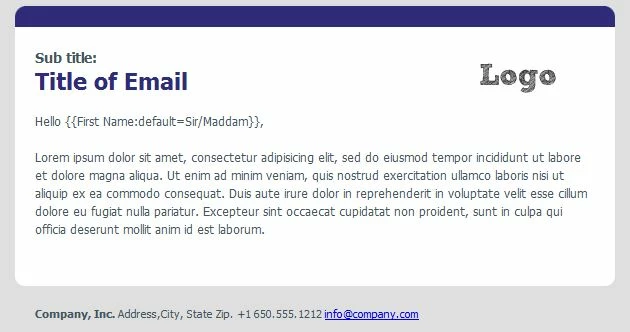
To customize the style:
- Copy the email template to any text editor.
- Replace #312B7B with your corporate color. Download TrayColor if you need a tool to get the color from your website.
- Replace the Logo with your own logo (search for "logo" in the source). If you upload an image to Marketo for this purpose, make sure to use the full URL.
- Replace the Title at the top
- Replace the Contact Info in the footer at the bottom
- Optional -- change the sidebar width (search for "250px")*
- Paste back into the Marketo Email Template and Preview. Everything should be ready to go.
*The Curved Paper with Sidebar will not render correctly if you change the sidebar width.
If you are interested in submitting an email or landing page template, please send the following to community@marketo.com:
- A brief description of the newsletter
- An HTML version of the template