Question
Salesforce-synced Custom Object not showing in Email Script Editor — how to reference it in Velocity?
Hi all,
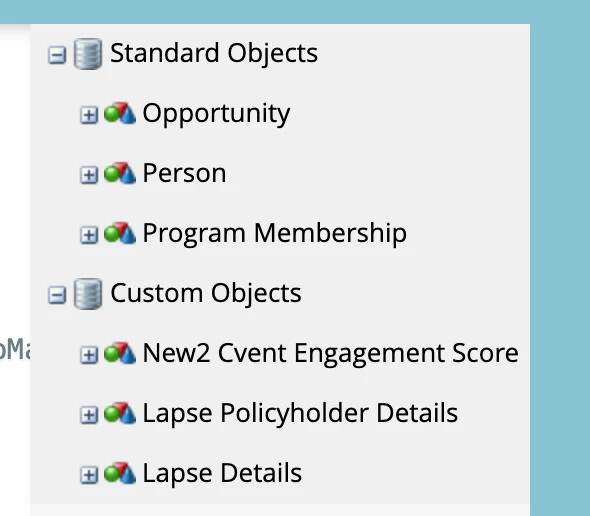
I'm trying to reference a Salesforce-synced custom object in an email via Velocity, but it never renders — because the object doesn't appear in the Email Script Editor's "Custom Objects" tree at all.
Setup:
- Native Salesforce sync.
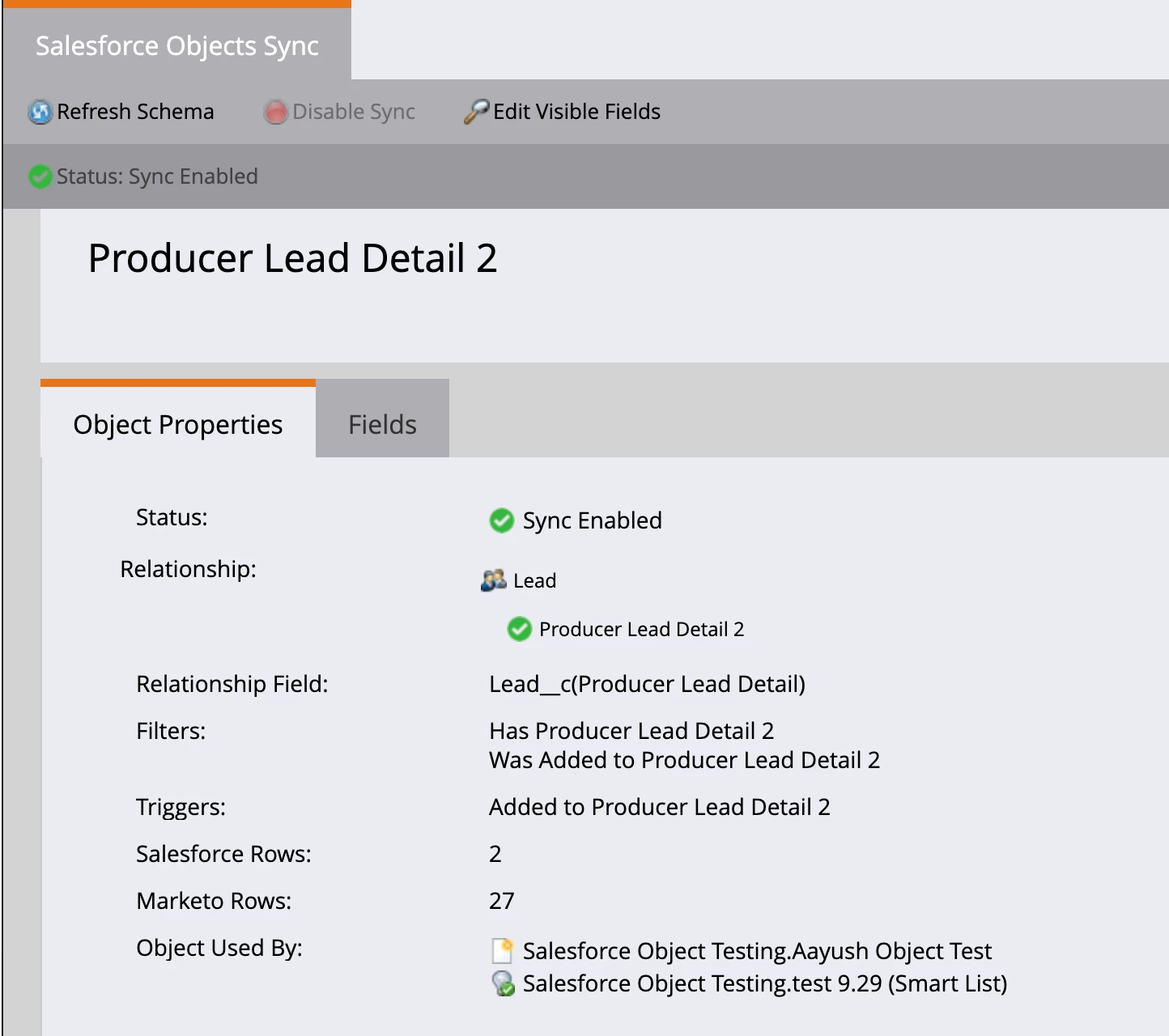
- Custom object Producer Lead Detail (
Producer_Lead_Detail__c), related to Lead via aLead__clookup. Sync is enabled.
What works:
- It works as filters/triggers (e.g., "Has Producer Lead Detail", "Added to Producer Lead Detail").
- A smart list on "Has Producer Lead Detail = true" returns the right people, and the records/fields are populated on the person (First Name, Person Source, Lead Created Date, etc.).
What doesn't:
- In the Email Script Editor, the object is not in the "Custom Objects" section of the tree — it only appears nested under Person, and dragging it inserts
${lead.Producer_Lead_Detail__c}(a scalar), not a custom-object list. - No list variable resolves. A dump via a real send returns blank for every variant:
$Producer_Lead_Detail__cList   -> blank
$Producer_Lead_Detail__clist   -> blank
$producerLeadDetail_cList      -> blank
$lead.Producer_Lead_Detail__c  -> blank
The object's fields are marked visible, and the data is confirmed present in Marketo.
Question:
- How do I get a synced Salesforce custom object to appear in the Email Script Editor "Custom Objects" tree so it resolves as
$Object__cList? Is there a setting I'm missing?
These are additional images that might help:
- the Producer Lead Detail object not showing in the tree on the right hand side of the email scripting window
- what i see for the custom object itself on the “Salesforce Objects Sync” page under Admin: