Level 1
Mar 26, 2026 1:10 AM UTC
Question

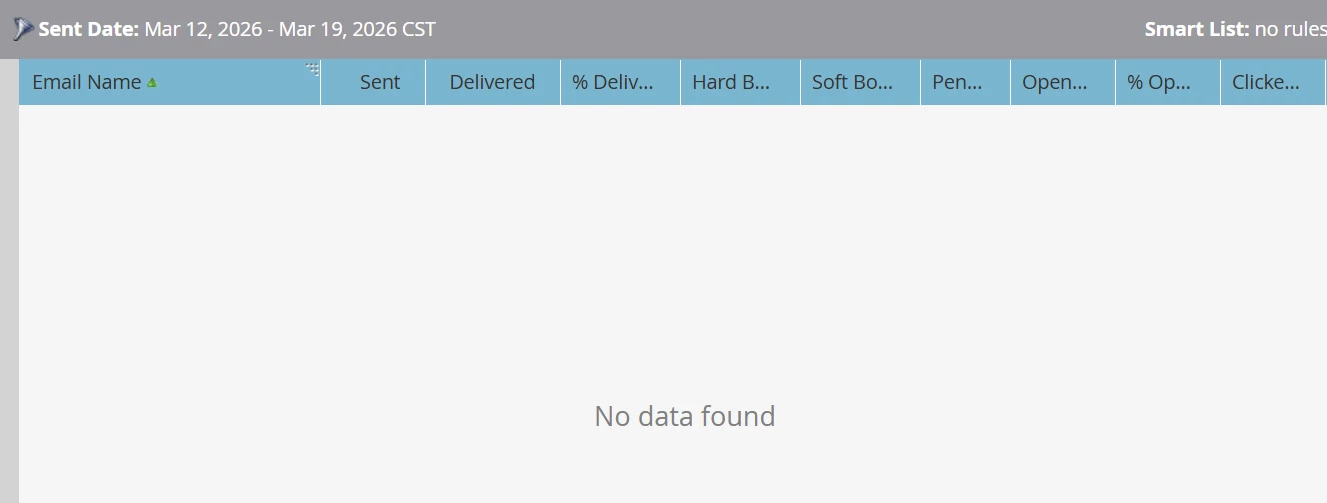
No data found in email performance report

Hi, I set up a newsletter two weeks ago but I can´t see any data in the report tab. Any idea why this is happening? Thank you! 
 

This post is no longer active and is closed to new replies. Need help? Start a new post to ask your question.

5 replies

SanfordWhiteman
User Group Leader
User Group Leader
Mar 26, 2026 1:45 AM UTC

Can you show the Activity Log of a lead who received this email? And if you turn off the filter completely, is the report still empty?

Translate
uditmathur
Community Advisor
Community Advisor
Mar 26, 2026 6:19 AM UTC

Hi ​@Ana_del_Pilar_Ga ,

Can you also check the Email Program Dashboard. Has the program actually ran or not.


Translate
Level 1
Mar 30, 2026 3:55 PM UTC

Yes, it did! But I wanted to export the report and that´s were the data isn´t appearing 


Translate
Darshil_Shah1
Adobe Champion, Community Advisor, UG Leader
Mar 31, 2026 9:28 AM UTC

​@Ana_del_Pilar_Ga, did you try the things I have listed in my message below?

Translate
Darshil_Shah1
Adobe Champion, Community Advisor, UG Leader
Mar 26, 2026 9:01 AM UTC

A few things you can check:

  1. Verify the send date and ensure it matches the send date selected in the report.
  2. Verify if you see the Send Email activity in the Act log of the person (you can also quickly create a Smart List w/ Was Sent Email - Select Email) to verify the email was actually sent to people in the given date range.
  3. Do you have any Smart List filters within the Report itself that might be filtering out the data?
  4. Ensure that you have selected the correct email in the Report's Setup tab
  5. Ensure you're creating the report in the correct Workspace


Translate