Sylvain_Turgeon
Level 2
Feb 5, 2025 7:17 PM UTC
Solved

New MKTO Email editor - Where can I select the new template created?

Hi guys,

I'm just wondering where do I find the new Template Email created with the new editor?

They are not appearing in the regular "Email templates"


Do I need to link some how my Adobe account to Marketo Engage?

Do I need a superior MKTO license?


Tks to help

Disha_Goyal6
Disha_Goyal6Accepted solution
Community Advisor
Feb 6, 2025 7:19 AM UTC

In the Marketing Activities, I always clone an existing email to make another one, how do I select the ones already made in the Studio? Never done that?


Hi @slyall, I think you cannot create the local assets with darg and drop email editor.

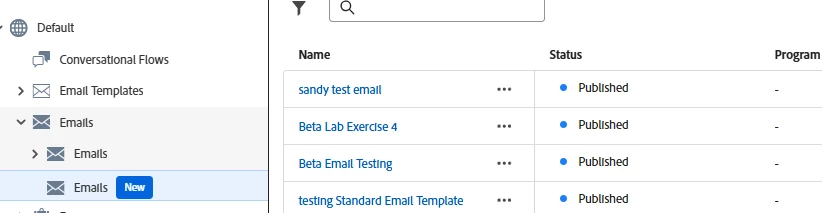
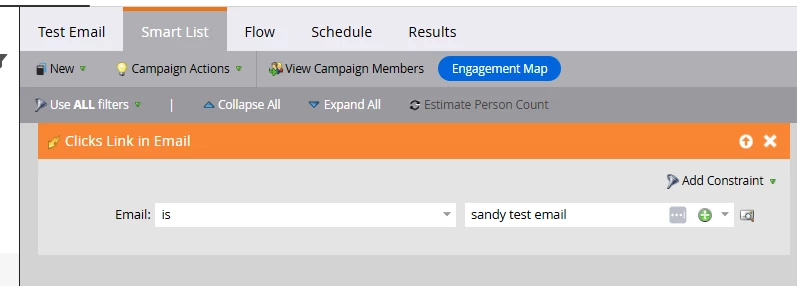
But you can select the same in Marketing activities. 


Here is the Markting activity screenshot


Hope this helps!


Thanks,

Disha

7 replies

ChristianeRo1
Adobe Champion and Community Advisor
Feb 5, 2025 8:34 PM UTC

You have to have migrated over to IMS. If your instance isn't on that, you won't have the new editor yet.

Translate
Michael_Florin-2
Level 10
Feb 5, 2025 10:14 PM UTC

It needs to look like this in your Design Studio:


Translate
Sylvain_Turgeon
Level 2
Feb 5, 2025 11:16 PM UTC

Yes, it's migrated.

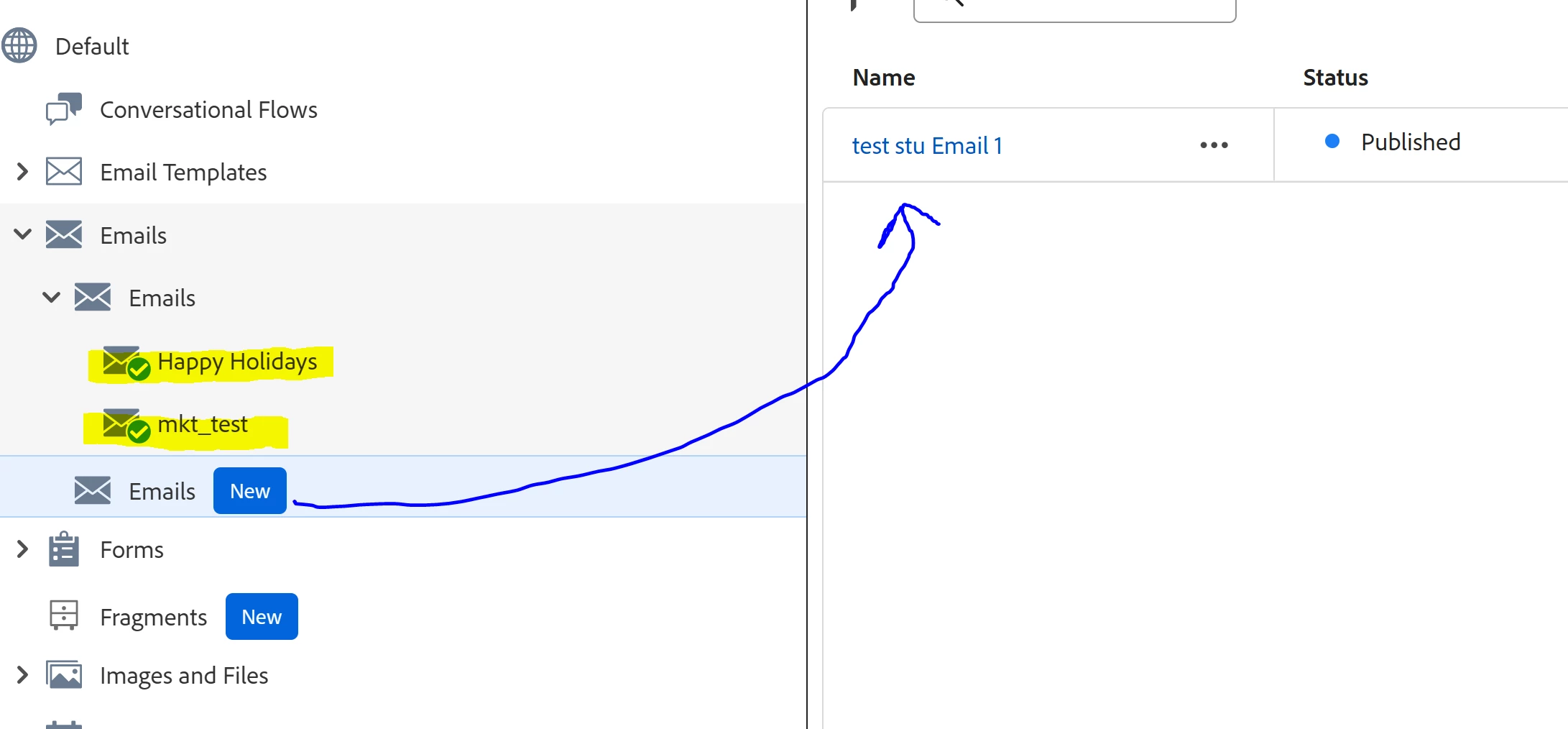
I've created an Email see below, but I don't know how to select this email in the Marketo Marketing Activities?

Local assets? Email Templates? Where do I find them once created? to use it?


Translate
Sylvain_Turgeon
Level 2
Feb 6, 2025 2:33 AM UTC

In the Marketing Activities, I always clone an existing email to make another one, how do I select the ones already made in the Studio? Never done that?


Translate