NEW Email Designer | Spacing Challenge
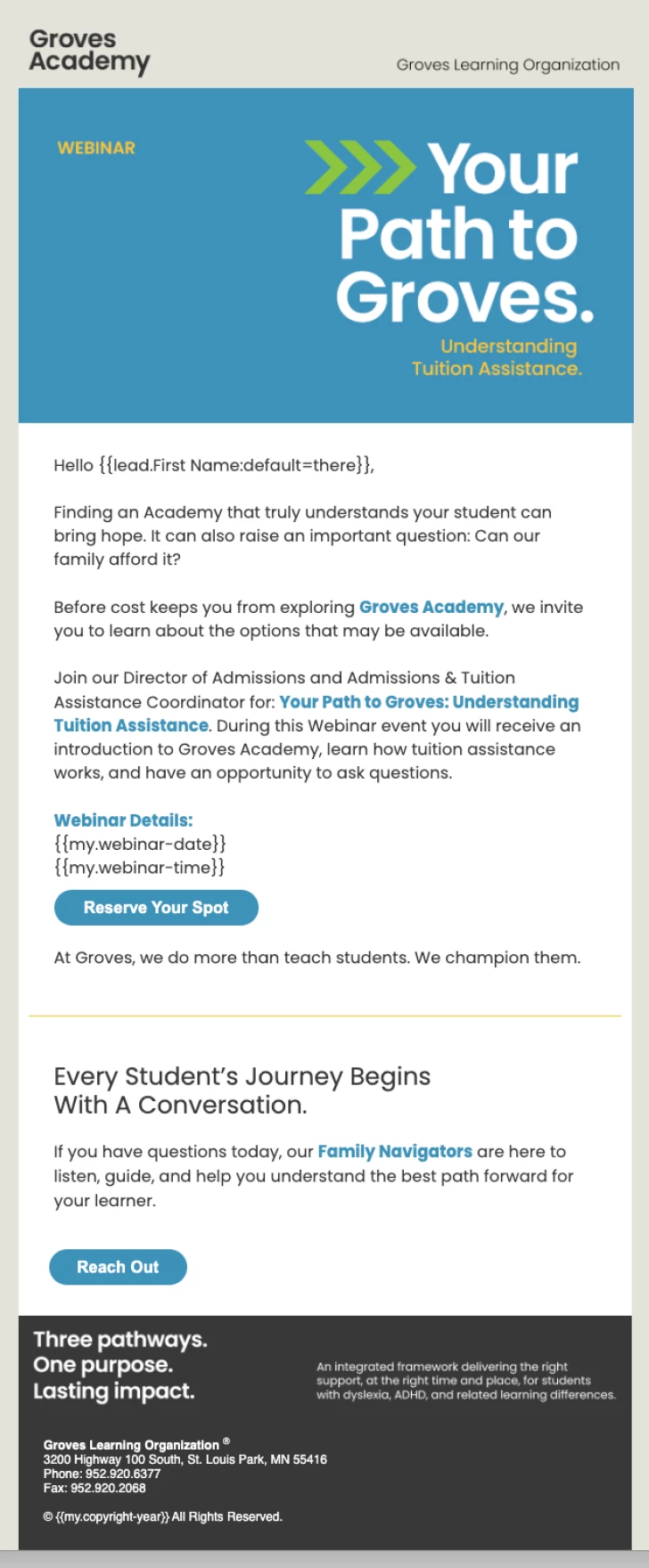
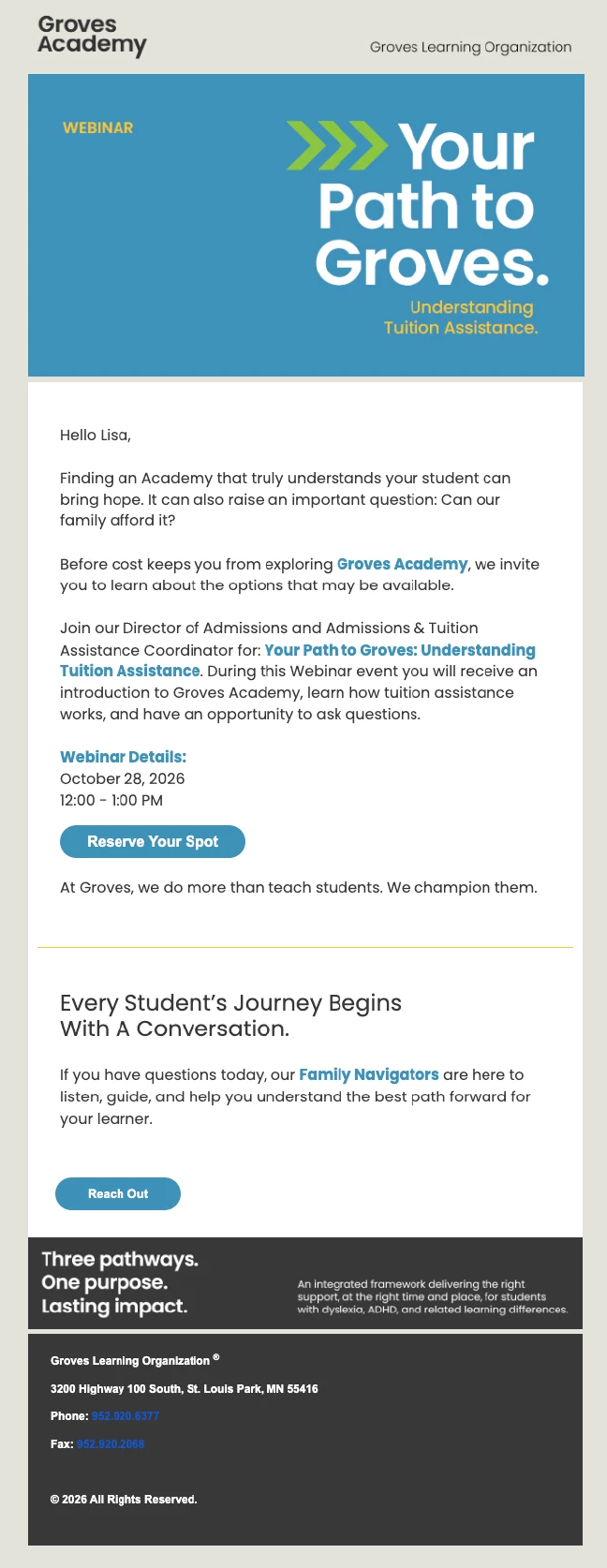
While initially excited about the NEW Email Designer, I’ve found it to be incredibly frustrating to work with. I would appreciate any support with the spacing issue I’m having. I’ve included images of how my email looks in Marketo and how it looks once sent via Gmail. You can see the spaces between sections at the top and bottom of the email. I can confirm that there is no extra padding in any of the components/fragments of my template. While I can see the HTML, in the design studio, it’s locked so I can’t make any changes. I have watched every tutorial and asked as many users I can find and can get no solution.
Additionally, there’s no way to bring in plain rich text without losing our brand fonts, weights etc. UGH. Not having the ability to upload our brand fonts/colors in the new designer and having it hold while working on an email is crazy. To have to add a custom color for every usage is very frustrating.