Mar 2, 2017 7:39 AM UTC
Question

List import not working

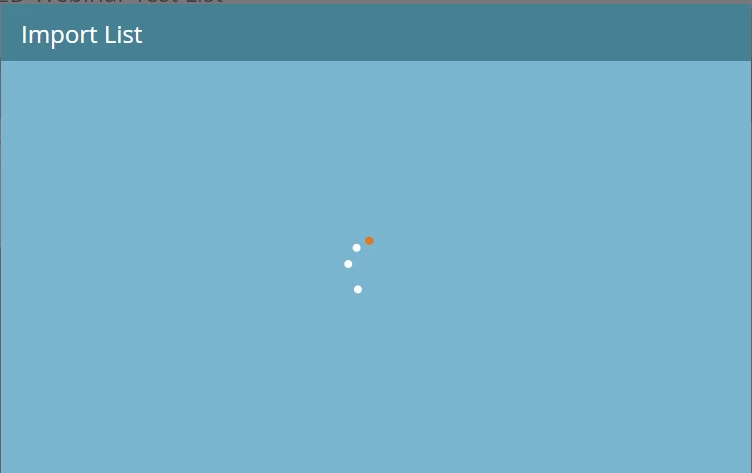
Hi, the list import wizard gets stuck in the second step. I’ve tried a couple times and I get the “spinning wheel of death” (it never loads). Anybody facing the same problem and any solution to this?

Thanks in advance
This post is no longer active and is closed to new replies. Need help? Start a new post to ask your question.

15 replies

Harish_Gupta6
Level 6
Mar 2, 2017 9:28 AM UTC

Hi Nikhin,

The list import is working fine. Please make sure you are using the correct format and you have the access to upload leads into system.

Thanks

Translate
Harish Gupta
Level 2
Mar 15, 2017 11:42 PM UTC

Hi Nikhin,

Was this ever resolved for you? I am experiencing the same issue currently--we have not been able to import anything since last Thursday. That's almost a full week without any import functionality. It has been escalated to support and they claim it is a "bug" and the engineering team is working on it. I find it hard to believe that one of the most basic functionalities is taking so long to get resolved

Stephanie

Translate
Mar 16, 2017 5:01 AM UTC

Sorry to hear that. This got resolved for me after couple of days, precisely after Winter'17 release on 3/3.

Translate
Jun 7, 2017 6:54 PM UTC

Did you all got this resolved? I had the issue a month ago, it went away and now Its happening again. Any hints? Thanks!

Translate
Level 2
Jun 7, 2017 7:03 PM UTC

Hi Yamila,

This was eventually resolved--per Support, a patch was released to fix the issue. One other issue to look for before contacting support is to ensure your csv file isn't unusually large. I had a separate issue where my file had thousands of empty rows which resulted in a huge file size. To resolve that, just copy and paste your data in a new Excel sheet to get rid of the empty rows and columns. Hope that helps!

Stephanie

Translate
Jun 7, 2017 7:14 PM UTC

Hi Stephanie,

I tried everything and nothing works. I tried different file types, different browsers… The list is 800 records with about 6 columns, and I regularly work with bigger files than with no issues. I'm at loss here. Any hints on what I could do?

Thanks!

Yamila

Translate
Jun 8, 2017 12:10 PM UTC

Reach out to Marketo Support as soon as you find that there is an unexpected behaviour from Marketo.

Lesson learned from my consulting days.

Translate
Billy_Jones1
Level 2
Jun 14, 2017 3:21 PM UTC

The list imports for me but they take FOREVER to do a simple batch of 25..

Translate
Level 1
Jul 10, 2017 11:27 PM UTC

I'm having this same issue. The lists I'm importing are only about 25 records

Translate
Jul 11, 2017 2:57 PM UTC

Reach out to support. On my case, there was something strange going on in my database. There were strange symbols that I couldn’t see in Excel, but after calling support they told me to use either Notepad++ or regular notepad. I used regular notepad and manually deleted the special symbols, and tried to import it again and it worked

Translate
Level 2
Dec 5, 2017 8:42 PM UTC

We had this issues as well, and through a lot of trial and error, figured out that certain characters were not allowed in any of the columns. Specifically, "&" was tripping up our import.

Translate
Ryan_Allen
Level 2
Apr 5, 2019 10:32 PM UTC

Having this issue currently, strangely in my companies instance as well as in the training instance when I was taking the Concepts I course this week. Waiting to hear back from support.

Translate
Nick_Donaldson
Level 2
Apr 16, 2019 12:28 PM UTC

This is by no means a permanent solution, but the list import worked for me when I used a different browser.

Here are the troubleshooting steps Marketo support provided me:

1. Check if the file does not have any empty fields. Please update them with the value "NULL."

2. Try clearing the cache and cookie of your browser.

3. Try using a different browser.

Translate
Ryan_Allen
Level 2
May 29, 2019 10:10 PM UTC

Thanks Nikhin and Nick, tried a different browser and it worked (even with characters!) Fisdled with some chrome extensions and everything works fine now! 

Best,

Ryan

Translate