Question
Using a snippet in the text version of an email with multiple sections
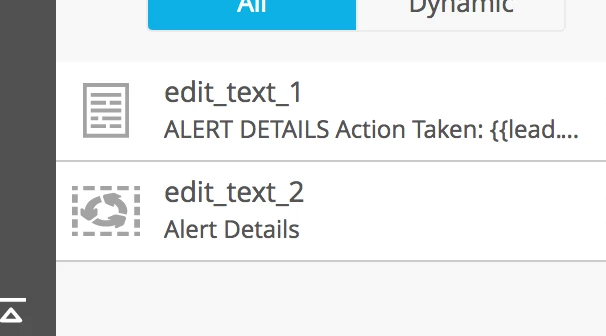
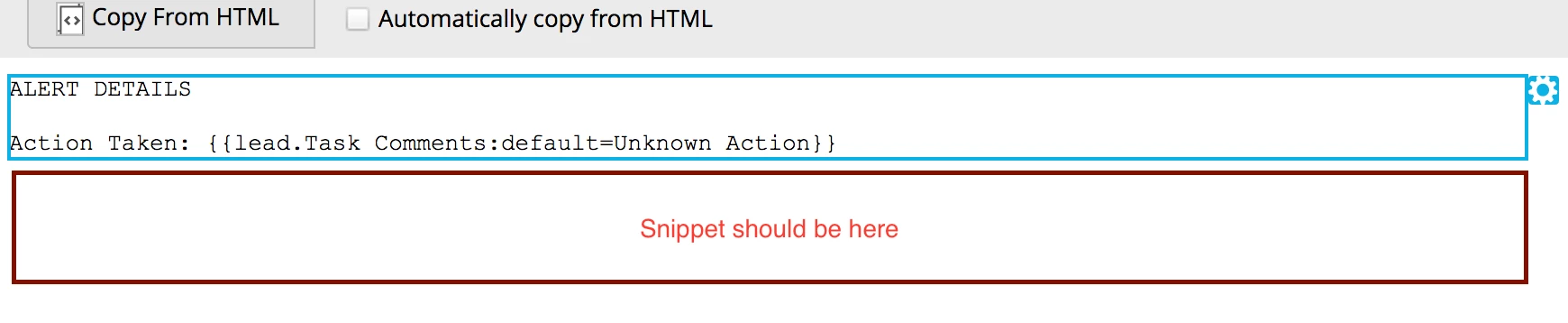
Probably missing something simple, but I'm trying to use a basic setup with a snippet -- two editable sections in an email template, the top one will be unique/editable by the user, while the bottom one will be a snippet so that it's consistent across every email using the template and only has to be modified once to update all of them. HTML version is easy enough and works great, but the text version doesn't seem to have the same section construct where the top portion can be editable, but the bottom part is the snippet's text version (which I have set).
When I preview and send samples the only part of the text version that displays is the rich text section, not the snippet. Any ideas on how to manage this?