This post is no longer active and is closed to new replies. Need help? Start a new post to ask your question.
Best answer by
Hi Herb
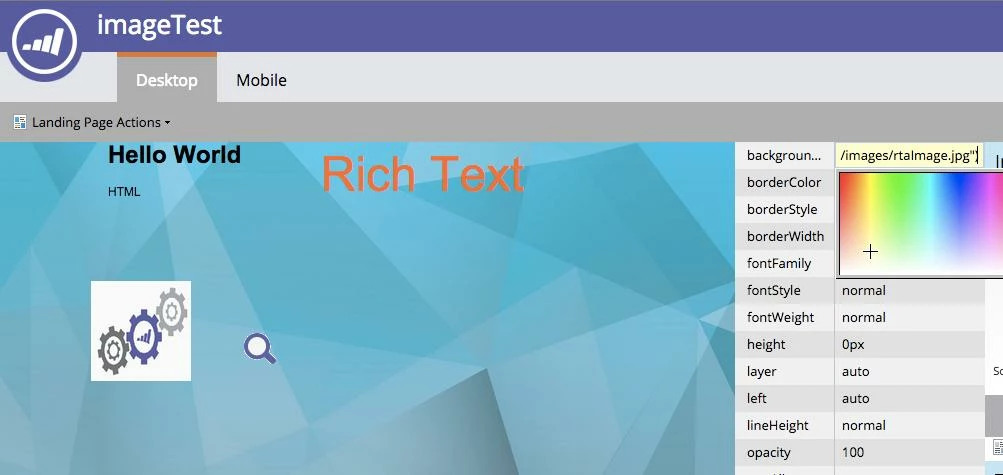
I found a hacking technique! 1. Open "Edit Draft" Landing page 2. Select "Property Sheet" and select a page body. 3. Add a element background "Value" to ;background-image:url("http://<your path>/rtaImage.jpg") Now, Background value is rgb(255,255,255);background-image:url("http://<your path>/rtaImage.jpg") If you edit property sheet element again, sometimes that is trimed. Please do your own risk.
Try templates.marketo.com for some free landing page templates.
A
Anonymous
Accepted solution
February 6, 2015
Hi Herb
I found a hacking technique! 1. Open "Edit Draft" Landing page 2. Select "Property Sheet" and select a page body. 3. Add a element background "Value" to ;background-image:url("http://<your path>/rtaImage.jpg") Now, Background value is rgb(255,255,255);background-image:url("http://<your path>/rtaImage.jpg") If you edit property sheet element again, sometimes that is trimed. Please do your own risk.