
Triggers Which Can Be Used Across Workspaces
Here is a summary of which triggers can be used across workspaces.
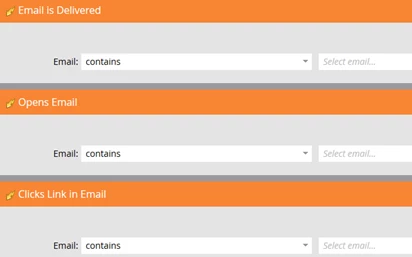
Any of the Email triggers since “Contains” is available
- Clicks Link in Email
- Email Bounces
- Email Bounces Soft
- Email is Delivered
- Opens Email
- Received Forward to Friend Email
- Sent Forward to Friend Email
- Unsubscribes from Email
Examples:
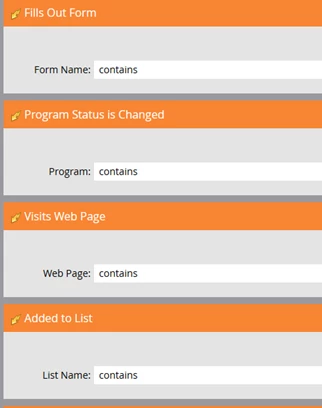
Additional Triggers since “Contains” is available
- Fills Out Form
- Program Status is Changed
- Visits Web Page
- Clicks Link on Web Page
- Added to List
- Removed from List
- Engagement Program Cadence Changes
- Engagement Program Stream Changes
- Has Interesting Moment
- Score is Changed
- Sent Alert
- Revenue Stage is Changed
Examples:
Have a good naming convention is super helpful when you have triggered smart campaigns reacting to activities across workspaces.