Tracking # Website Visits | Adobe Higher Education
Skip to main content
November 21, 2018
Répondu

Tracking # Website Visits

Hi Marketo Community,

I'm trying to track # times a lead visits a website by creating a smart campaign that triggers the following whenever someone Visits Web Page = Any.

Using a custom integer field "# Website Visits", I set my flow to trigger a #1 each time a person visits our website (can pass through every 1 day).
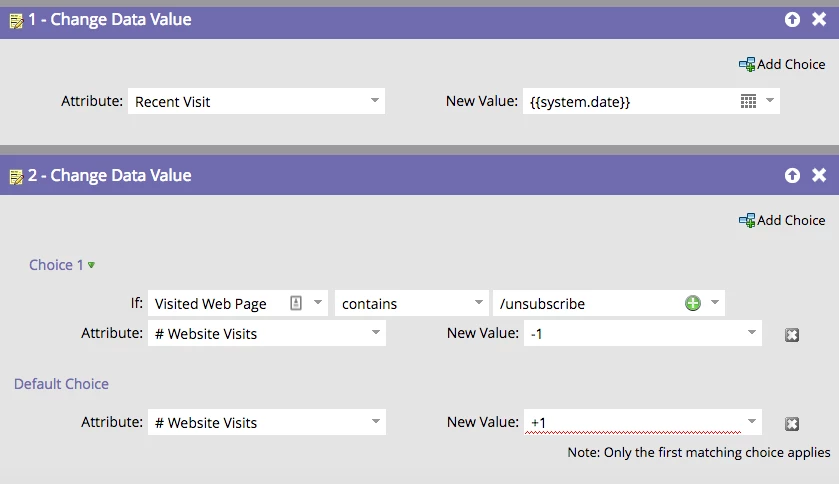
Initially when I set the Default choice of "+1" the red squiggly lines show up indicating this is not an accepted integer. However, sometimes that squiggly line disappears, and I'm still able to activate the campaign. The problem is that after I activate the campaign and return to my flow, the Default New Value "+1" disappears, essentially changing the default back to "do nothing."
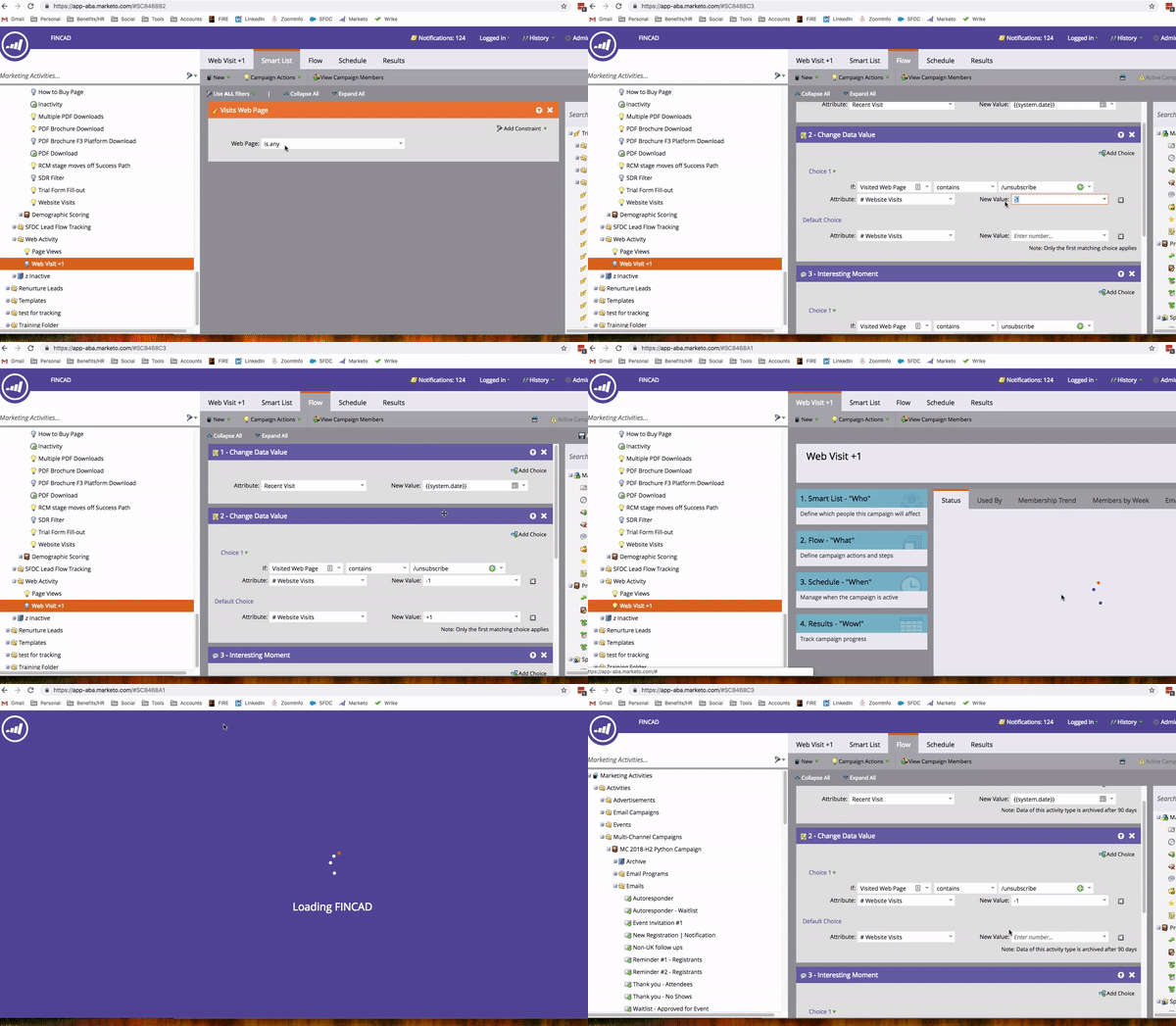
Can someone help me understand why I can use the "-1" but not the "+1" for this field? I'm able to use both "+" and "-" data field updates without a problem when it comes to the Person Score or Behavior Score fields, so why doesn't this work with a custom field?

Appreciate any insight I can get.

Ce sujet a été fermé aux réponses.
Meilleure réponse par Devraj_Grewal

Christina,

I would recommend you look into using a custom score field instead, this allows you to easily "+1" or "-1" in a flow step.

However, I would also urge you to reconsider a campaign that will run possibly many thousands of times. If you do not need a trigger, consider a batch campaign that can run nightly and look for "visited web page: is any & date of activity: today & minimum number of times: 1" and then update the score field.

2 commentaires

Devraj_Grewal
Level 10
November 21, 2018

Christina,

I would recommend you look into using a custom score field instead, this allows you to easily "+1" or "-1" in a flow step.

However, I would also urge you to reconsider a campaign that will run possibly many thousands of times. If you do not need a trigger, consider a batch campaign that can run nightly and look for "visited web page: is any & date of activity: today & minimum number of times: 1" and then update the score field.

November 23, 2018

Thank you both Devraj and Samford, I am off for Thanksgiving but will be sure to test your suggestions when I get back to the office on Monday.

SanfordWhiteman
Level 10
November 21, 2018

As Devraj says, it's because you aren't using the Score datatype.

In an Integer context, -1 means literally negative one, that is, it's not subtracting 1, it's setting the value to -1.  In most programming languages, +1 is a totally valid way to express positive one, so in theory that could be allowed as well, but I guess the front end doesn't like it. It wouldn't be what you want, anyway!