Token {{member.webinar url:default=edit me}} in a webinar campaign | Community
Skip to main content
Coonic_Agency
Level 2
March 27, 2018
Question

Token {{member.webinar url:default=edit me}} in a webinar campaign

  • March 27, 2018
  • 1 reply
  • 3371 views

Hey everyone!

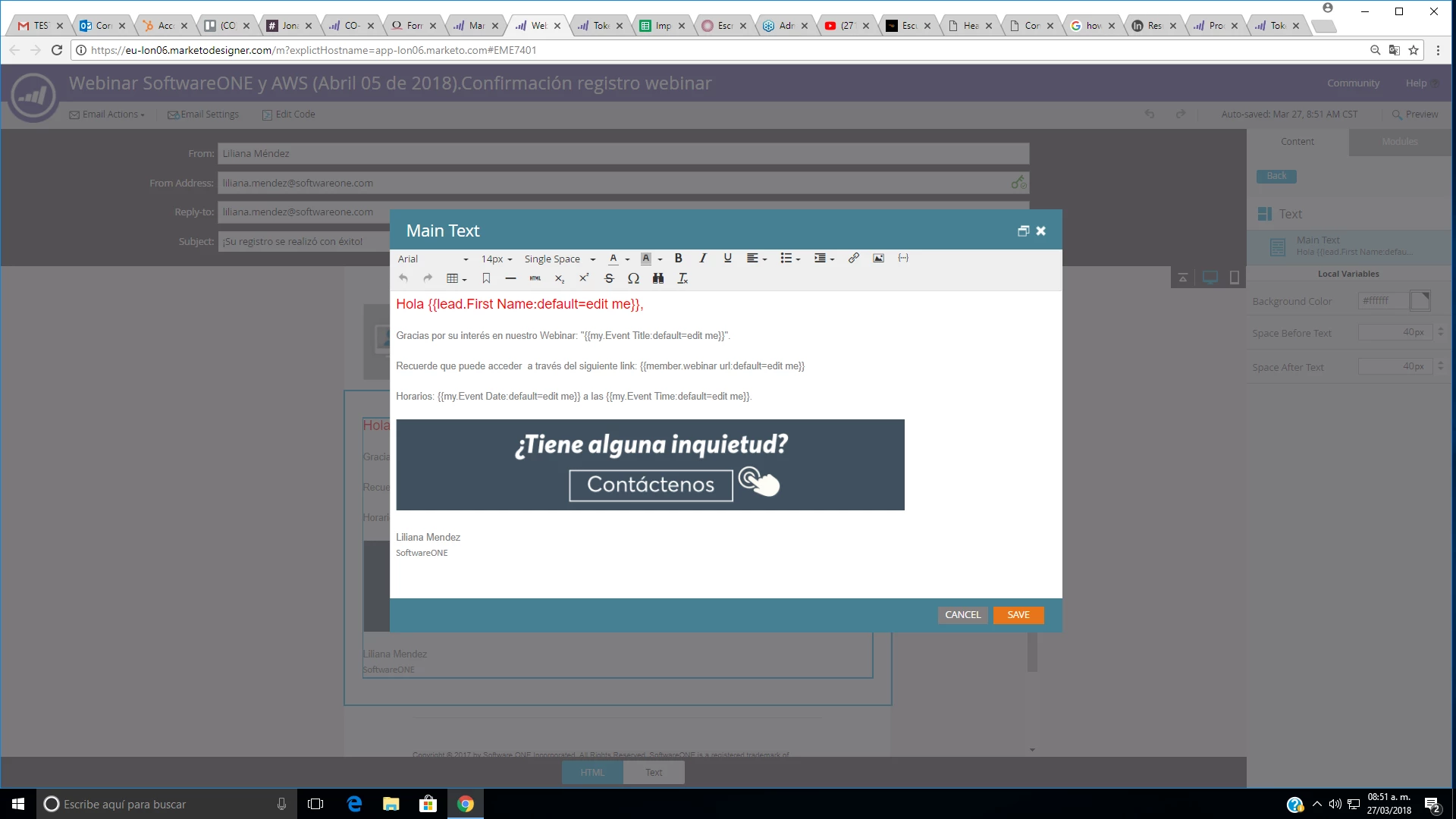
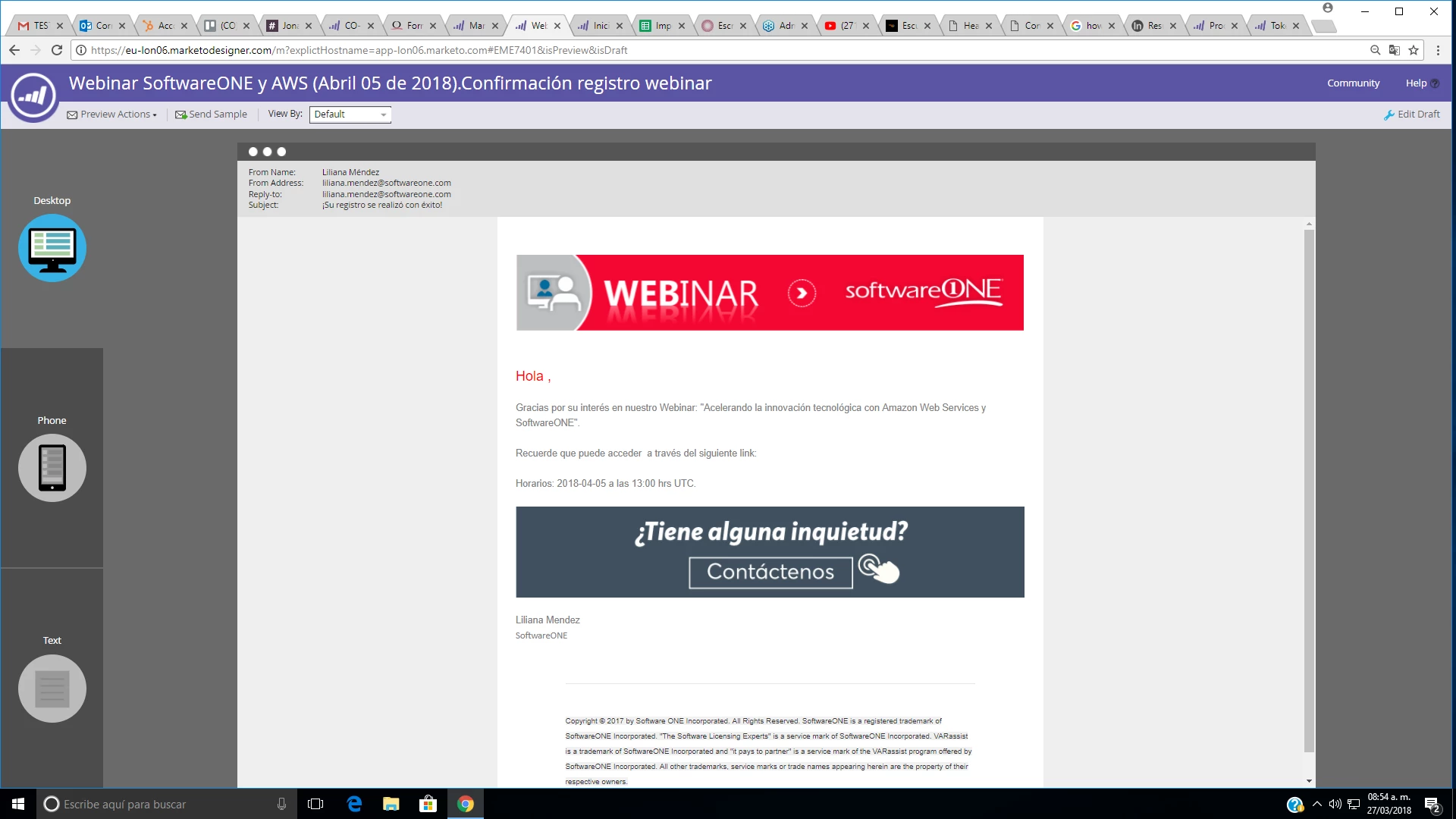
I have a doubt about the tokens configuration in a webinar campaign. I created the email into the program event and also the smart campaign. Then, I put in the draft email the token {{member.webinar url:default=edit me}}, but the link to the webinar is not appearing in the preview email, the others tokens are appearing normally, but that token is not.

Draft email:
Preview email:
Thanks in advance!

Maria

This post is no longer active and is closed to new replies. Need help? Start a new post to ask your question.

1 reply

Dan_Stevens_
Level 10
March 27, 2018

Those token values are created in real time (when someone registers) and will be populated then (after a short delay). Unlike lead tokens, which are stored locally in Marketo. Therefore, the value will not be displayed in preview.  Whenever testing tokens, you should send out actual tests using a smart campaign (vs. a sample email).

Which webinar provider are you using?

Coonic_Agency
Level 2
March 27, 2018

Thanks Dan. I am using GoToWebinar