"the site you tried to visit looks fake" warning on Google Chrome | Community
Skip to main content
Level 4
August 25, 2020
Question

"the site you tried to visit looks fake" warning on Google Chrome

  • August 25, 2020
  • 1 reply
  • 2335 views

We are having internal users who are clicking on links from our Marketo emails and getting the following error in Google Chrome:
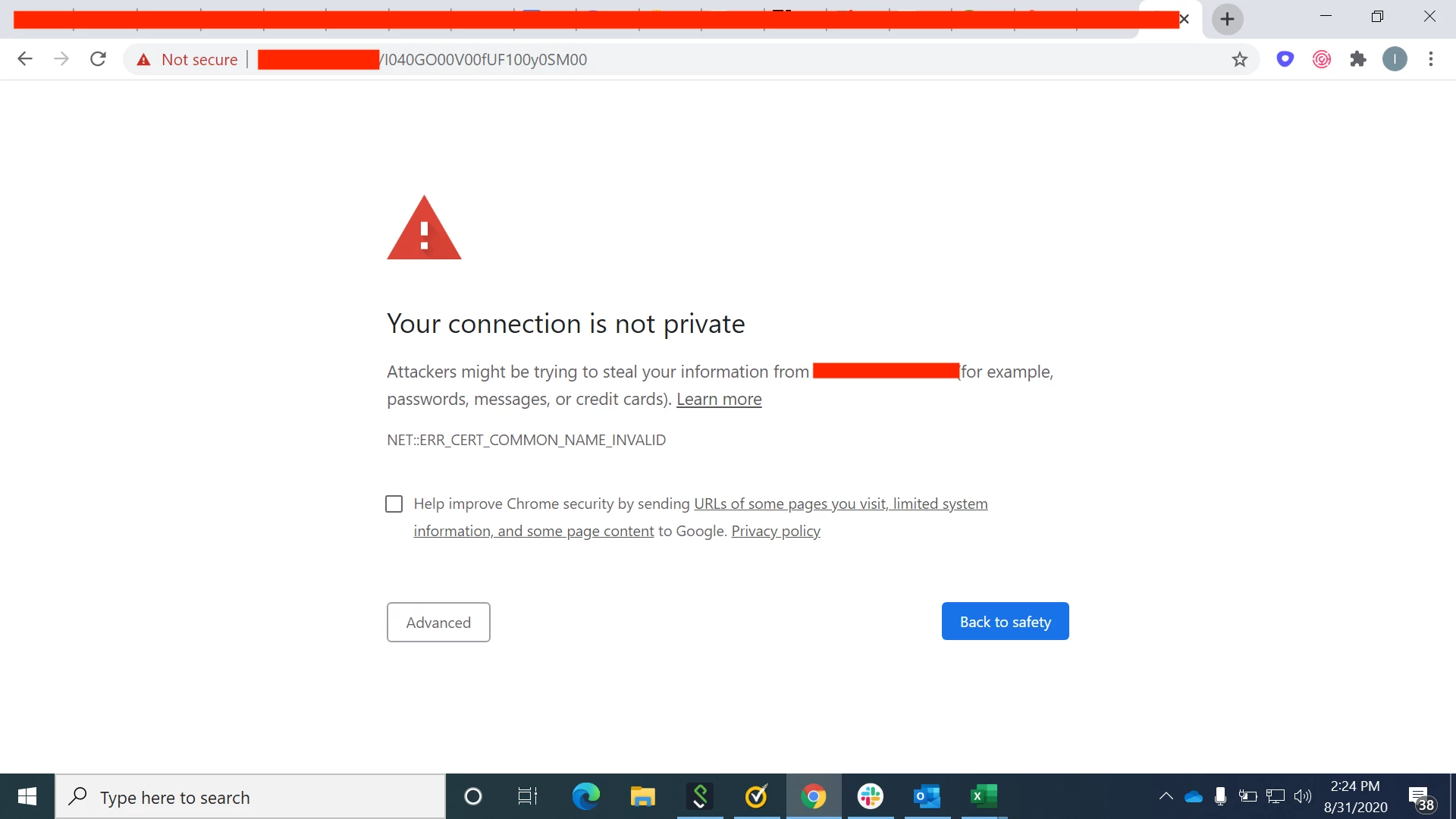


why is this happening? It doesn't seem to be affecting all users btw. A coworker who has the same OS and Chrome (same version) is having problems with this message while I am not.


one thing I did notice is that Marketo shortens our links in email, and the shortened link that Marketo is using starts with "http" versus "https" ... could that be the problem?


This post is no longer active and is closed to new replies. Need help? Start a new post to ask your question.

1 reply

SanfordWhiteman
Level 10
August 25, 2020

Please provide an example tracked link (there's no way to troubleshoot this without a direct example).


Unlikely to be related to the protocol.

mzzeeAuthor
Level 4
September 1, 2020

I sent you a message - thank you!