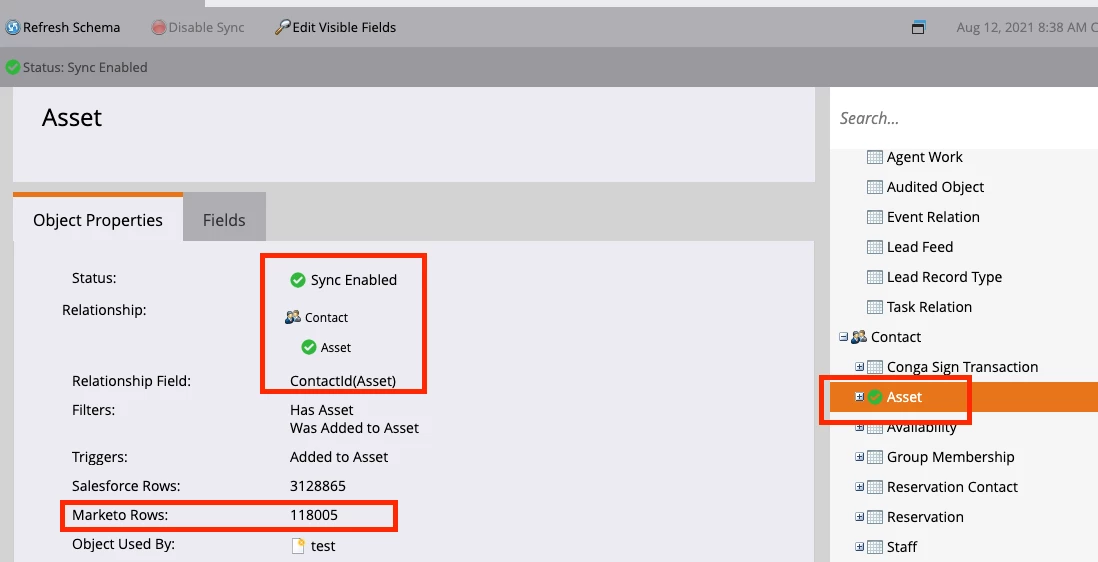
You aren't able to see SFDC-synced custom objects in Person Detail (or indeed, anywhere obvious unfortunately!) So it's quite possible you have done everything correctly. Marketo Custom Objects will show up in Person Detail under "Custom Objects", but Salesforce Custom Objects won't.
However, you can see who has certain custom objects by using Smart List filtering, and seeing whether you get any results. And if you want to see the exact content of that custom object, then you can use a Velocity email script token and preview an email that holds that token. Just drag in the field you want from the right hand panel in the email script editor, check all the checkboxes on your custom object off, and then modify your code to remove everything after the full stop, and remove the bracket.
Eg. if pulling in your custom object gave you ${purchases.get(0).id} then modify it to be $purchases . That will spit out the entire contents of that custom object for the fields you have checked off in the right hand side, once you preview the email based on a specific person. If you need to often see those values, you can use this system as a shortcut if you don't have Salesforce access.