Question
Social Media Icons in Email Editor 2.0 (cannot update URL of image)
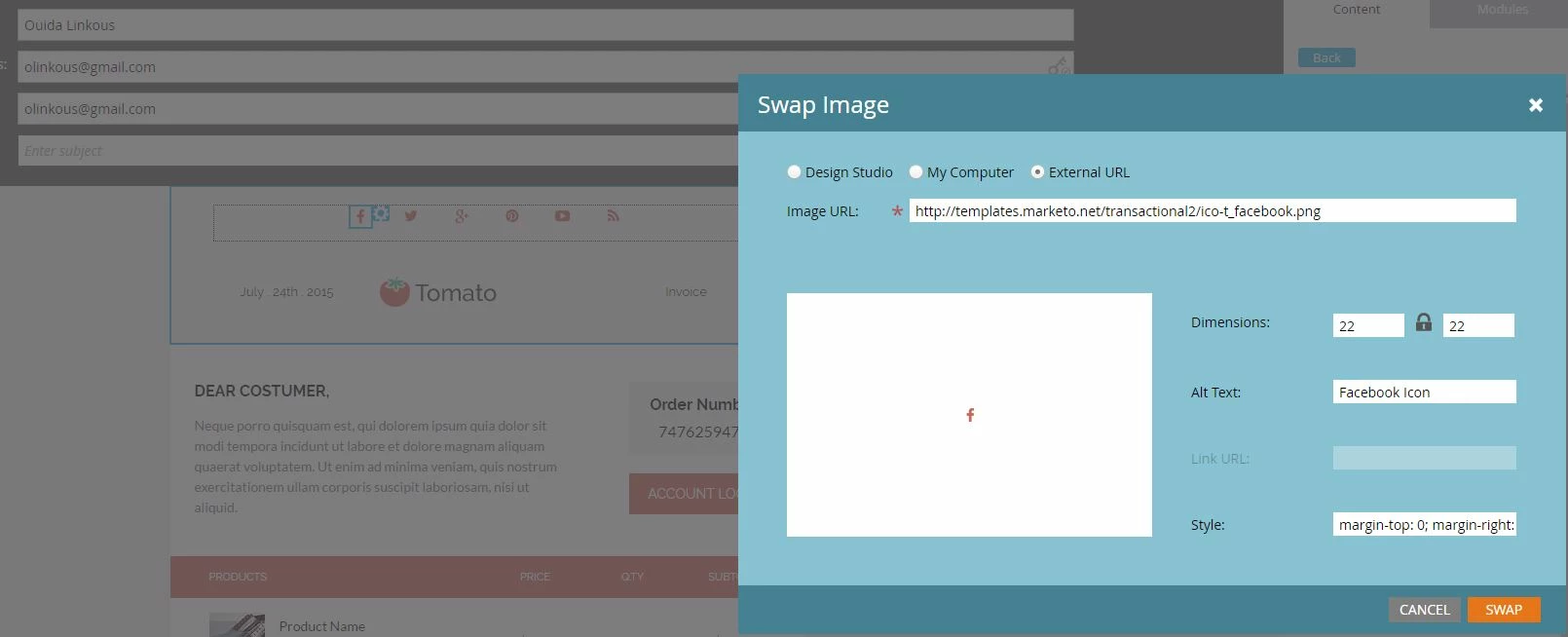
I've noticed in the new editor 2.0 the social media icons in the templates are editable, but you cannot add a link. The link URL is greyed out. I spot checked all the templates and this seems to be in the case in all. I understand you can update this in the HTML, but I am curious why it is this way in the templates. I did try to remove the icon and replace with a new one to see if the link became enabled. It did not. We need to update these on a per email basis. Does anyone know why they are set up this way and if there is a way to enable the Link URL?