It’s very possible and quite simple!
Create a Form Visibility Manager field. I typically have 3 or 4 such fields in every instance. They’re just standard String fields:
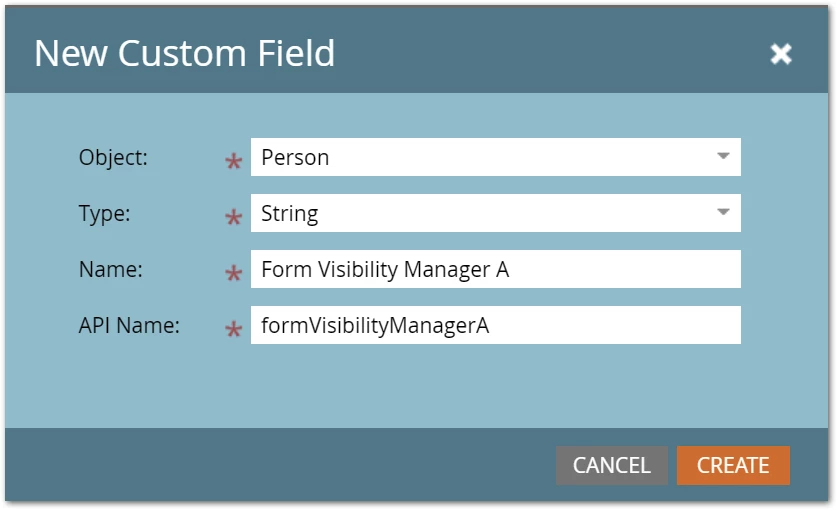
This is the field you’ll add to the form as a Hidden field to control visibility.
Then create a mktoText area on the page (put it just before the closing <body> tag) and make that mktoText dynamic using your desired Segmentation.
Each variant has a tiny bit of JS to sets the Hidden field to the corresponding segment, i.e. this is for the segment “US”:
<script>
MktoForms2.whenReady(function(readyForm){
  readyForm.setValues({
    formVisibilityManagerA: "US"
  });
});
</script>
And this is for the segment “MX”:
<script>
MktoForms2.whenReady(function(readyForm){
  readyForm.setValues({
    formVisibilityManagerA: "MX"
  });
});
</script>
Just treat Form Visibility Manager A as if it were the segmentation.