Selecting a particular Custom object to display in Velocity Token for emails | Adobe Higher Education
Skip to main content
Level 3
April 27, 2023
Pergunta

Selecting a particular Custom object to display in Velocity Token for emails

  • April 27, 2023
  • 1 resposta
  • 6338 Visualizações

Hi everyone, 
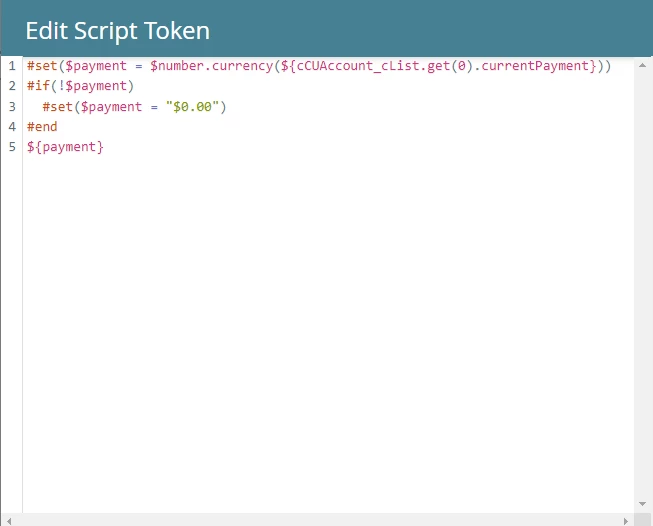
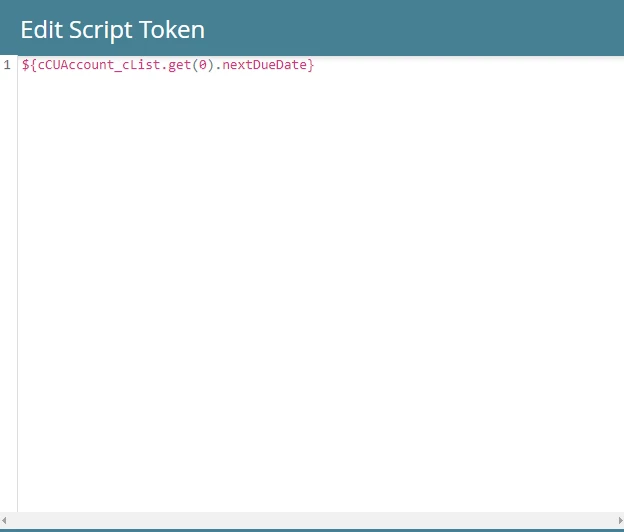
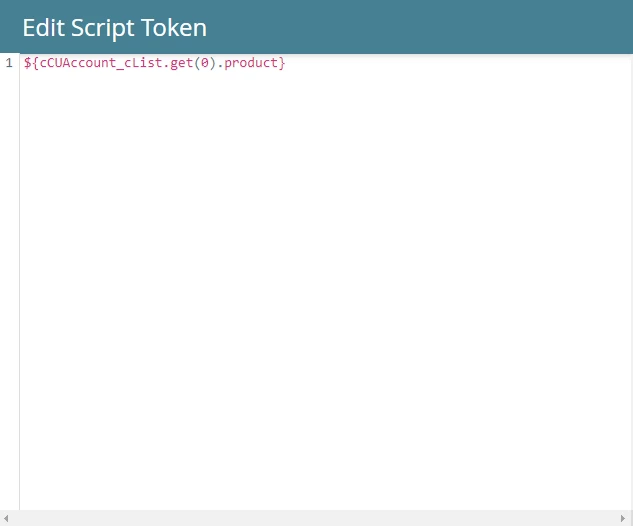
Quick question. I have a custom object called "Accounts", which has several different data fed fields including one called "Product". I created the custom tokens in my velocity script (snapshots below) to show the balance, and next date due of a specific product.


Payment Velocity Script:
Next Due Date Velocity Script:
Product Code Velocity Script:
 

However, the data shown when the tokens are placed in the email is incorrect, as it is pulling the payment amount and due date info for the wrong product. The issue here is that under the "Accounts" custom object, another entry is added for every new product that is purchased by a customer. My question is, is there a string of code that should be applied to the "payment" and or "due date" custom tokens to ensure that the data pulled is for the correct Product? Thanks in advance. 🙂

Best,

Lucas

Este tópico foi fechado para respostas.

1 Resposta

Darshil_Shah1
Community Advisor and Adobe Champion
April 27, 2023

You'd need to first sort the custom object records based on the field of interest (e.g., by last updated datetime). By default, the custom object records are sorted by created datetime in descending order. You should check out Sandy's blog on Sorting objects and lists in Velocity. Additionally, if you're looking to grab the custom object based on a field's value, then you can loop through the custom object records, and use conditionals to determine whether the data in the CO record matches the data you're looking for (sample code below).


#foreach($data in $cCUAccount_cList) #if($data.productCode.equals("123")) ${data.currentPayment} #end #end


You can use the $TriggerObject (e.g., $TriggerObject.productCode) in case you want to reference the CO that triggered the campaign.


Level 3
April 27, 2023

Hi Darshil,
So, two things. First to confirm, I would need to apply the following below to both my Payment and Due Date Tokens correct?
Next Due Date Example:

${cCUAccount_cList.get(0).nextDueDate} #foreach($data in $cCUAccount_cList) #if($data.productCode.equals("123")) ${data.nextDueDate} #end


Second, since we have 15 different product codes, how would that be applied to the code so that the custom token picks up and applies the correct Next Due Date and or Payment? Thanks again for your insight and patience. 🙂

Best,
Lucas

Darshil_Shah1
Community Advisor and Adobe Champion
April 27, 2023

Why are you creating separate email script tokens for displaying each custom object attribute? You can just create a single email script token, add a conditional statement based on the product code you want to grab the CO record for and print all the corresponding CO record fields. Sample script below: 


#foreach($data in $cCUAccount_cList) #if($data.productCode.equals("123")) ${data.nextDueDate} ${data.payment} ${data.productCode} #end #end


Also, I don't understand why are you referencing the first element of the CO for printing the "nextDueDate" data (i.e., in the first line of your code). Do you really need it? As I said in my previous comment, by default the CO records are stored by created date, in descending order. So the first record at the 0th index would be the one that was created at last. Let us know if you have questions.