Solved
Rename Salesforce Custom object
We are using Marketo Engage. How do I change the label of a Salesforce custom object?
We are using Marketo Engage. How do I change the label of a Salesforce custom object?
Hi ,
If you try to change the name of the actual SFDC custom object, you cannot change that in marketo-marekto only read the custom object. However you can change the label in marketo. Also custom object could be apply more than one object like lead and contact the label must be different in marketo.
for Changing the SFDC Custom Object Label
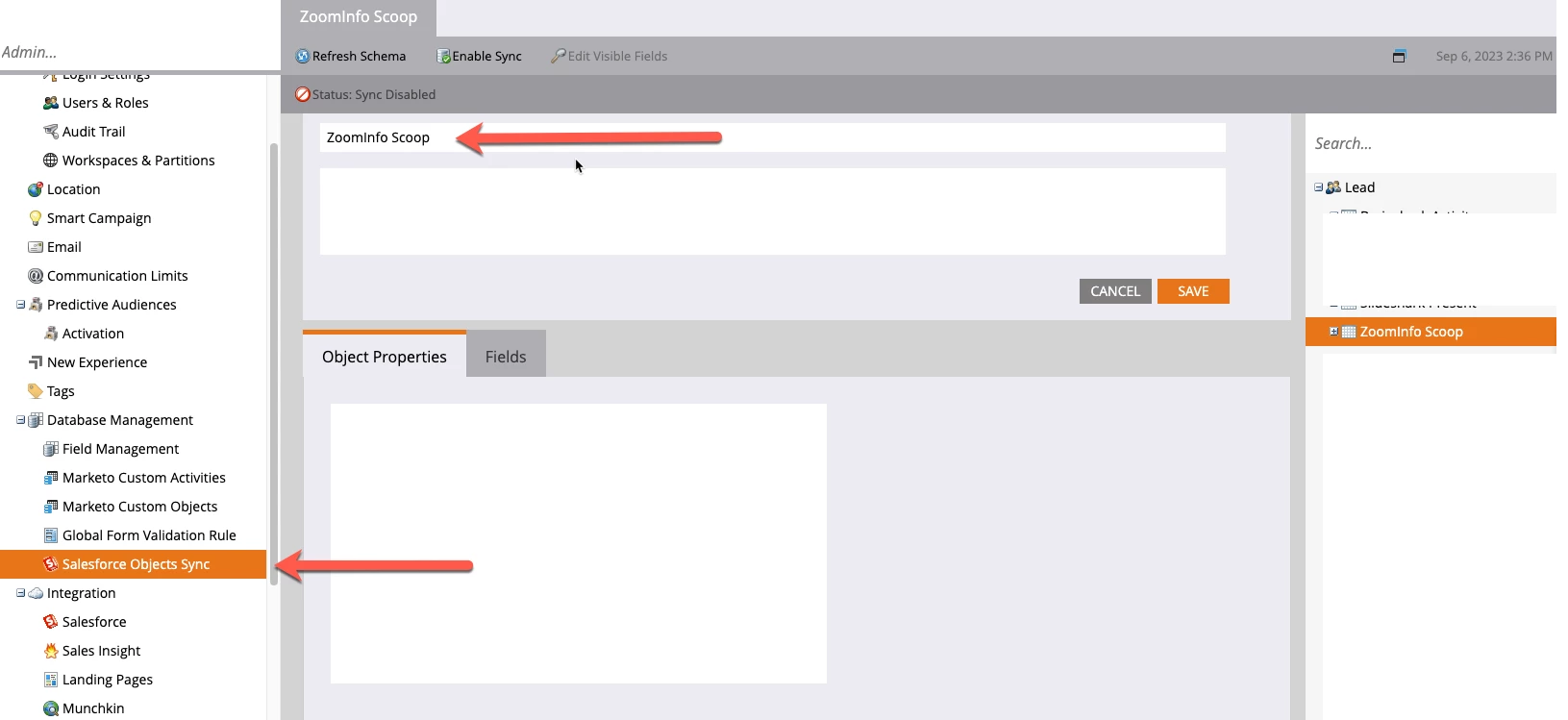
you need to go to Admin >>>> then under database " Salesforce Custom object sync >>> you can see all the available custom object and once you click one of them you can change the label
hope the screenshot below will help
Enter your E-mail address. We'll send you an e-mail with instructions to reset your password.