Rename and Save E-mail Template for future use / editing | Community
Skip to main content
October 6, 2015
Question

Rename and Save E-mail Template for future use / editing

  • October 6, 2015
  • 2 replies
  • 1532 views

Hello - I am new to Marketo and using it for a client.  They have asked us to design an email marketing template that we can save in their Marketo account.

I was able to import a template from http://templates.marketo.com and make it the way they wanted it.  I was not able to use any sort of WYSIWYG but rather had to edit the HTML source.

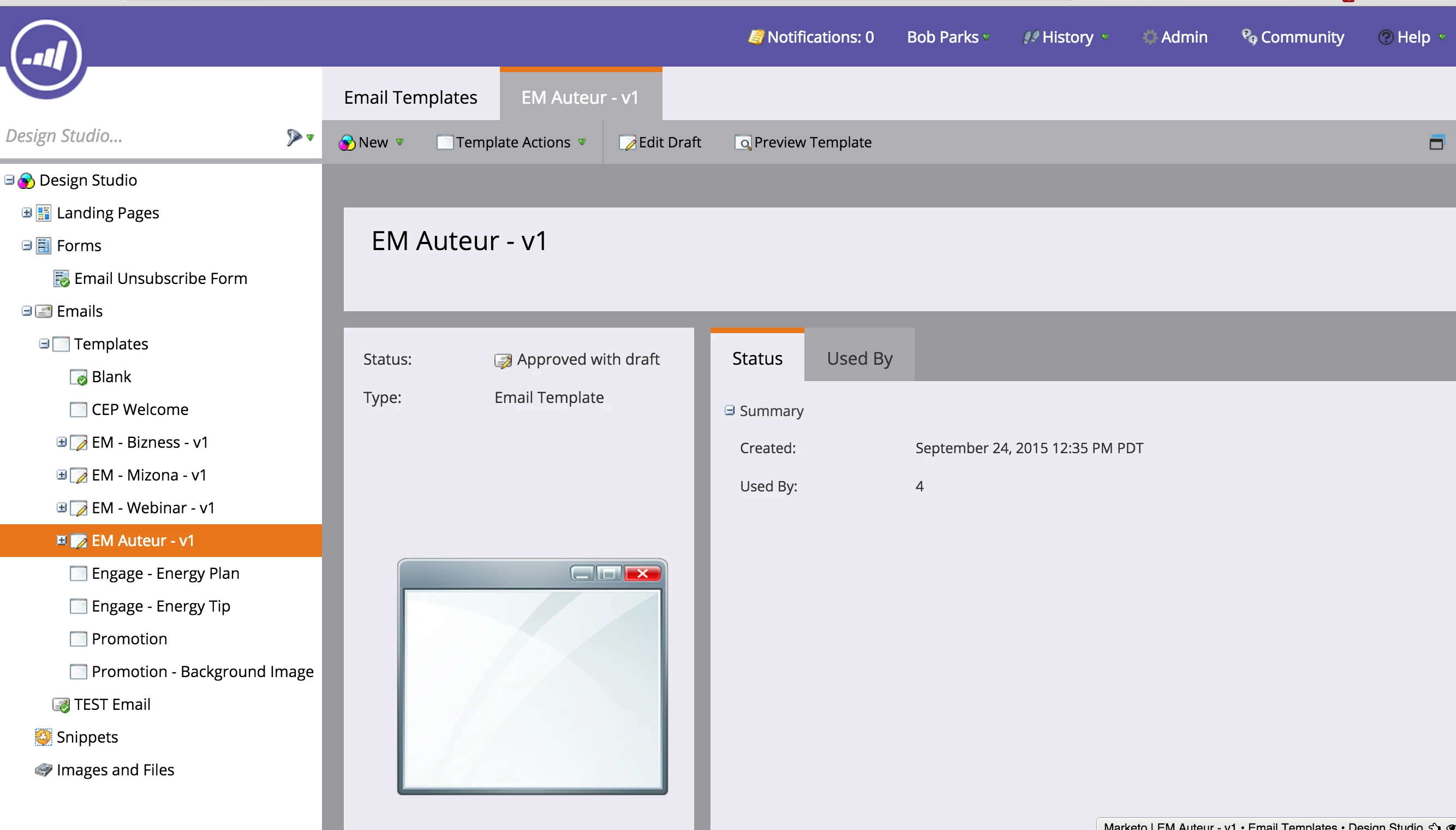
I guess what I am trying to figure out is how to import a template that I can name and the client can use over and over again for email campaigns?
I

This post is no longer active and is closed to new replies. Need help? Start a new post to ask your question.

2 replies

Grégoire_Miche2
Level 10
October 7, 2015

Just double click the name of the template in the main screen (not on the left tree), change the name and save it.

You may also want to clone it before you make significant changes, as the draft system is just a draft, not a versioning system.

-Greg

Justin_Cooperm2
Level 10
October 7, 2015

Bob,

You can also just select "New Email Template" to create an entirely new Email Template without importing anything. The only real requirement for an Email Template is that you have at least one "mktEditable" <div> present in the body so that the user can edit the content. So, you could create your own custom template and just make sure there you add one <div class="mktEditable">