Question
Problem with shared folder for landing page templates
Hi Guys,
We are using workspaces here and I am having troubles sharing landing page templates.
I read all available documentation and discussion around the topic.
I have created a folder that I shared in the Corporate Landing page template folder "SH_TO BE SHARED"
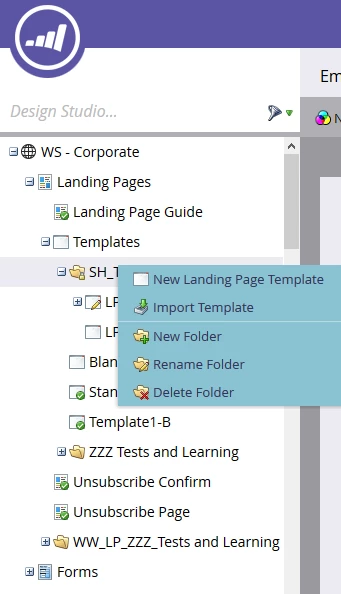
Once I added some template in it, it is impossible:
- to delete any template
- or rename the folder
- or remove ar change the sharing (the menu item "sahre folder" doesn't appear any more)
(I have an admin role with all the rights)
The behaviour seems quite different from the shared folders for email templates where thoses actions are possible.
Do you have any insights on this?
thanks a lot in advance,
Sylvain
SunTseu