Solved
Preview Email Tokens Before Sending
Hi everyone,
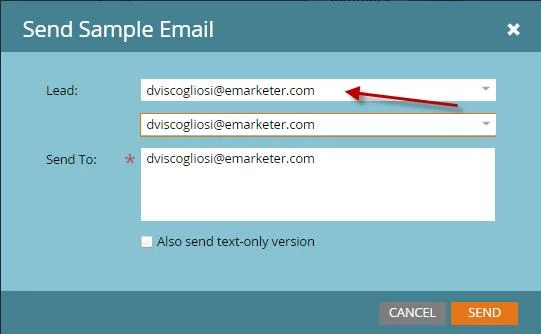
I would like to know how you can preview an email with tokens, like you would a mail merge on microsoft word so you can look through and check that all the tokens are working for each lead.
At the moment when you preview an email the tokens are blank because the they aren't pulling from anything specific.
Is there a way I can look at each lead specific email with their token filled in before I send the email?
Many thanks!
I would like to know how you can preview an email with tokens, like you would a mail merge on microsoft word so you can look through and check that all the tokens are working for each lead.
At the moment when you preview an email the tokens are blank because the they aren't pulling from anything specific.
Is there a way I can look at each lead specific email with their token filled in before I send the email?
Many thanks!