Pre-Fill on Unsubscribe Page not working - Confirmed Pre-fill is enabled | Community
Skip to main content
Level 2
August 6, 2024
Question

Pre-Fill on Unsubscribe Page not working - Confirmed Pre-fill is enabled

  • August 6, 2024
  • 2 replies
  • 2498 views

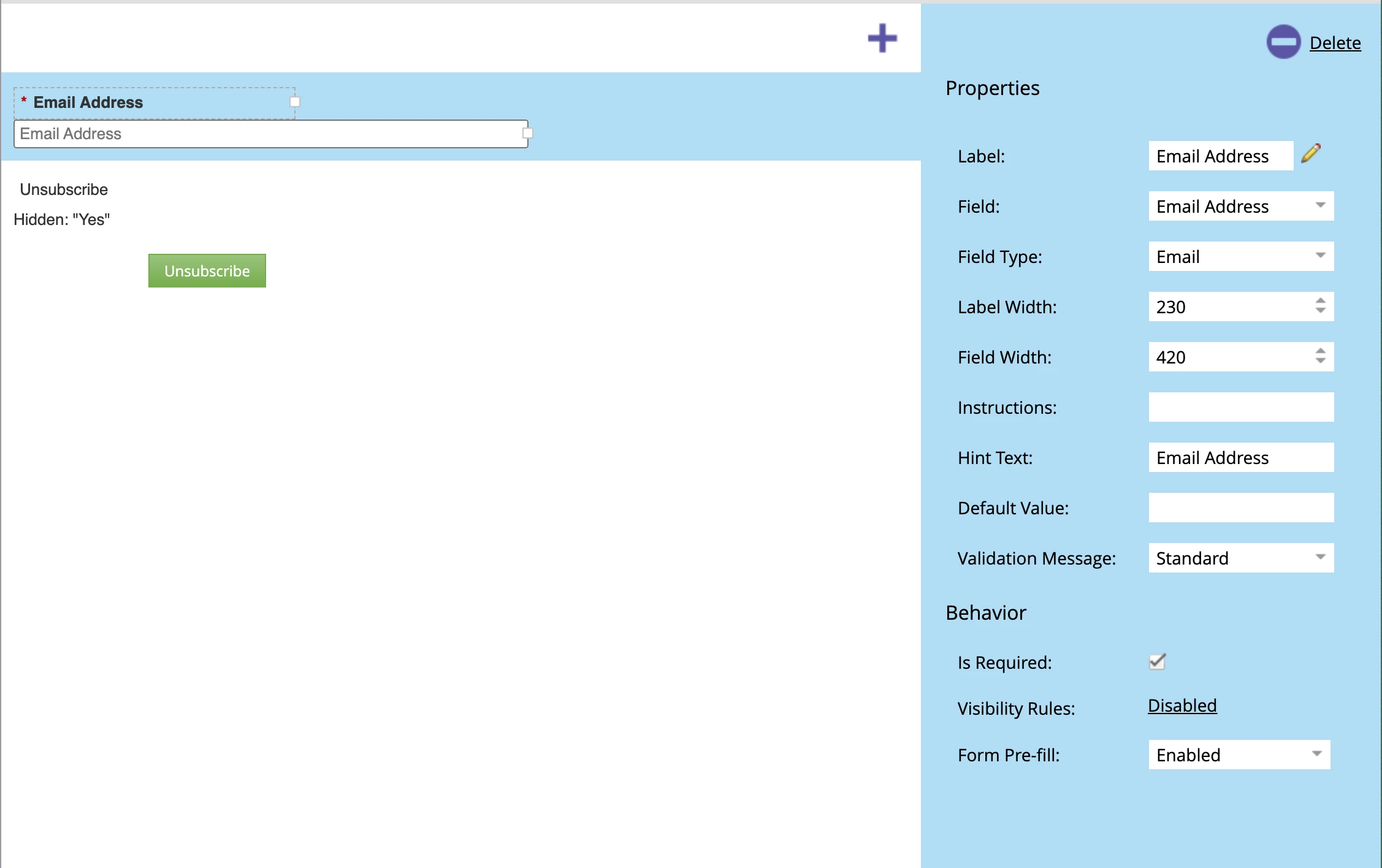
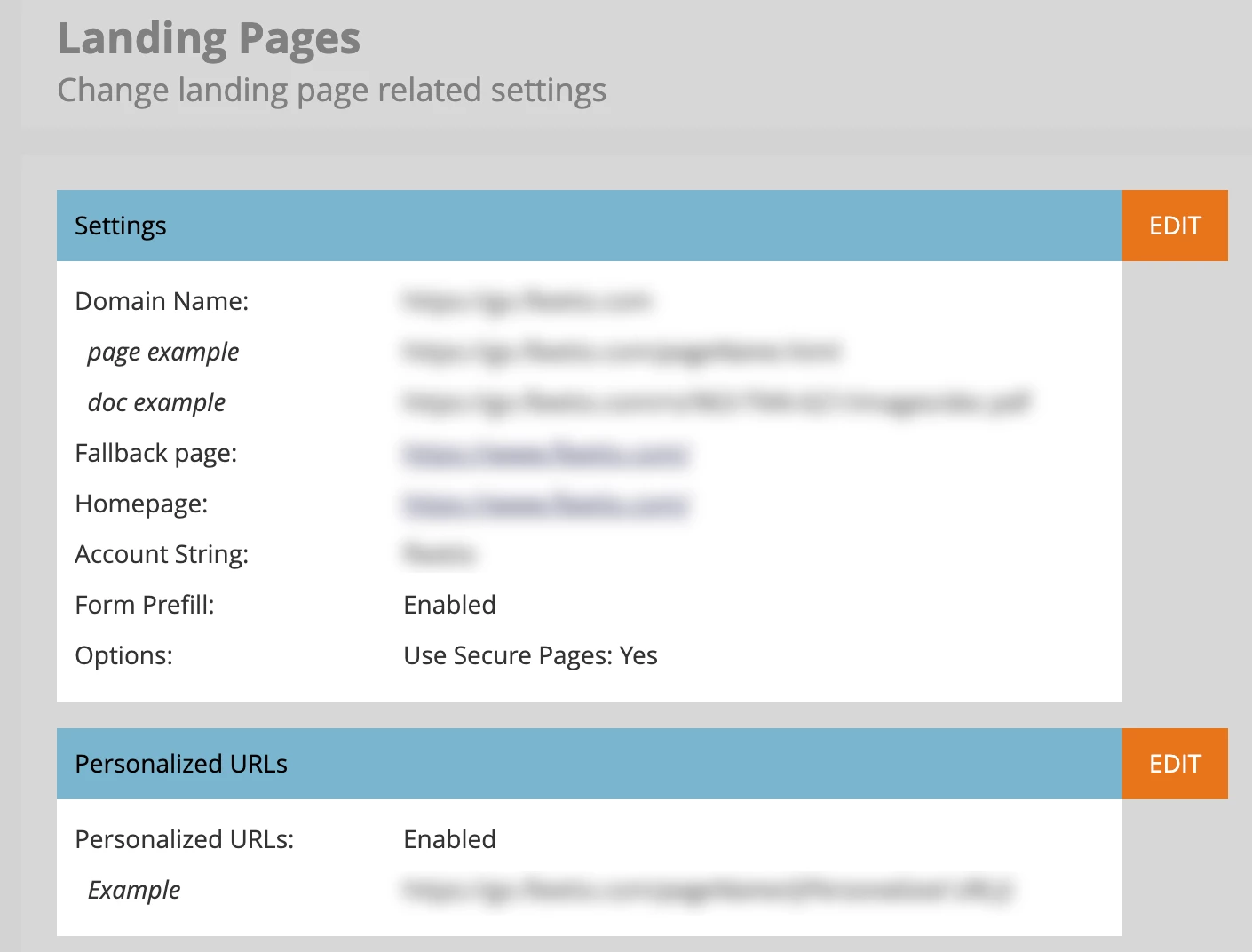
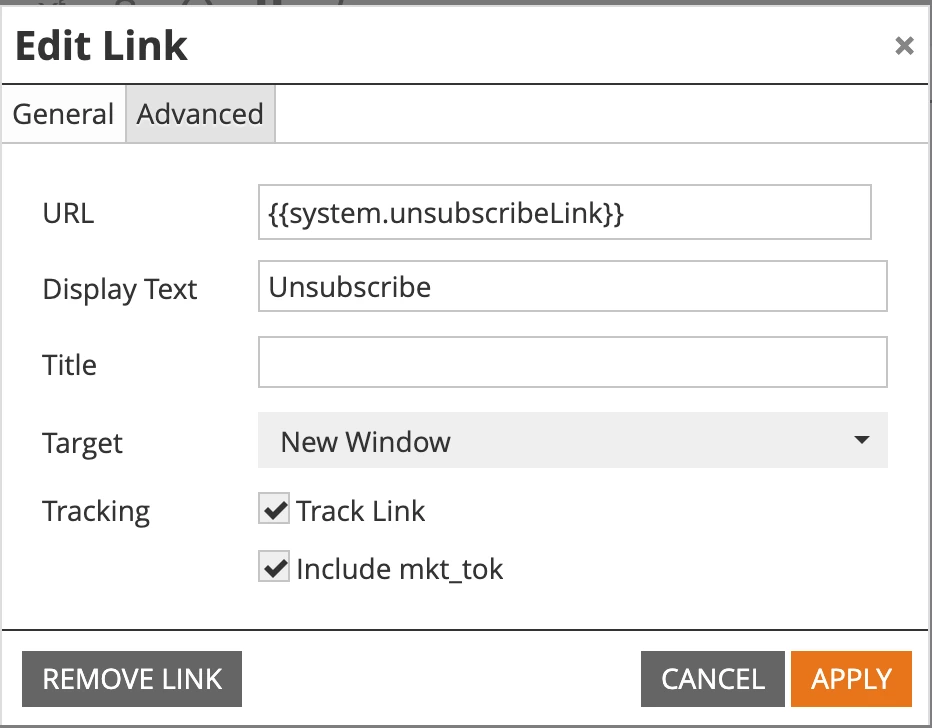
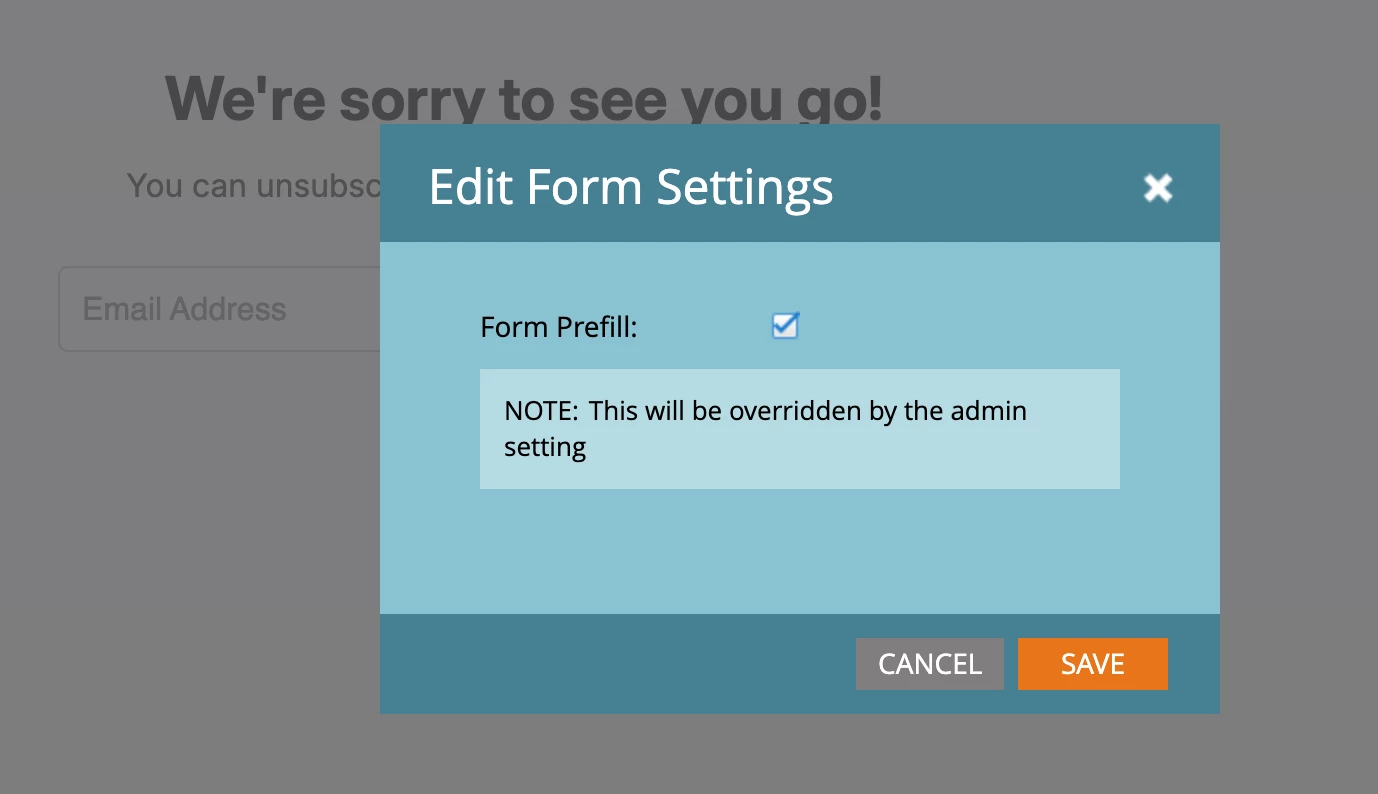
I'm at a loss. I have confirmed Pre-Fill is enabled in landing pages at an admin level, the form level, and the landing page itself. Yet when I click "Unsubscribe" in an email it still does not pre-fill the email of the customer into the form. What am i doing wrong!? I can also confirm that the link in the email is being tracked and has the mkt_tok box checked. Uploading images as proof.


This post is no longer active and is closed to new replies. Need help? Start a new post to ask your question.

2 replies

Crystal_Pacheco
Level 3
August 6, 2024

Hi Lindsey, I wonder if its an issue with Apple Mail or IOS. Can you try using a different email service provider like Gmail or hotmail and open in a browser like Chrome? Let me know if that makes any difference.

Reference:
https://knak.com/blog/link-tracking-updates-ios-17/

Level 2
August 6, 2024

I'm using gmail in chrome and it's not pre-filling.

SanfordWhiteman
Level 10
August 6, 2024
How exactly are you testing? Note if a session is already associated with a lead, (native) Pre-Fill requires an exact match between the lead ID that's associated and the lead ID that received the email. Any mismatch and Pre-Fill is disabled.
Level 2
August 6, 2024

I'm just clicking the unsubscribe link in our footer, is there a better way to test? I don't think there should be any mismatch, here's me searching the email it's going to and it shows only one ID. 


SanfordWhiteman
Level 10
August 6, 2024

I'm just clicking the unsubscribe link in our footer, is there a better way to test? I don't think there should be any mismatch, here's me searching the email it's going to and it shows only one ID. 


Well, that doesn't tell us whether the session is associated with the same ID.


Copy the link from the email and open the link in a new Incognito window and there will be no conflict.