Pausing engagement stream content from casting out during a holiday week... | Community
Skip to main content
November 12, 2015
Solved

Pausing engagement stream content from casting out during a holiday week...

  • November 12, 2015
  • 3 replies
  • 5221 views

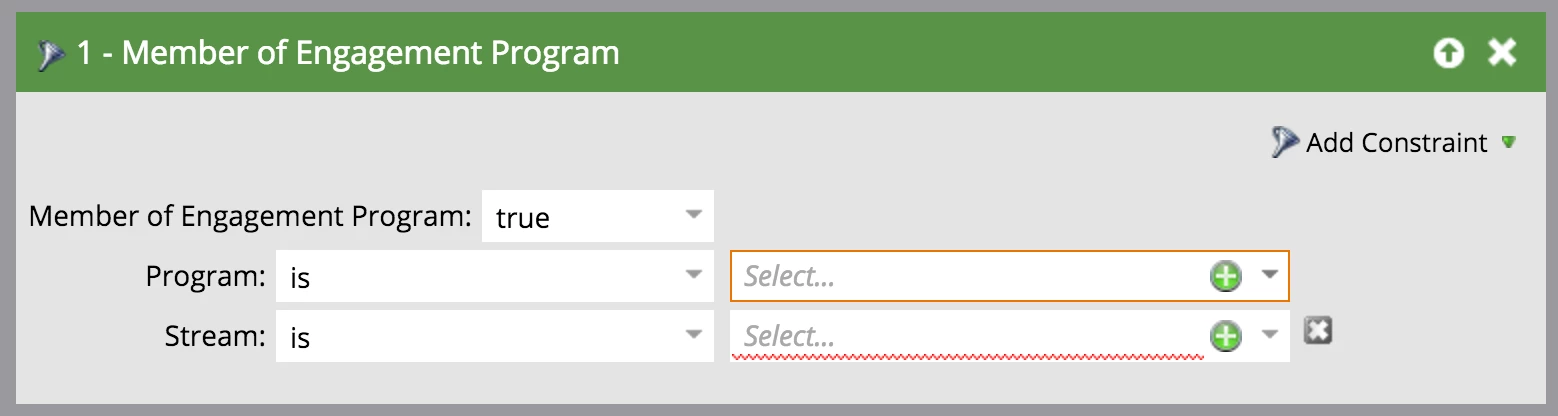
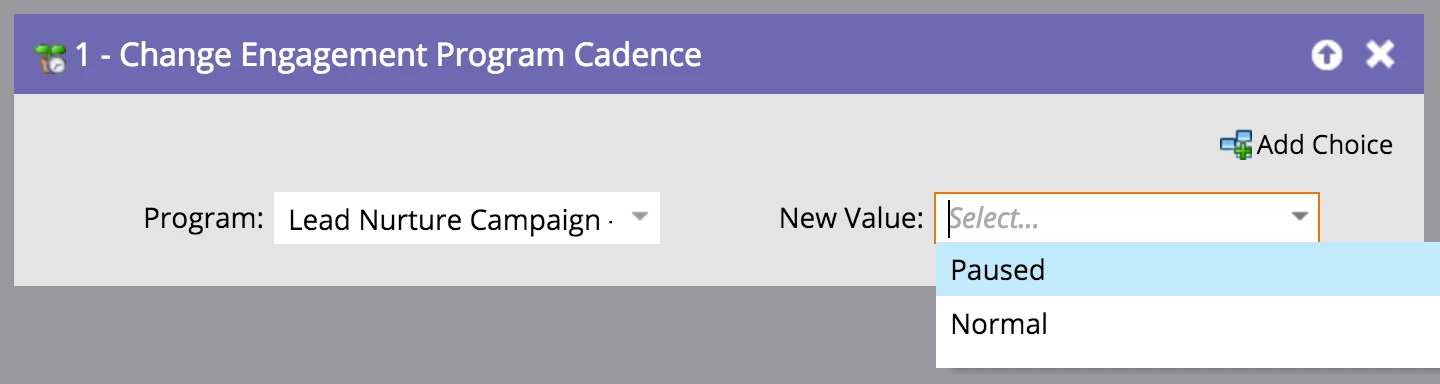
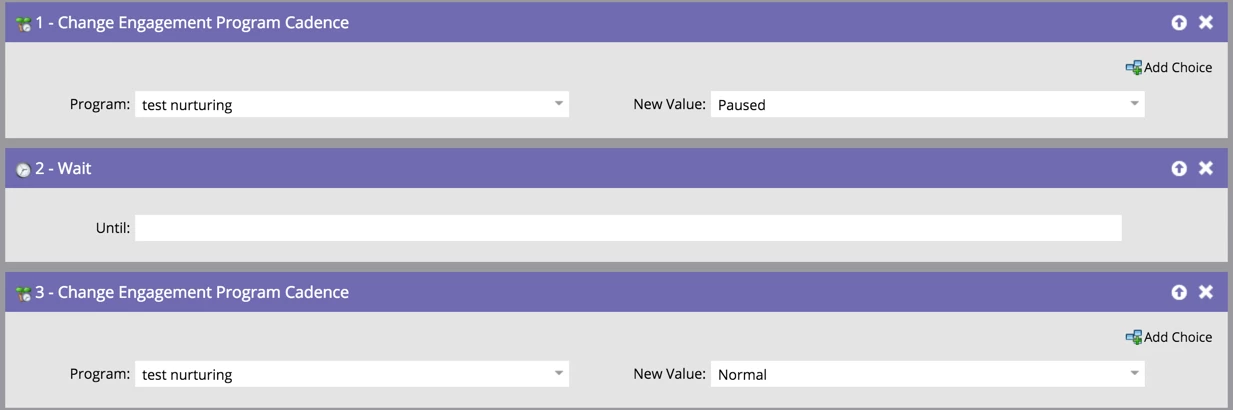
I have set up an engagement program with multiple streams with the first email scheduled to be cast in mid-November. Since the Thanksgiving week is shortly there after, I would like to prevent any emails from casting during that week, with the intention of having them pick back up the following week. From what I've already come across, it seems to be that the consensus is to schedule a batch smart campaign outside of the program listening for leads that are in the desired engagement streams, setting their cadence to paused. After the Thanksgiving week, I would change the cadence to normal. This action would allow the leads to pick back up in the same spot they were in before being paused. It was stated that leads don't keep track of which spot they are at in a stream. Rather, they start with the first piece of content, moving through the stream until they find a piece they haven't received. Is this accurate? Is my understanding of pausing leads accurate? Will I get the desired results if I set it up this way? I have provided screen shots of what I would intend to do....let me know if this is correct.

Thanks,

Kevin
This post is no longer active and is closed to new replies. Need help? Start a new post to ask your question.
Best answer by Grégoire_Miche2

Hi Allison,

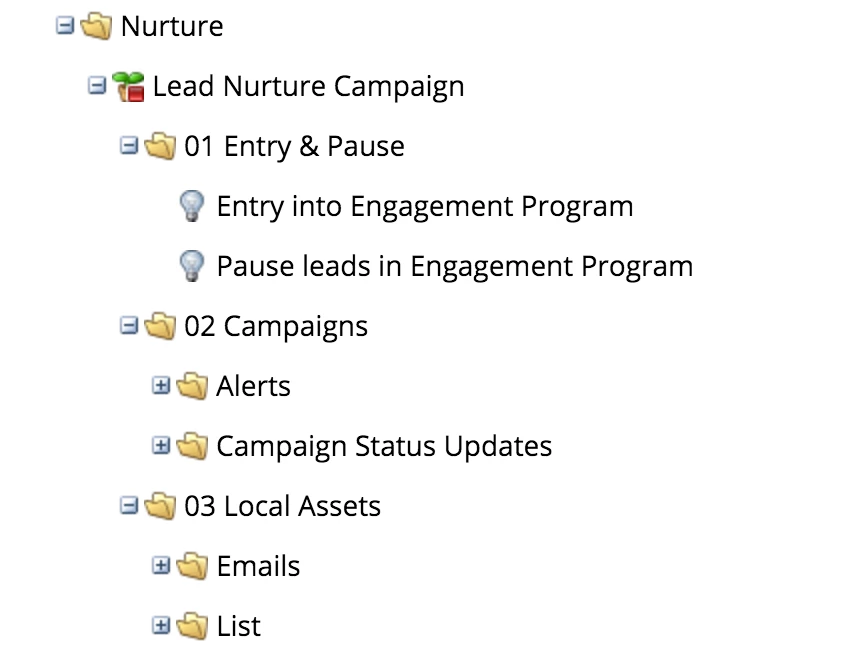
This is all correct, excepted that you smart campaigns should be INSIDE the engagement program.

You can use 1 or 2 batch smart campaigns. If you use 1, it will be setup this way :

  • smart list : member of engagement program is true, engagement program = Lead Nurture Campaign, engagement program cadence = normal

  • Flow :
    • Change engagement program cadence, new value = Paused
    • Wait until end of Thanksgiving week
    • Change engagement program cadence, new value = Normal

Schedule to run when you leave for vacation.

-Greg

3 replies

Grégoire_Miche2
Grégoire_Miche2Accepted solution
Level 10
November 12, 2015

Hi Allison,

This is all correct, excepted that you smart campaigns should be INSIDE the engagement program.

You can use 1 or 2 batch smart campaigns. If you use 1, it will be setup this way :

  • smart list : member of engagement program is true, engagement program = Lead Nurture Campaign, engagement program cadence = normal

  • Flow :
    • Change engagement program cadence, new value = Paused
    • Wait until end of Thanksgiving week
    • Change engagement program cadence, new value = Normal

Schedule to run when you leave for vacation.

-Greg

November 12, 2015

Thanks, this really helps.

Grégoire_Miche2
Level 10
November 13, 2015

Hi Allison,

My pleasure. PLs close the question if it works for you.

-Greg

Grégoire_Miche2
Level 10
December 7, 2015

BTW, the method above is the right thing to do if you want to plan ahead a stop and start to occur when you are not in the office.

If you are in the office, just click on the nurturing program, then setup tab and set program status to OFF before you leave and back to ON when you return.

-Greg