New MKTO Email editor - Where can I select the new template created? | Community
Skip to main content
Sylvain_Turgeon
Level 2
February 5, 2025
Solved

New MKTO Email editor - Where can I select the new template created?

  • February 5, 2025
  • 2 replies
  • 1782 views

Hi guys,

I'm just wondering where do I find the new Template Email created with the new editor?

They are not appearing in the regular "Email templates"


Do I need to link some how my Adobe account to Marketo Engage?

Do I need a superior MKTO license?


Tks to help
Best answer by Disha_Goyal6

In the Marketing Activities, I always clone an existing email to make another one, how do I select the ones already made in the Studio? Never done that?


Hi @slyall, I think you cannot create the local assets with darg and drop email editor.

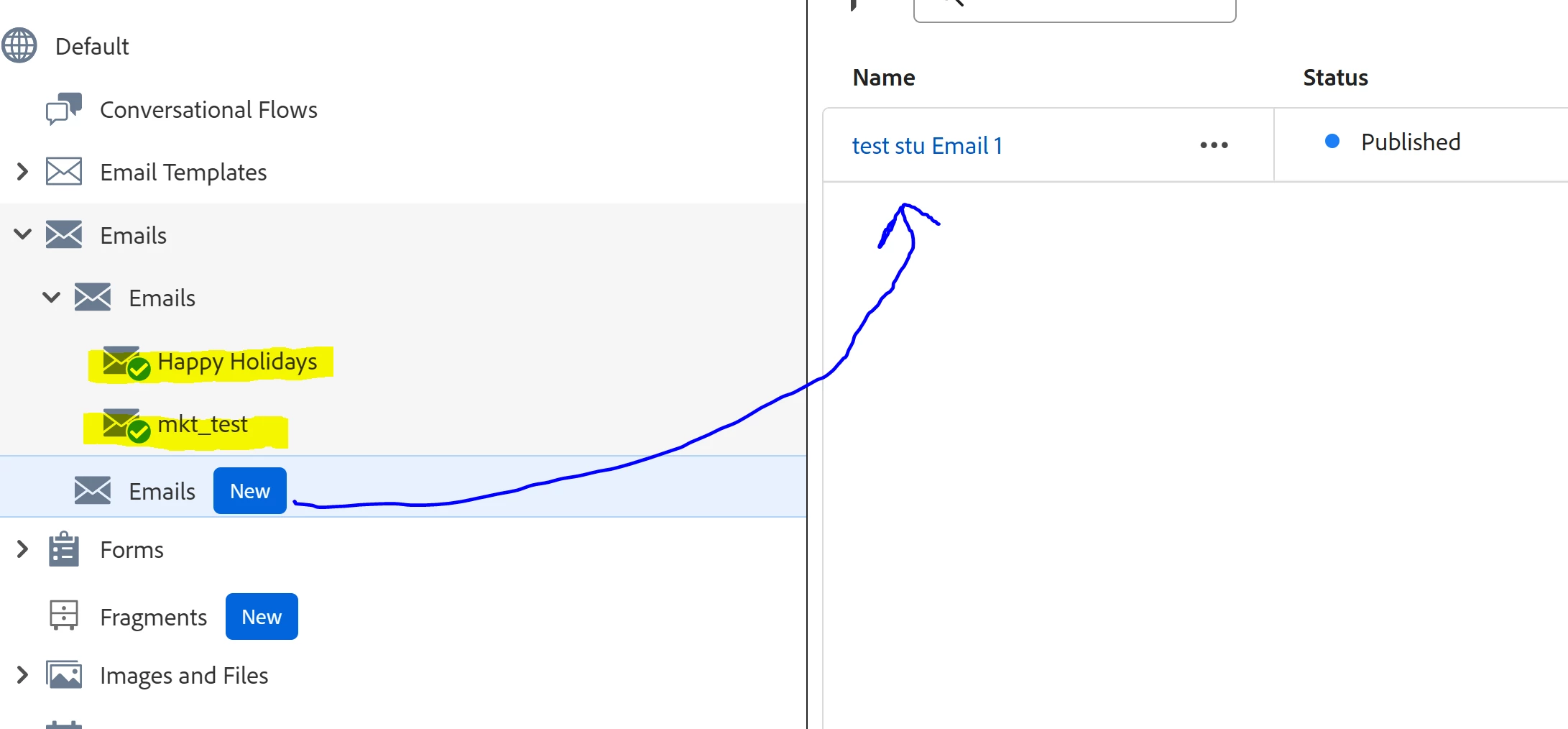
But you can select the same in Marketing activities. 


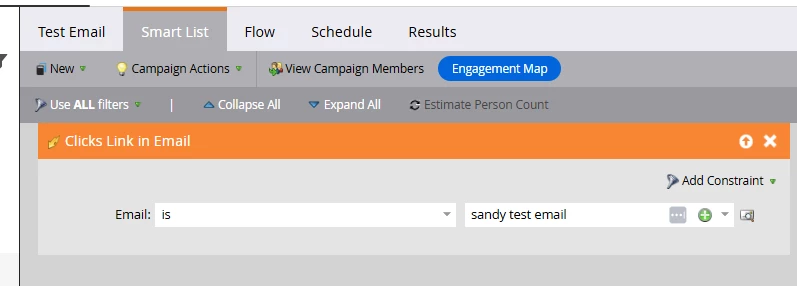
Here is the Markting activity screenshot


Hope this helps!


Thanks,

Disha

2 replies

Community Advisor and Adobe Champion
February 5, 2025

You have to have migrated over to IMS. If your instance isn't on that, you won't have the new editor yet.

Michael_Florin-2
Level 10
February 5, 2025

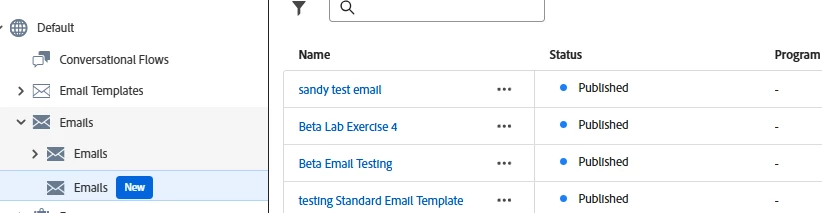
It needs to look like this in your Design Studio:


Sylvain_Turgeon
Level 2
February 5, 2025

Yes, it's migrated.

I've created an Email see below, but I don't know how to select this email in the Marketo Marketing Activities?

Local assets? Email Templates? Where do I find them once created? to use it?


Sylvain_Turgeon
Level 2
February 6, 2025

In the Marketing Activities, I always clone an existing email to make another one, how do I select the ones already made in the Studio? Never done that?