Marketo Tabs in SFDC are not working | Community
Skip to main content
February 3, 2016
Solved

Marketo Tabs in SFDC are not working

  • February 3, 2016
  • 4 replies
  • 3558 views

When trying to access the Marketo Tab in Salesforce users are receiving an error message:

When trying to access the Marketo Lead Management Tab in Salesforce, users are receiving a different error message:
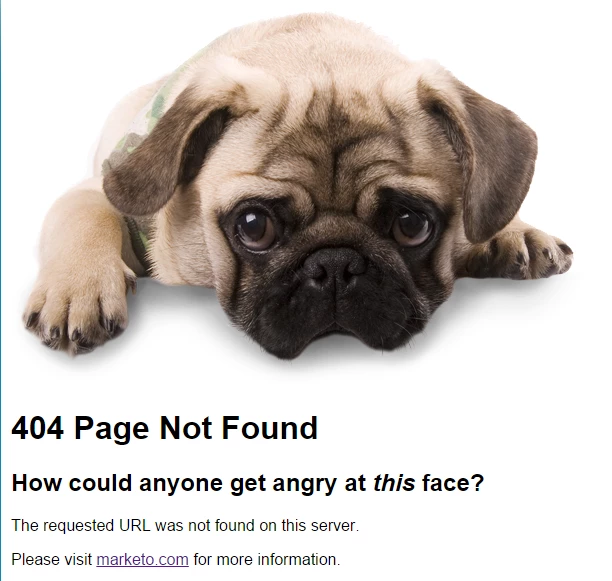
When trying to access the About Marketo Tab, users receive a blank page.

I have looked through all integration points, user permissions, and visualforce page security and I have yet to find anything! HELP!

This post is no longer active and is closed to new replies. Need help? Start a new post to ask your question.
Best answer by stephenschmuhl

Just had this error on the Marketo Sales Insight tab in Salesforce and was able to resolve it! 🙂 


What you should try is deleting the scheduled Apex job named "Best Bets Unhide". Even though the job may not be actually running, it was scheduled at some time in the past. Salesforce won't try to execute on an Apex job with the same name.


In Salesforce, Go to Setup > Jobs > Scheduled Jobs

Create a new view with Job Name = Best Bets Unhide to easily find the job

Click on Del to Delete the job

Refresh your browser and try clicking on the Marketo tab again!


4 replies

Josh_Hill13
Level 10
February 3, 2016

Hi Emily,

If you've walked through the setup steps on docs.marketo.com and all appears to be well, and you think the Marketo User permissions and other security items seem to be correct, then contact Support. It could be a temp hiccup or a bug. At the very least, they may be able to spot an error on the backend.

March 3, 2016

I have the same message when I select the Marketo Lead Management tab

Colby_Dix
Level 4
February 27, 2017

Hey Emily,

Did you ever get resolution to this? I'm experiencing the same thing. Thanks,

Colby

ooooh shiny.
stephenschmuhlAccepted solution
Level 1
August 7, 2020

Just had this error on the Marketo Sales Insight tab in Salesforce and was able to resolve it! 🙂 


What you should try is deleting the scheduled Apex job named "Best Bets Unhide". Even though the job may not be actually running, it was scheduled at some time in the past. Salesforce won't try to execute on an Apex job with the same name.


In Salesforce, Go to Setup > Jobs > Scheduled Jobs

Create a new view with Job Name = Best Bets Unhide to easily find the job

Click on Del to Delete the job

Refresh your browser and try clicking on the Marketo tab again!