
Marketo Form - Hide fields with non-form questions?
Hi everyone, I have a question that I thought would be a simple at first. We wanted to capture email preferences on a webinar registration form we have. Form in question: https://pages.esri.ca/English-Webinar-Template_Form-Test-2.html
Our original logic was to hide the fields/questions (below) if the person was cookied and had the stored value of 'true'.
Otherwise if the person is new OR the values are false, the questions will always show.

What I forgot was the visiblity rules only work with questions / fields that are in the form itself, not from Marketo itself.
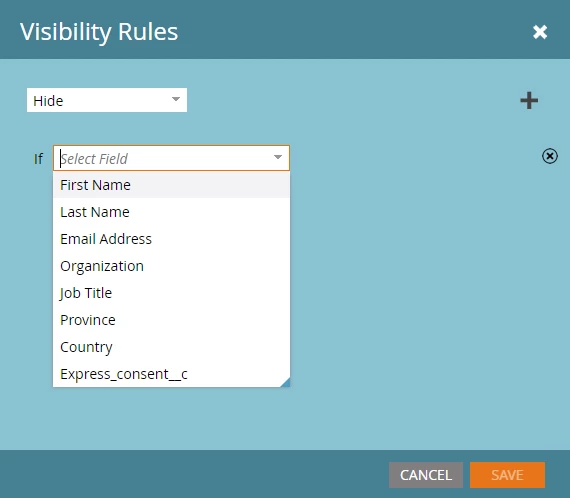
Is this possible at all with Javascript or another work around? I thought of one work around:
Create two identical fields and have a batch Smart Campaign populate the fields one time only. I can then have a triggered batch campaign to populate the 'cloned' fields anytime the 'original' fields are pre-populated.
Then in Marketo I can create two always hidden fields, with the two email preference questions looking to see what the value of those fields are.
I wanted to see if there was a simpler solution, although now that I typed this out it's not too bad of a workaround...
I can get into more detail if my post was confusing.