Marketo Form
Hi guys,
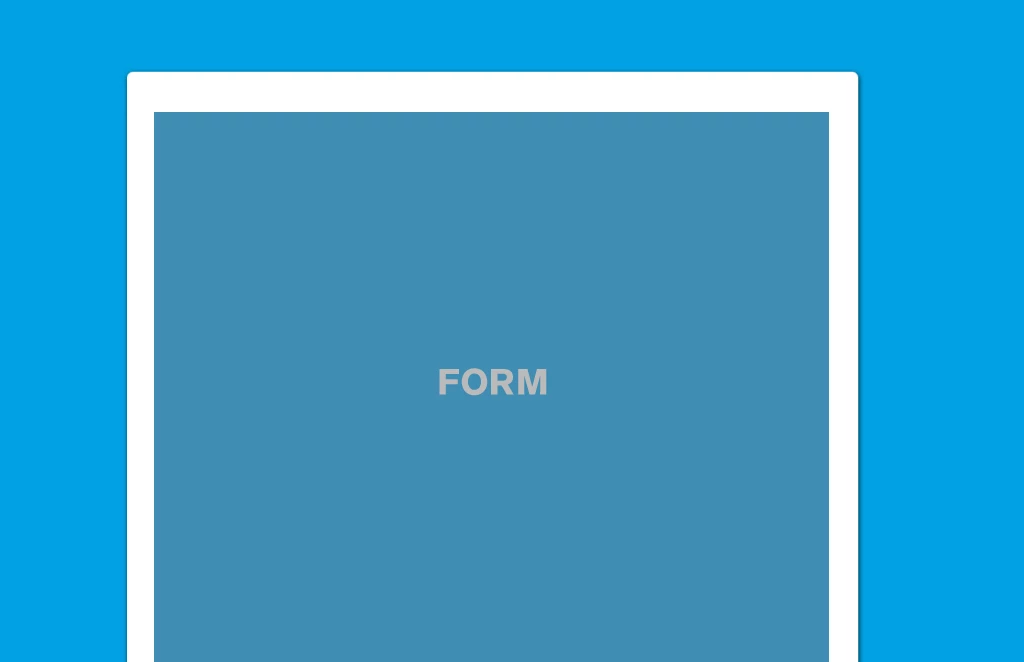
So I have this landing page, simple blue background, my white main content and my form in it : it's a non-responsive landing page and the editing mode is Free-form.
The form is embed to this landing page, plus we added some Javascript so we can track people's checkboxes.
Everything is working all fine for now.
Now, i'm trying to make this landing page responsive.
I'm working on a Marketo template that I have been using for 2 or 3 pages now, and the forms are working perfectly great in it when I use the mktoForm tag.
Editing mode : Guided Template.
Here are two screenshots of the forms, working perfectly great :
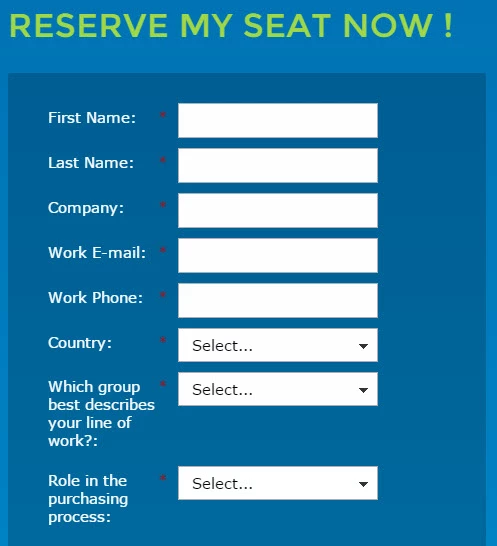
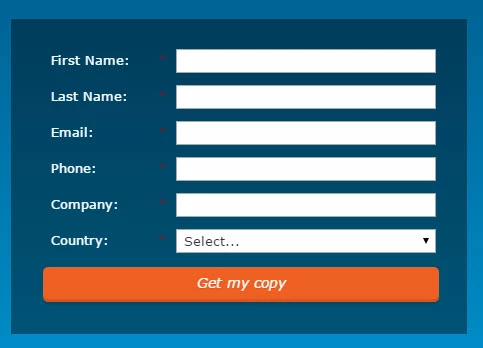
But now, when I'm trying to put my first form on this template, the one I used on the Free-Form landing page, without using the mktoForm tag but using the Embed Code of my form (as I did for the Free-Form landing page so I can add my Javascript easily too with the Function(form)), the form doesn't even show up and Marketo applies everything I do as a HTML comment.
For now, it's like this :
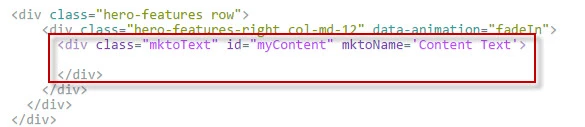
This is what i get when I add my Embed Form + Javascript to the "Content Text" div :

This is the form I see after approval :

Clearly empty, but still we can see that the page knows there's a form, because we have my form's background-color.
Plus, even when I take off the Javascript script, so I just have my Embed Form, it's not working either.
Do I need a special tag in my template, so I can add my Embed Form/Javascript, and Marketo won't apply it as HTML comment ? Or what ?
If anybody has any solution for that, i will appreciate it 
Thank you for your time,
Timothy.