Marketo Editor shows landing page ok but once approved, it looks broken | Community
Skip to main content
Level 1
February 29, 2024
Solved

Marketo Editor shows landing page ok but once approved, it looks broken

  • February 29, 2024
  • 1 reply
  • 2038 views

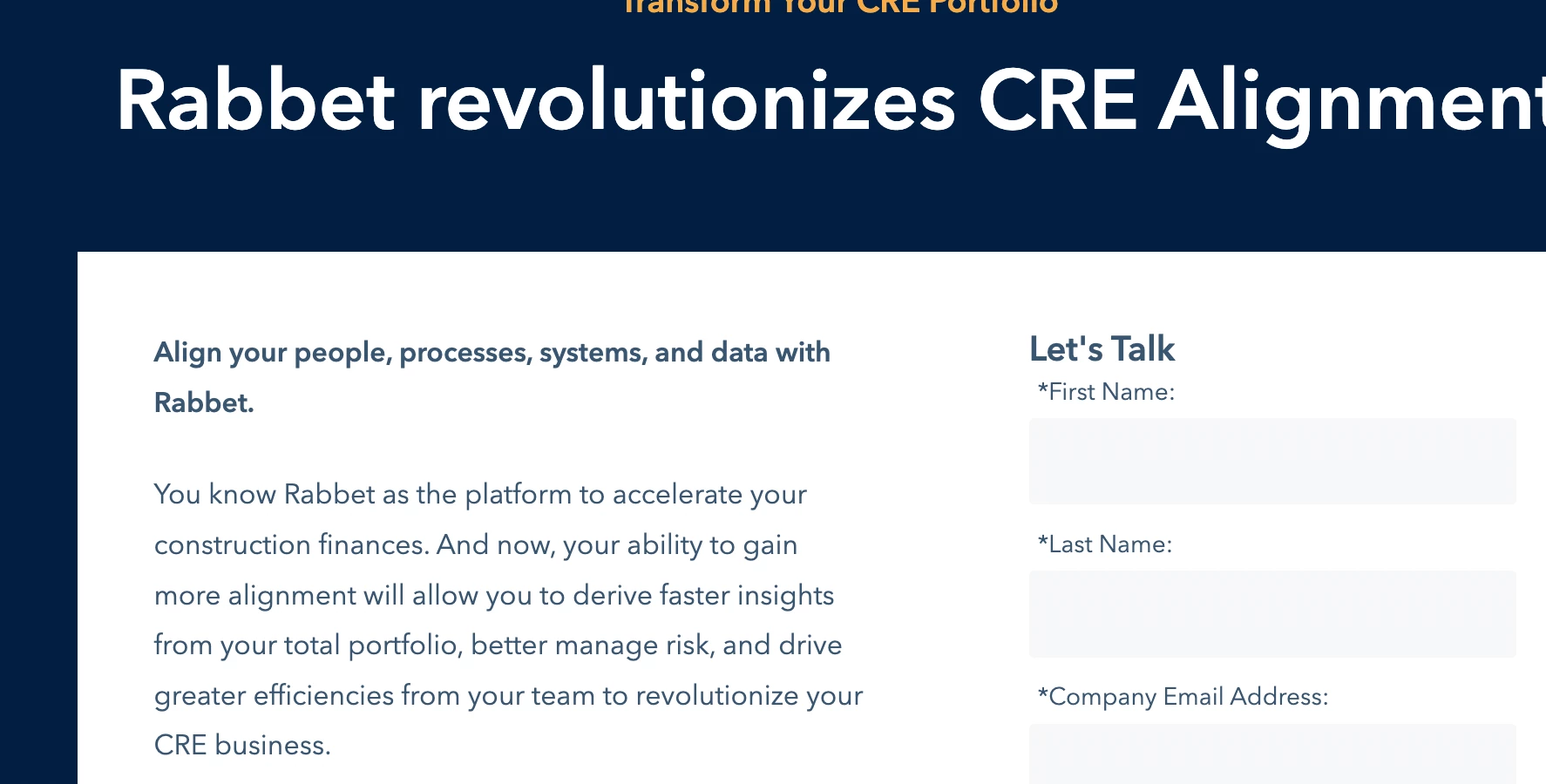
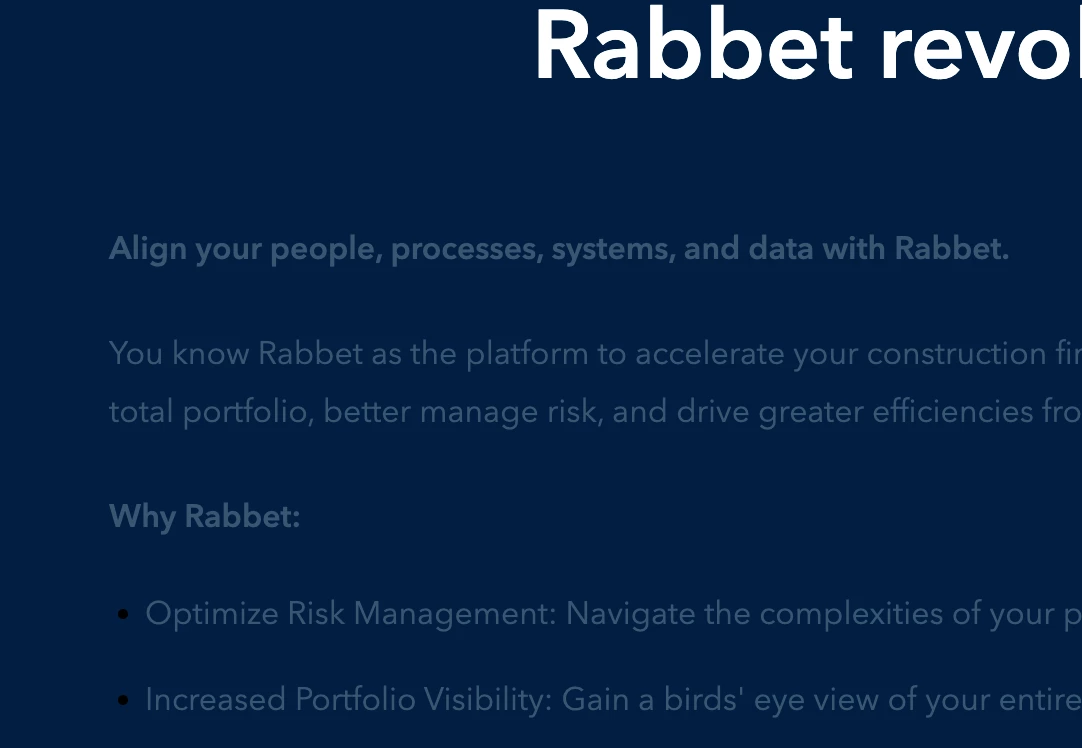
Hey y'all I have an issue that I can't seem to resolve. Granted I am a total newbie at Marketo but I have a landing page (that was cloned from an existing page) that looks perfect in editor and even in preview, but once it's approved, it appears broken. Photos below. 


How do I troubleshoot this? I can't get to the html in the landing page, I only have the WYSIWYG editor. Please help!
This post is no longer active and is closed to new replies. Need help? Start a new post to ask your question.
Best answer by Jo_Pitts1

@nkatx78701 ,

replace all the references to //na-ab40.marketo.com/ with https://info.rabbet.com/

you seem to have a lot of CORs issues, and CSS isn't getting loaded (amongst other things).

Not a Marketo issue per se, more a security thing.

Cheers

Jo

1 reply

Darshil_Shah1
Community Advisor and Adobe Champion
February 29, 2024

@nkatx78701, can you share the page URL (not the Marketo LP asset URL, but the landing page's web address) or at least the LP code so we can look?

Level 1
February 29, 2024

Hi, the link is info.rabbet.com/Eclipse_LPA.html


Thanks!


Jo_Pitts1
Community Advisor
Jo_Pitts1Community AdvisorAccepted solution
Community Advisor
February 29, 2024

@nkatx78701 ,

replace all the references to //na-ab40.marketo.com/ with https://info.rabbet.com/

you seem to have a lot of CORs issues, and CSS isn't getting loaded (amongst other things).

Not a Marketo issue per se, more a security thing.

Cheers

Jo