Solved
Lightbox form position
Hi everyone,
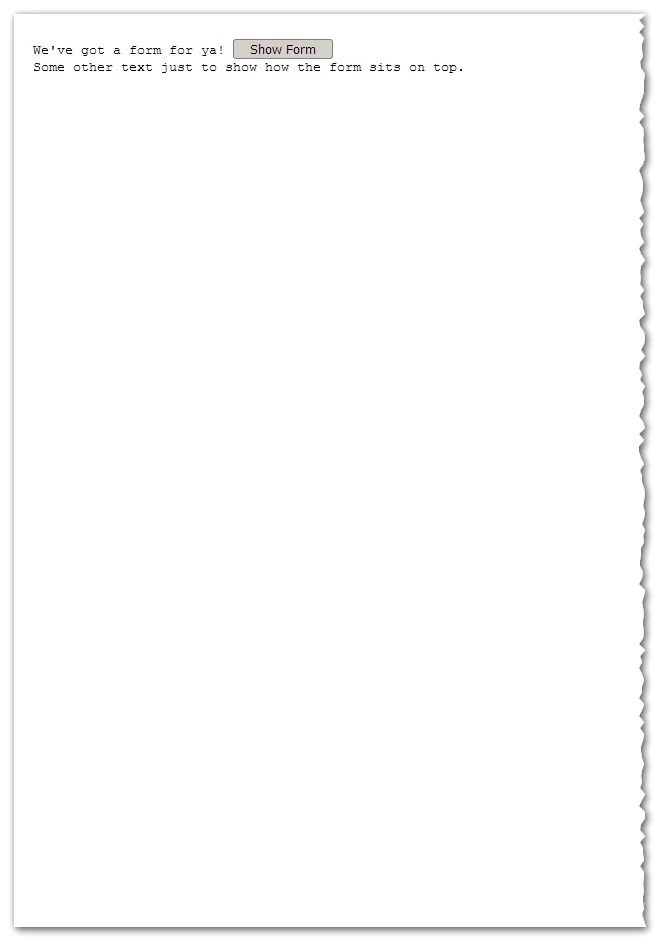
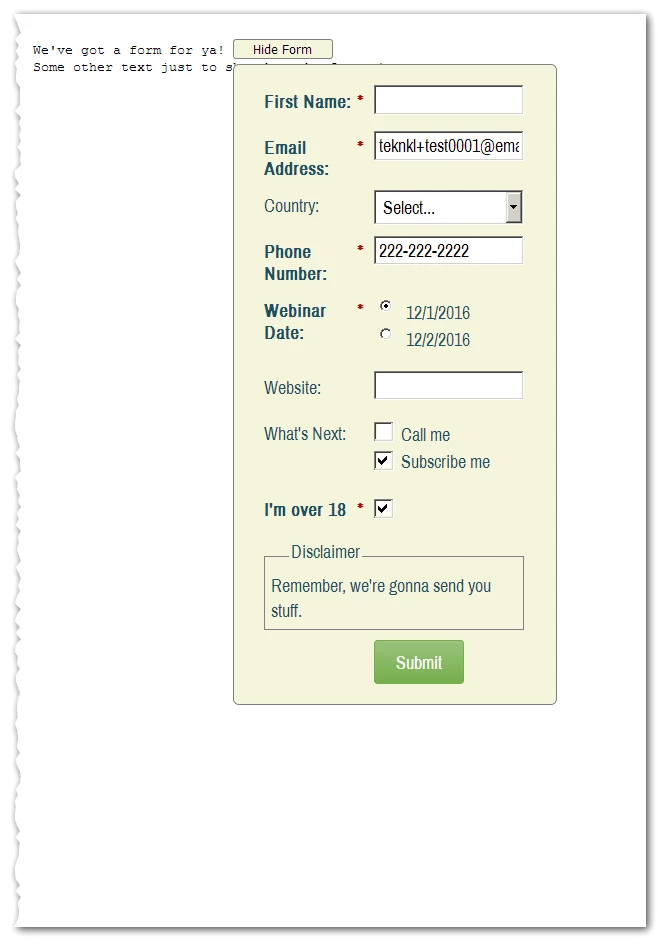
I was trying to manipulate the lightbox form - form2.js - css position, the top, left attributes when it is displayed. We have a button in the middle of the page - height,width position - , and when we click on it, the lightbox form is displayed on the top position of the page so the page jumped to the top of it cause it is quite long. How can I change this behaviour so when I click on the button the displayed form is shown in the same position as the button. What I need basically is to manipulate the top, left and position css attributes of the form dialog. Is it possible?
MktoForms2.whenReady(function(form){if(typeof(MktoForms2.defaultForm)=='undefined')MktoForms2.defaultForm=form;});

[...]
$('.linkbutton').click(function(){
	var formId = $(this).attr('data-form');
	var f = formId > 1000 ? MktoForms2.getForm(formId): MktoForms2.defaultForm;
	MktoForms2.lightbox(f).show();
});
[...]
Hope you understand me. Thanks in advance for your help.
Regards,
David