Landing Page Template Preview Broken | Community
Skip to main content
August 21, 2013
Solved

Landing Page Template Preview Broken

  • August 21, 2013
  • 9 replies
  • 3084 views
Hi all,

I'm having some trouble with my Landing Page template preview. When the code is rendered in a browser, it appears perfectly normal. 
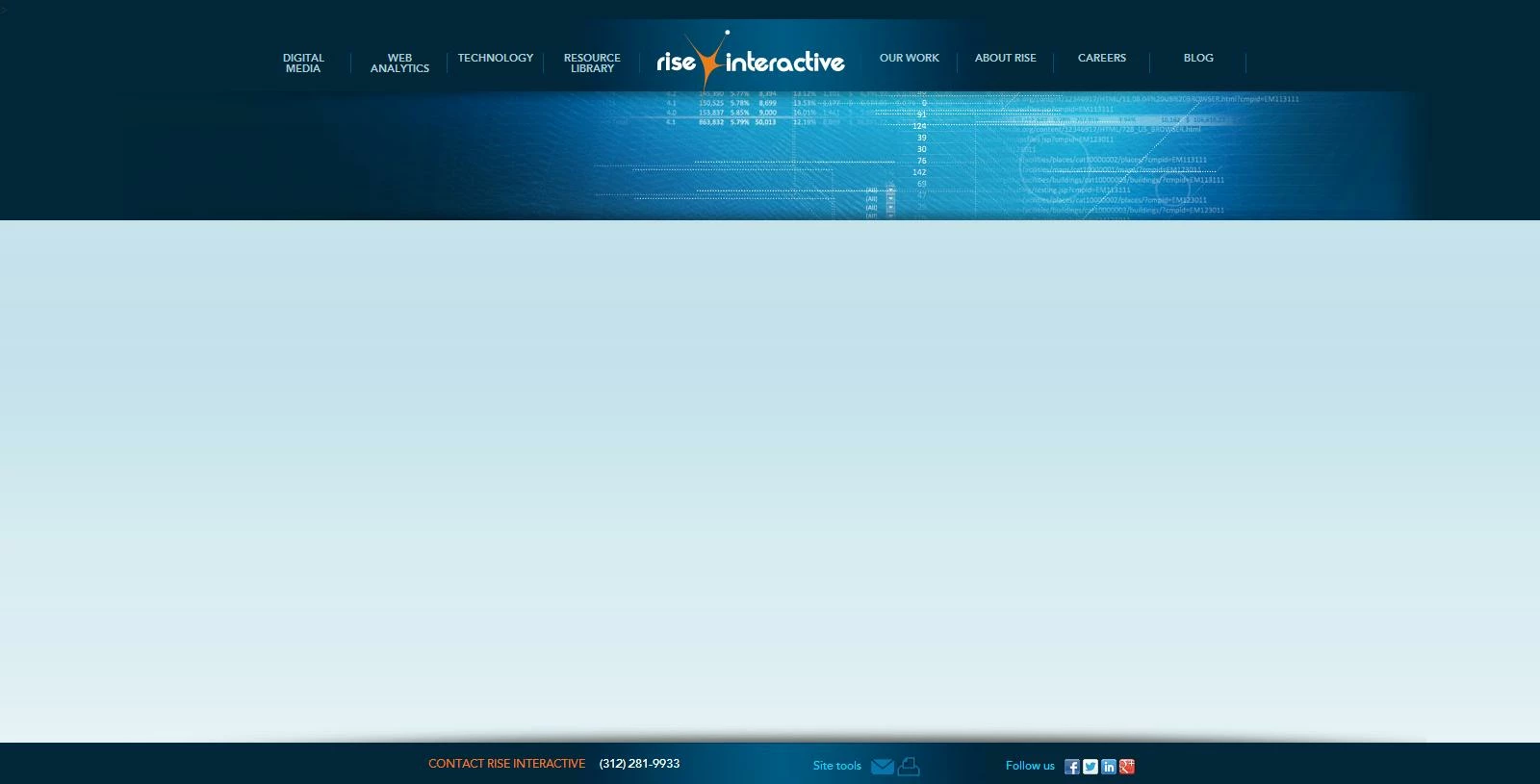
However, when viewing in Marketo in the Template Preview, I get a broken page that is impossible to work in: 
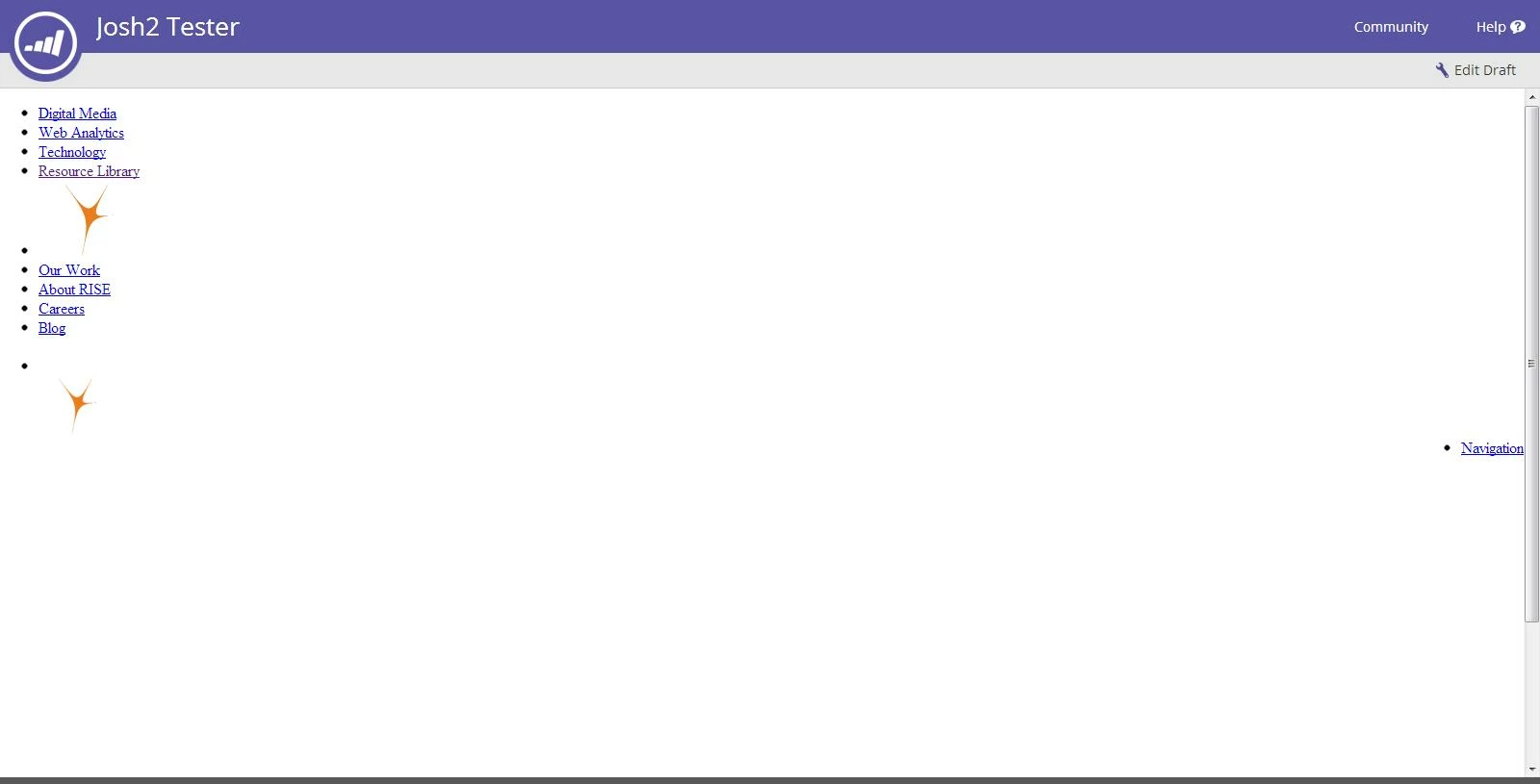

Exact same code, does anyone have any suggestions as to what could be causing this? I'd really appreciate it.
This post is no longer active and is closed to new replies. Need help? Start a new post to ask your question.
Best answer by
It actually isn't Marketo, it is your web browser. Basically it doesn't like that part of the data is coming over https and part over http- which could be a security concern in some cases (but not this one).


9 replies

August 22, 2013
Hi Josh,

Sometimes if you have content that isn't hosted outside of Marketo your web browser (FF 23 in particular) might block the content from loading. Can you look carefully and see if there are any security warnings and if you have any data from outside Marketo in that template?

-Erik
August 22, 2013
There aren't any security warnings that pop up. The only content hosted outside of marketo is some JavaScript and the logo image files, which are hosted on our website (same domain as where Marketo assets get hosted). It looks like a style sheet isn't getting parsed by the Marketo preview draft view, but is being correctly reflected in the live site and in other code editing software. Either that or our responsive design controls aren't being reflected in the template preview. The smaller logo and Navigation link in the Marketo screen shot above are supposed to only appear on mobile devices and never in conjunction with the larger logo and full site navigation. Is the template viewer able to work correctly with responsive design templates?

Edit: Ok I dug in a little deeper. So the checked the log of the page loading and it says it is blocking certain files from my website and from jQuery because they are unsecured, http vs https. Some of my java script files and css files are included in this blocked list. Is there a way to add exceptions so this content is not blocked by Marketo?
Rafael_Santoni1
Level 5
August 22, 2013
Josh,

Have you tried changing browsers? for example, I can never edit my pages using MSIE even though the published pages look ok in it. The editor has "issues".   ;-) I always have to use FF or Chrome. Depending on the code of the template, some things don't render properly inside the Marketo editor. This is true even when the code is W3C compliant.

If you want, send me the template HTML to take a look at it. Maybe I can identify something that is causing your problem. rafael@rafaelsantoni.com


I just read your last post. I am glad you found it.

Thank you,

Rafael

August 22, 2013
Thanks Rafael and Erik, I was able to find the problem child pieces of code, but am not sure how to fix my issue. I need to be able to reference those files to complete the template. Is there some way to create exceptions that prevent Marketo from blocking those source links?
Accepted solution
August 22, 2013
It actually isn't Marketo, it is your web browser. Basically it doesn't like that part of the data is coming over https and part over http- which could be a security concern in some cases (but not this one).


August 22, 2013
Switched to Firefox, changed a couple security settings and its working much better. Thanks for the help! :)
September 6, 2013
I got pointed to this link to learn how to fix the problem with Firefox.  https://blog.mozilla.org/tanvi/2013/04/10/mixed-content-blocking-enabled-in-firefox-23/

However, the solution suggested has to be implemented EVERYTIME I load a page to edit.

And being told by Marketo support to go to take up the issue with the browsers isn't comforting.

Is there anything in the Marketo Roadmap to solve this issue - make it all work like it used to???

Level 1
September 7, 2013
Hi Stephanie,

Unfortunately this really isn't something that is even possible for us to change. You have a few options, however:
-Erik
September 7, 2013
Hi Stephanie,

Unfortunately this really isn't something that is even possible for us to change. You have a few options, however:
-Erik