Images not displaying in Marketo in Google Chrome | Community
Skip to main content
Level 2
October 6, 2022
Solved

Images not displaying in Marketo in Google Chrome

  • October 6, 2022
  • 3 replies
  • 5647 views

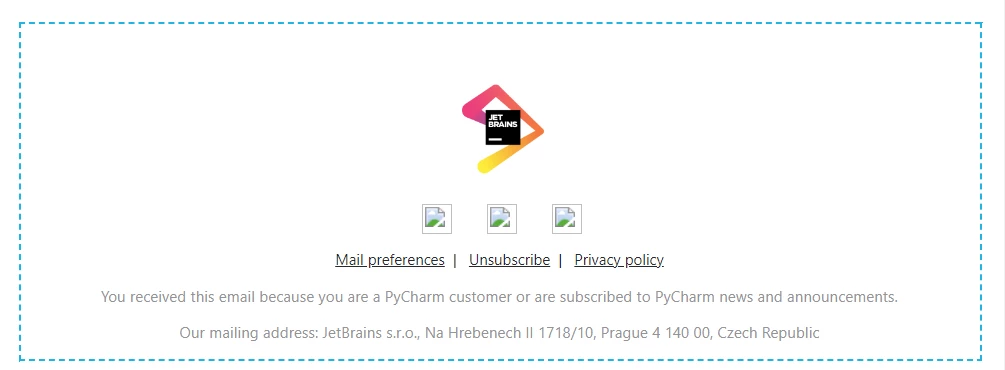
Hi! This has been bugging me for a few weeks now -- I'm editing Marketo emails in Chrome and some of the images stopped being displayed out of nowhere. It doesn't affect all images, but always affects the footer social media icons and a few others. Example of how it looks in Marketo editor is on the screenshot below; in Gmail open in the same browser, the images are just missing.

The problem doesn't seem to exist in other browsers or under other OSs. I'm running the latest version of Chrome on Windows 11. 

Did anybody have the same issue? What could be the reason? 
 

This post is no longer active and is closed to new replies. Need help? Start a new post to ask your question.
Best answer by SanfordWhiteman

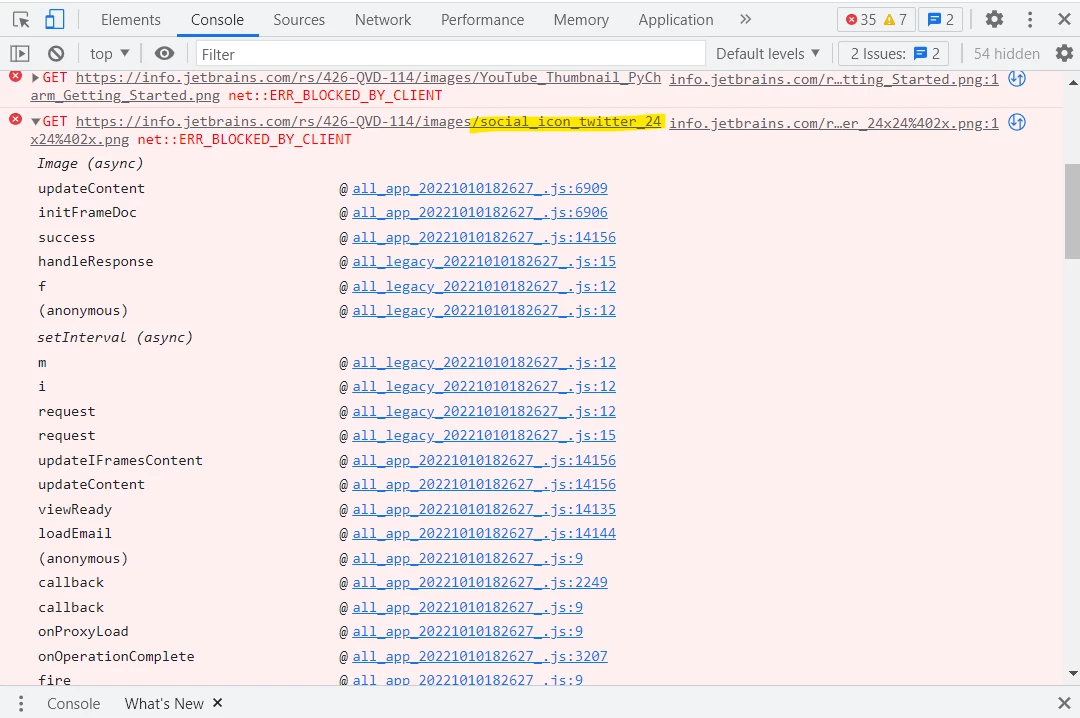
I did have an ad blocker extension but it wasn't on; just to make sure though, I deleted the extension and opened the email again. Here's what the console shows:


Please create a new browser profile and test again. It’s still almost certain that this has to do with a browser ad blocking extension — net::ERR_BLOCKED_BY_CLIENT is solely triggered by browser features and extensions, not by Marketo.

3 replies

SanfordWhiteman
Level 10
October 6, 2022

What are the exact URLs of these images, as entered in the Email Editor? And have you looked in the F12 console to see errors (a broken image icon may — though not necessarily — be accompanied by a clear network error in the console).

Level 2
October 10, 2022

The URLs are the following: 

https://info.jetbrains.com/rs/426-QVD-114/images/social_icon_twitter_24x24%402x.png
https://info.jetbrains.com/rs/426-QVD-114/images/social_icon_blog_24x24%402x.png
https://info.jetbrains.com/rs/426-QVD-114/images/social_icon_website_24x24%402x.png
https://info.jetbrains.com/rs/426-QVD-114/images/YouTube_Thumbnail_PyCharm_Getting_Started.png


I noticed that when I open the images for editing in the email editor, Marketo says that "the URL is invalid" -- even though the URLs per se work perfectly well e.g. when opened in a browser tab 


Here's what I see in thr F12 console -- marked the images that have been affected -- could you please help me understand what it means?


SanfordWhiteman
Level 10
October 10, 2022

What about the Console tab (as opposed to the Network tab)? Sounds like you have an ad blocker detecting and blocking these.

Casey_Grimes2
Level 10
October 11, 2022

Since I sometimes see this come up and because of the types of images in question: are those files initially hosted on a different Marketo instance before being used in emails for this instance? Cross-instance images can run into CORS issues occasionally in the editor, though they will render correctly in the final email. 

Level 2
October 12, 2022

They're hosted in the same instance, but thank you for the info, good to know! 

Level 2
October 14, 2022

Hey @eshabanova,
Did you tried using Incognito mode. And Yes @sanfordwhiteman  is correct that net::ERR_BLOCKED_BY_CLIENT  errors are typically caused by an ad-blocking plugin, such as Adblock Plus. To test this, either use a different browser or uninstall the ad blocking plugin. In Chrome, use incognito mode without any extension. Also, these mentioned Social Icon links are working may be there is a type error. 

Also, Is this issue persists in other Browsers too??
Also why don't you simply upload these icon and use it.  

.