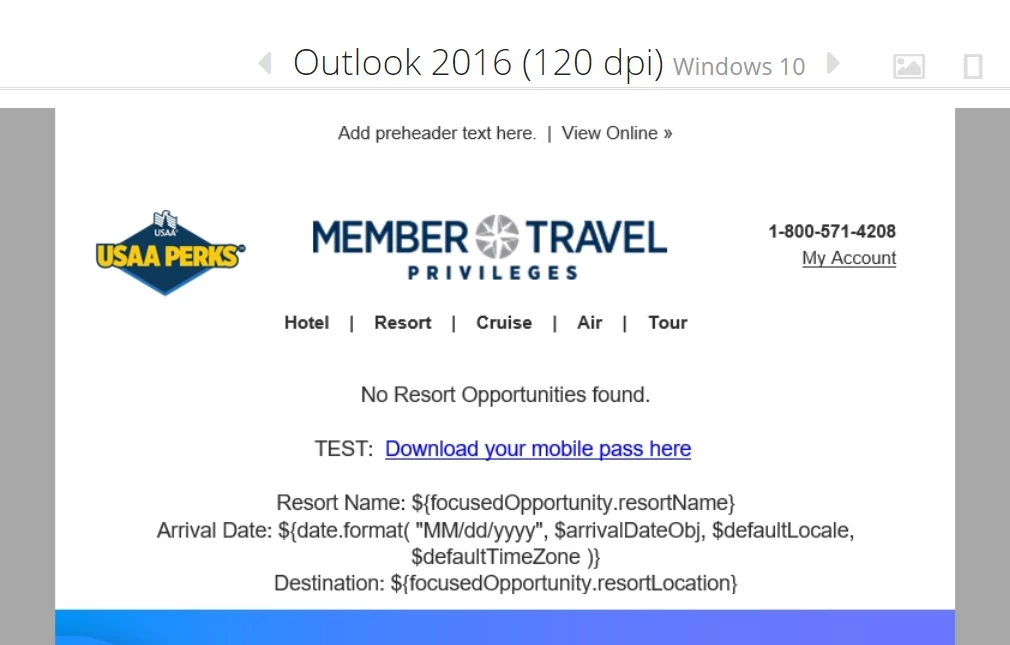
Image not rendering correctly for Outlook 120 DPI )-:
Hello Community,
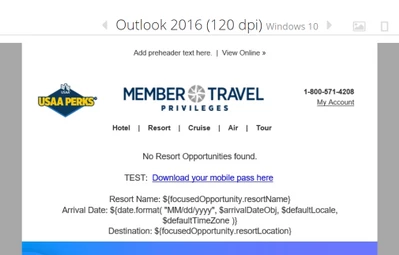
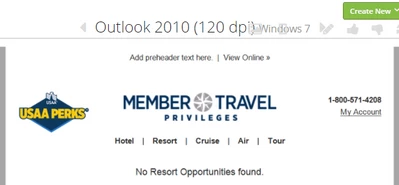
I have created a table (with your help) that pretty much looks great in all clients/versions using Email on Acid except for the Outlook 120 dpi versions (2010-2016).
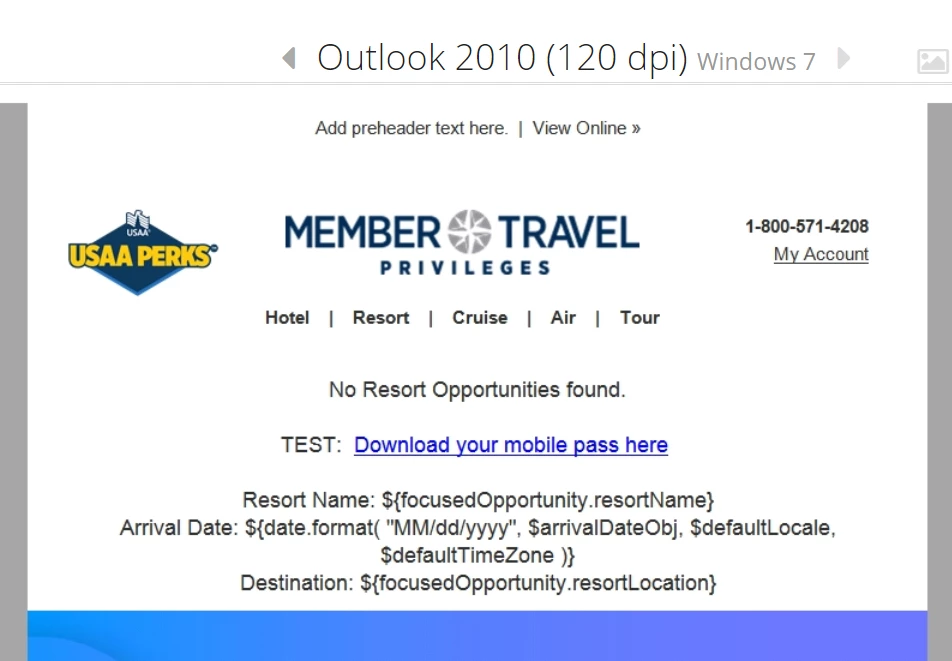
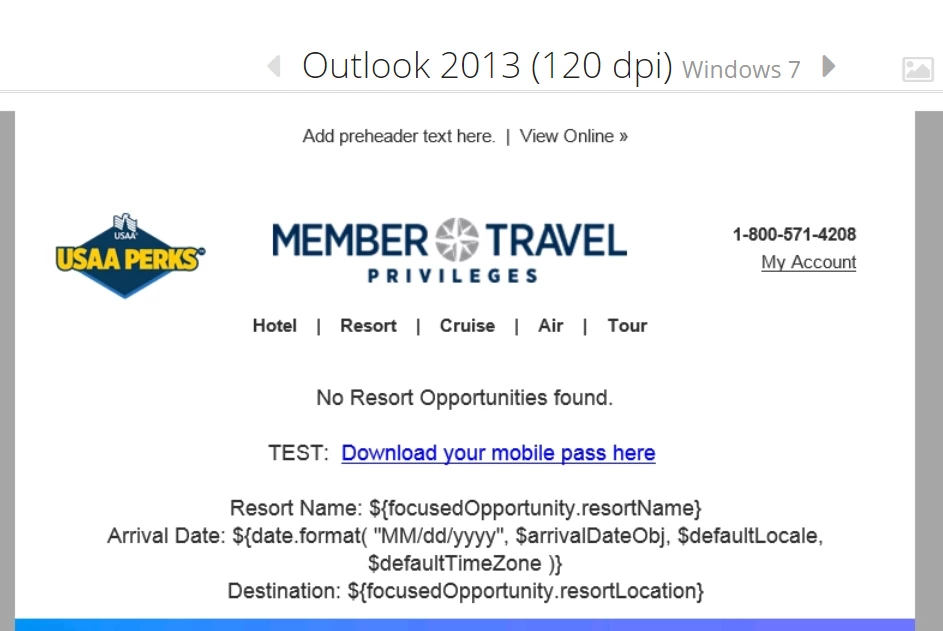
In these versions, the center logo and text below it end up looking like they're more aligned to the left than they should.
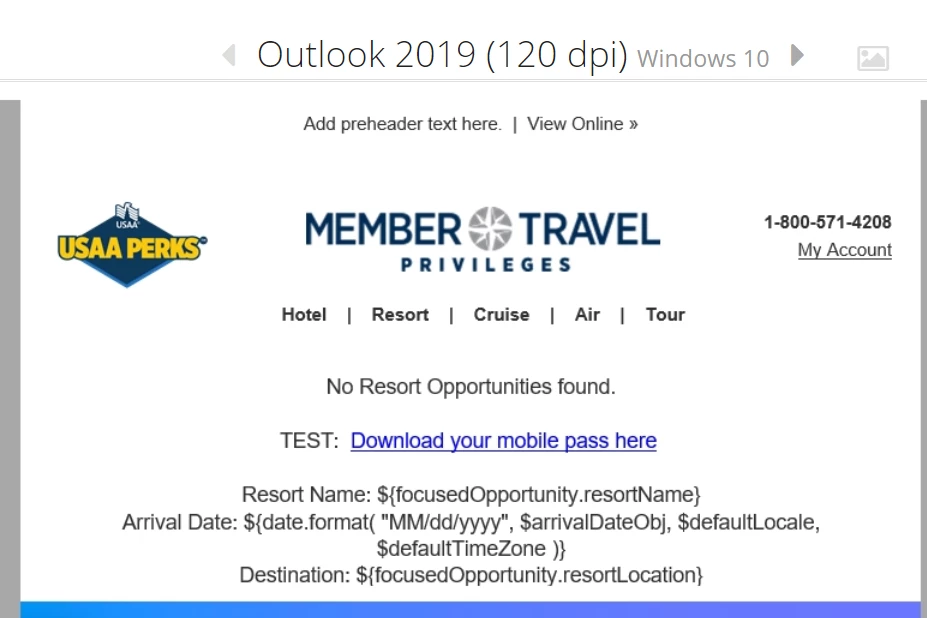
For comparison, I included screenshots of those versions below and then a final screenshot of the 2019 120 dpi version at the end, which shows the logo and text center aligned.
Does anyone have any idea how I can make the logo/bottom text appear centered for 120 dpi?
Logo/text not centered:
Logo/text appear more centered:
A preview version of the email can be found here:
promos.ovstravel.com/index.php/email/emailWebview?mkt_tok=NTEyLUpKUC02MTUAAAF-3xPztUakqkMswrgUiEA3Xekp7AkzhkUxJBDt-9oy3WnYlp30Vq_RUpSAxuWqfdmYx8CotEL6a8_crMe0WrepMFz3Ze8kdnQNlqTspgsrTBdFwH7mzA&md_id=106073
Thank you,
LK