


How to use SFDC Custom Objects associated with SFDC Accounts in Velocity Scripts
Many would think, is it possible to use Account related custom objects in velocity scripting? Yes, it is provided it is created and lookup field is mapped correctly.
When the SFDC Custom Object (linked with a SFDC Account) is the child object where SFDC Account Object as a Parent, then only we can use the custom object data in Velocity Scripting.
Let me show an example:
- Have the SFDC Admin create the custom object associated with an Account with a Lookup field to the Account Object
- This ensures the custom object is the child object and Account object is the Parent
Eg:
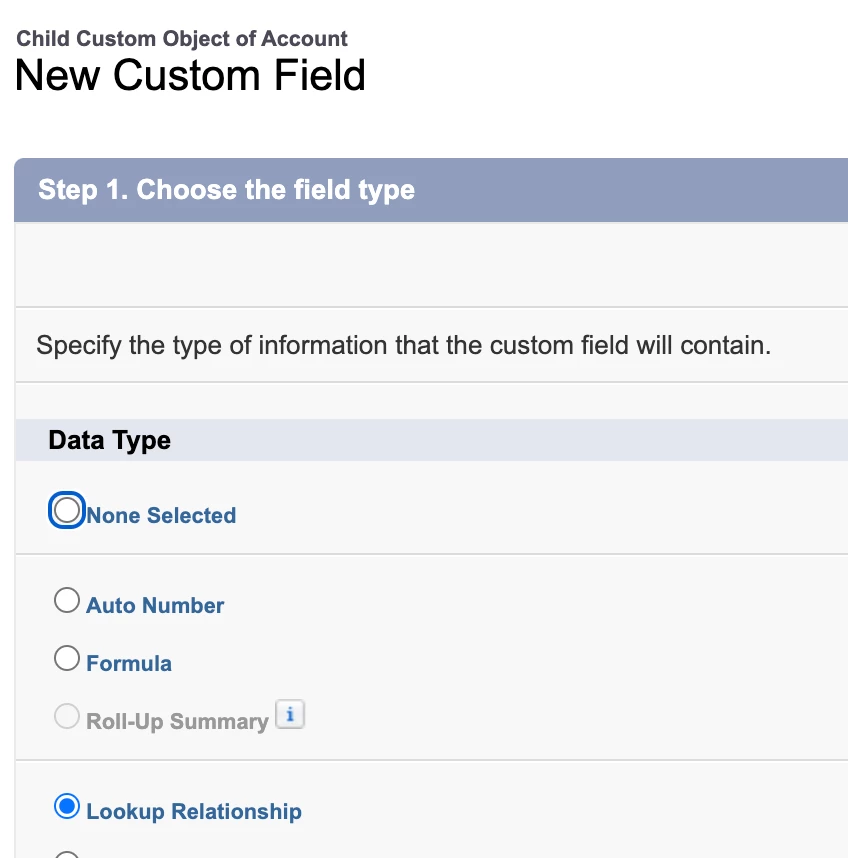
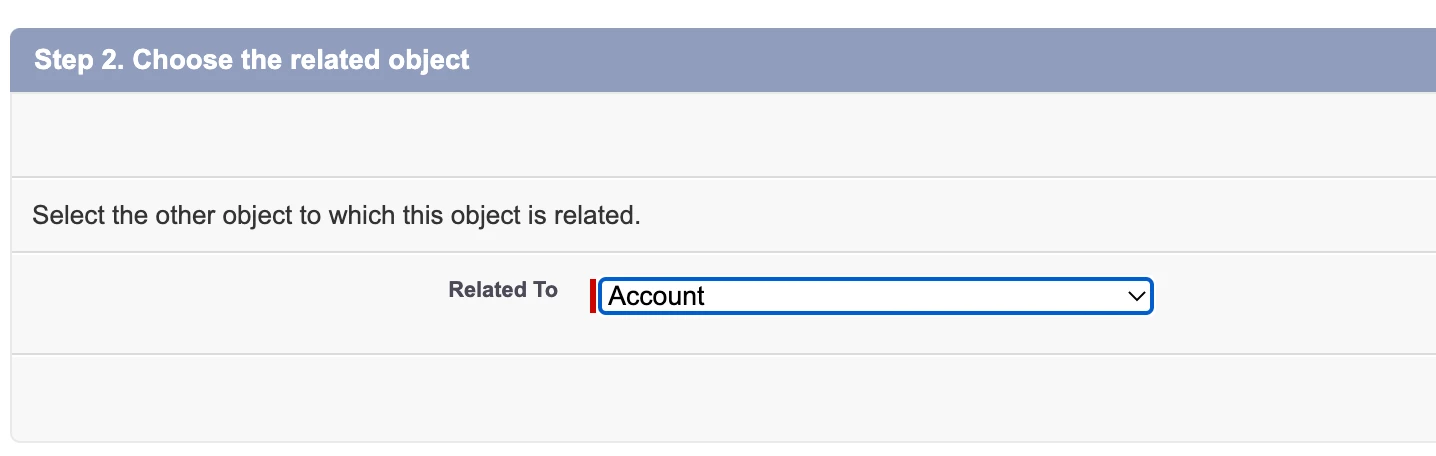
- Create other fields on this custom object and save
- Enter the data for this custom object
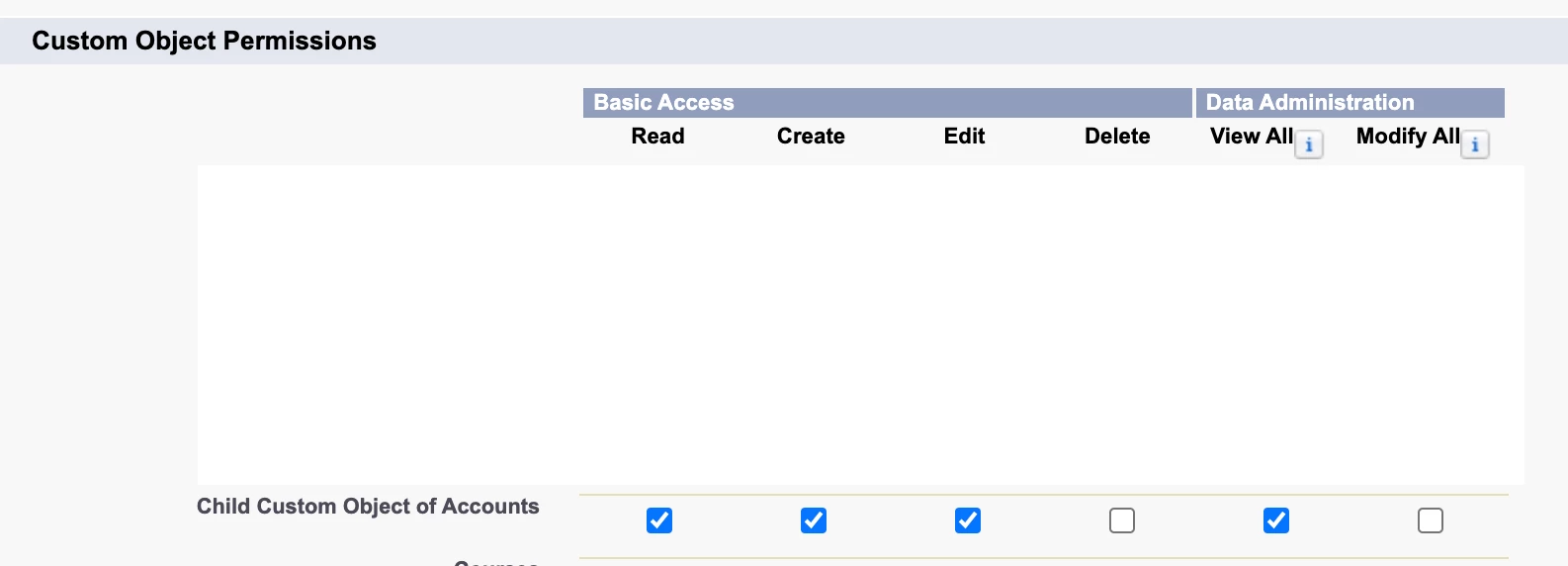
- Ensure the Sync user has access to all the fields of this custom object as well as this object
Eg.
- Sync the custom object with Marketo
- Refresh the schema
- Identify the newly created custom object
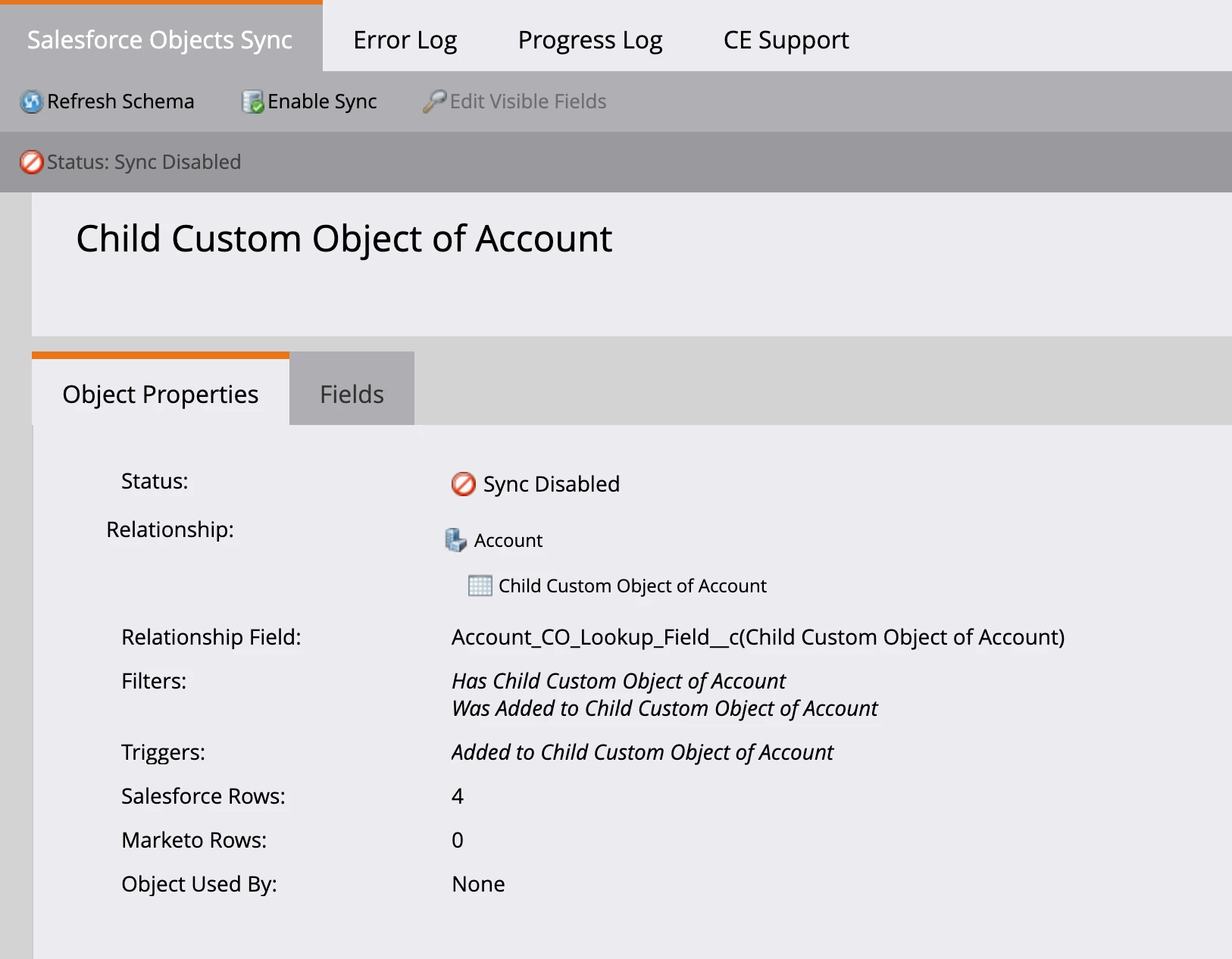
- Click Enable Sync
- Remember, you can sync any custom object upto 2-level deep
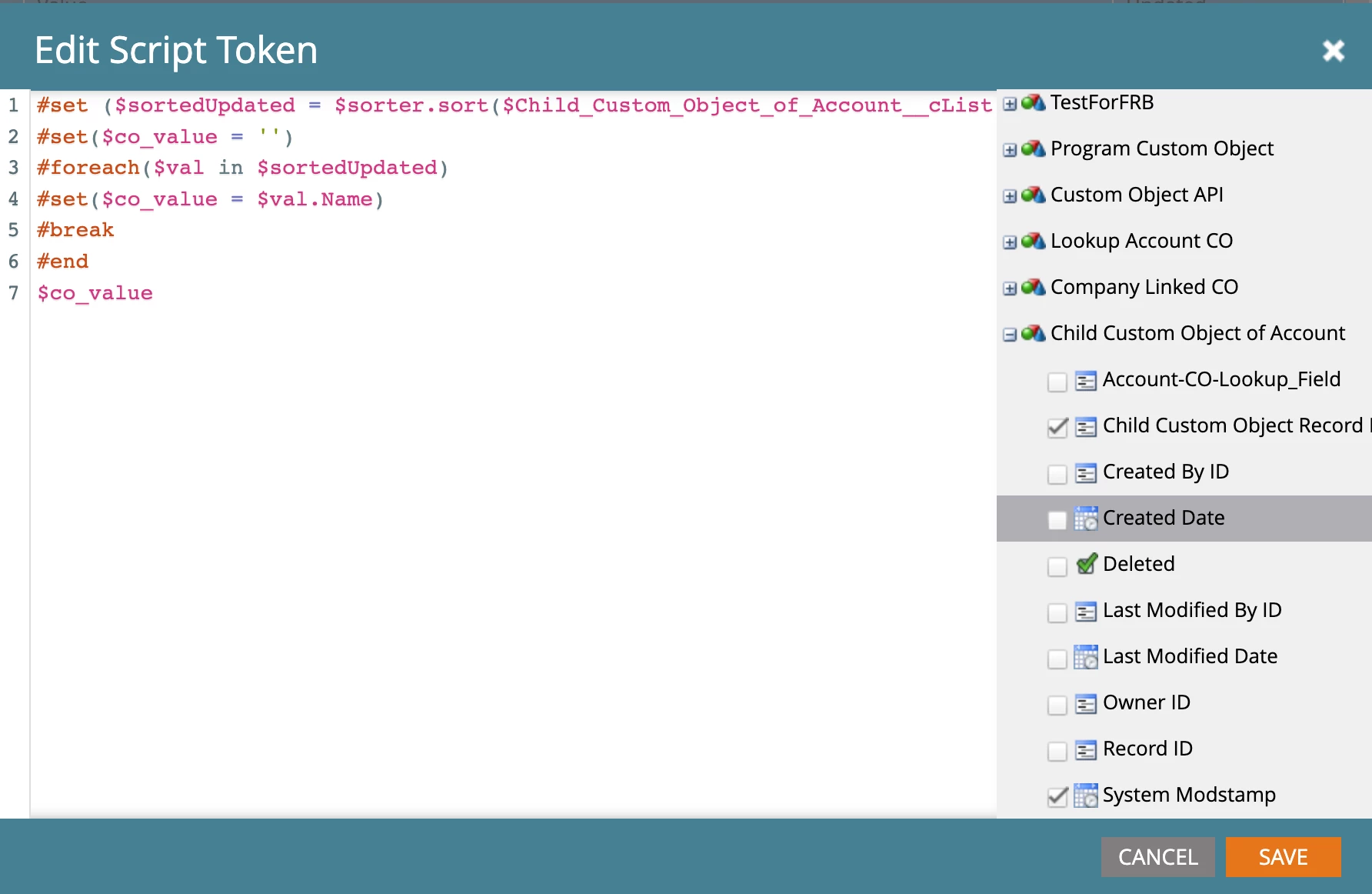
- Once the data is synced, create a velocity script
- Sample Script:
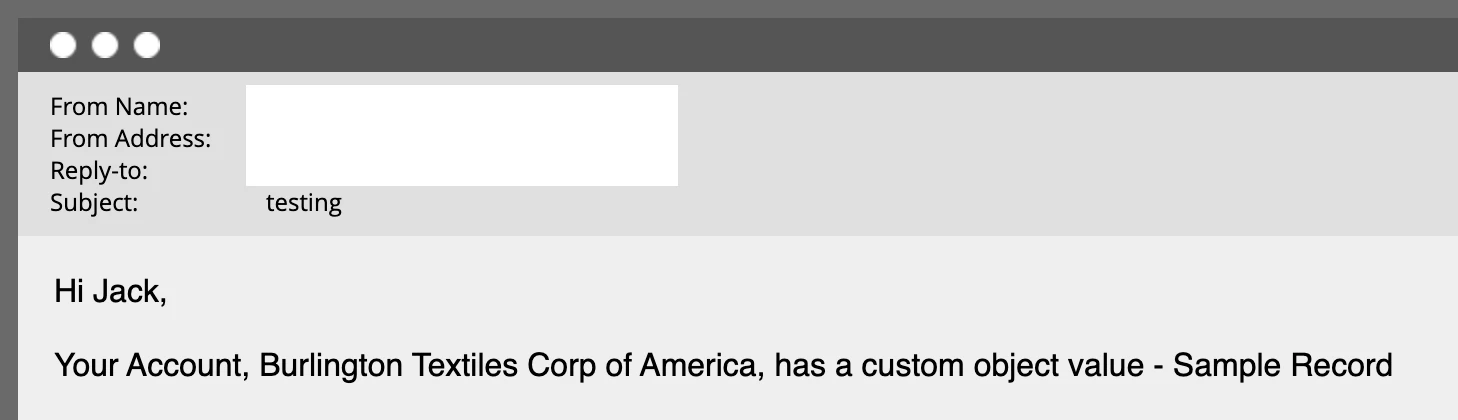
- Use this data in email personalization:
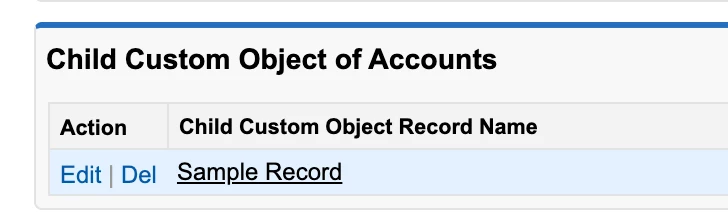
Custom Object value for that Account:
Please let me know if you have any questions as I am always happy to help!