How to Filter Marketo Assets by Workspace | Community
Skip to main content
Level 1
April 14, 2026
Question

How to Filter Marketo Assets by Workspace

  • April 14, 2026
  • 1 reply
  • 31 views

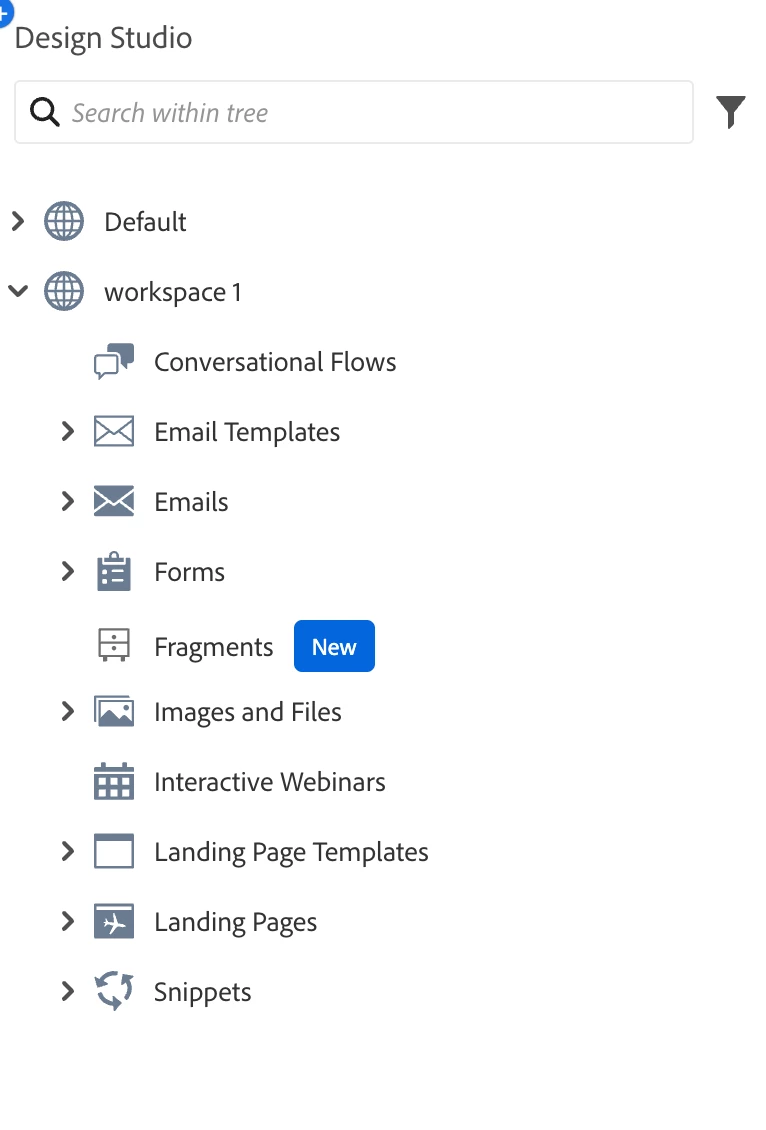
I'm trying to retrieve Marketo assets (emails, forms, snippets, etc.) filtered by workspace. While the Folders API works for most assets using folder-based

  filtering, I'm facing two issues:


1. Landing Page Templates: They don't appear in the folders API response and aren't folder-based. The /rest/asset/v1/landingPageTemplates.json?workSpace=<name>

  parameter returns templates from all workspaces instead of filtering by the specified workspace.

2. New Editor Assets: Folders with folderType: "Email Acrite" (New Email Editor) return "Invalid folder type" error (code 711) when queried via /rest/asset/v1/emails.json?folder={...}, even though these folders appear in the Folders API response.


What's the correct approach to retrieve these assets filtered by workspace? Is there an alternative API endpoint or method I'm missing?


    1 reply

    SanfordWhiteman
    Level 10
    April 14, 2026

    I can look into point (1) but as for point (2) Acrite emails are not yet exposed via API so it’s not surprising the main folder isn’t exposed, either.

    Level 1
    May 8, 2026

    one more question if I make API call to either Companies or Opportunities I got access denied in API response although i have assigned all the permissions.
    1. 
    /bulk/v1/companies/export/create.json 
    2. /bulk/v1/opportunities/export/create.json
    returns 

    {

    "requestId": "1426f#19e06bb33fa",

    "success": false,

    "errors": [

    {

    "code": "603",

    "message": "Access denied"

    }

    ]

    }
    If API endpoints are not supported then it shouldn’t have return not supported? instead of access denied ?