Solved
How to determine which choice number removed someone from a smart campaign
I have a smart campaign with a "Remove from Flow" flow step with 4 choices and a default choice set to Do Nothing. The flow step appears to be removing most of the leads who flow through it, so I am trying to determine which choice is removing people.
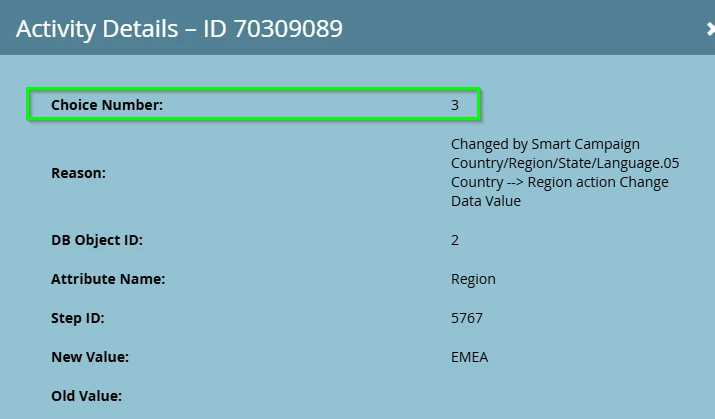
When I review the Remove from Flow activity detail for the people this is affecting, it showing the choice number as "2302314" as opposed to 1, 2, 3, or 4. Does anyone know why the choice number is displaying this way and how to figure out which choice it applies to?