How to add group email address in a smart campaign's smart list | Community
Skip to main content
Level 2
August 24, 2022
Solved

How to add group email address in a smart campaign's smart list

  • August 24, 2022
  • 1 reply
  • 2518 views

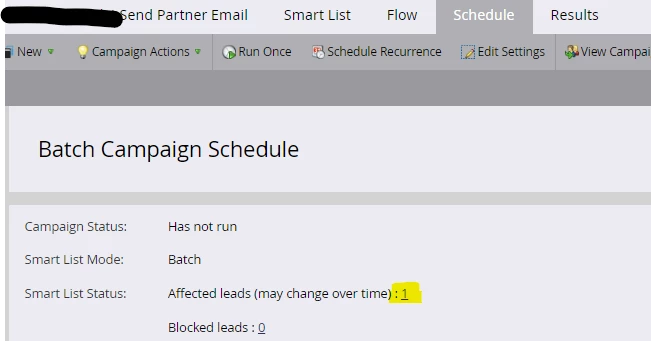
Hello, if I'm adding a group email in "Email Address" filter in the smart list the affected leads are not getting updated.

Is it even possible to use a group email address instead of a single recipient address?



This post is no longer active and is closed to new replies. Need help? Start a new post to ask your question.
Best answer by SanfordWhiteman
Do you mean a mailing list/distribution list address?

Marketo will certainly send to such an address (though it's not recommended because tracking is then impossible at the individual level). But it cannot, by definition, have any idea what the members of that list are.

1 reply

SanfordWhiteman
SanfordWhitemanAccepted solution
Level 10
August 24, 2022
Do you mean a mailing list/distribution list address?

Marketo will certainly send to such an address (though it's not recommended because tracking is then impossible at the individual level). But it cannot, by definition, have any idea what the members of that list are.
Level 2
October 11, 2024

So what happens? They see a 'Dear [default value]', and the clicks and opens are not tracked? Or does Marketo create a new entry for mydistributionlist@company.com and attribute all the opens/clicks to that?

SanfordWhiteman
Level 10
October 11, 2024
All opens and clicks across all recipients are tracked to the single Marketo person, because from Marketo's standpoint there aren't multiple people.

Of course you could send a separate email with tracking off to anyone you know represents a list. But then you get no tracking at all unless they fill out a form as their individual address (if applicable).