March 31, 2014
Question

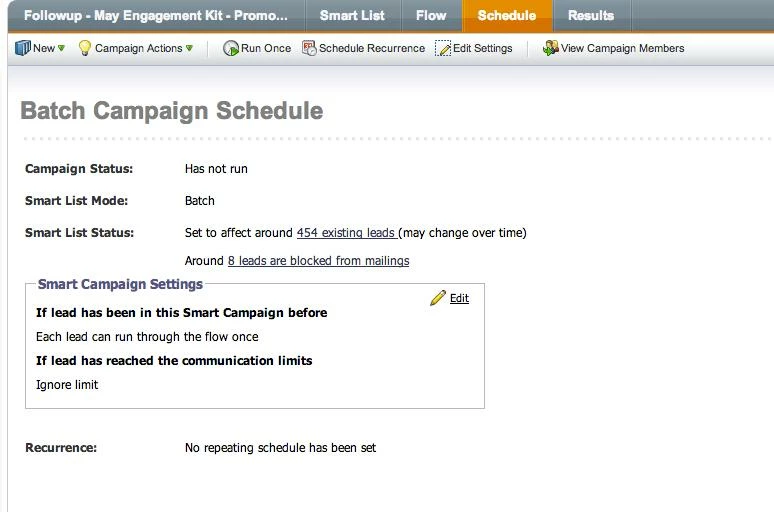
How to Activate a Smart Campaign when "lightbulb" button does not show up?

  • March 31, 2014
  • 3 replies
  • 1407 views
So I created a smart camapign that would send out a followup email if the user did not open the email with in 3 days. The "lightbulb" button is not showing up though. I am assuming I did something wrong? Can someone tell me how I can activate the campaign? 
This post is no longer active and is closed to new replies. Need help? Start a new post to ask your question.

3 replies

March 31, 2014
Batch campaigns have to be scheduled. Triggered campaigns can be activated. To activate you have to have at least one trigger in your smart list. - Jeff
March 31, 2014
That makes sense! Is there a trigger for not openeing an email after a certain period of time? Or do i just have to set the camapign to run in three days for it to look for everyone who did not open the email to be sent a follow up email?
March 31, 2014
There is an "opens email" trigger but only a "not opens email" filter but not trigger. You could build a workflow that looks for everyone who was sent the email and then you could add a "wait step" and then "Send Email" with constraints depending on whethere they opened or clicked etc. 

It may just be easier to schedule another send based on a smart list at a later date. Up to you! 

- Jeff