Solved
How do I insert a PDF as hyperlink?
Can anyone please advise how I am suppose to insert a PDF as a hyperlink into an email ? PDF is already saved in my design studio as a PDF doc?
Can anyone please advise how I am suppose to insert a PDF as a hyperlink into an email ? PDF is already saved in my design studio as a PDF doc?
Hi Louisa Windt! Here are screenshots of me copying the URL created in Design Studio from a PDF we uploaded.
1. Identify which PDF you want the link for and click on the specific File Name.
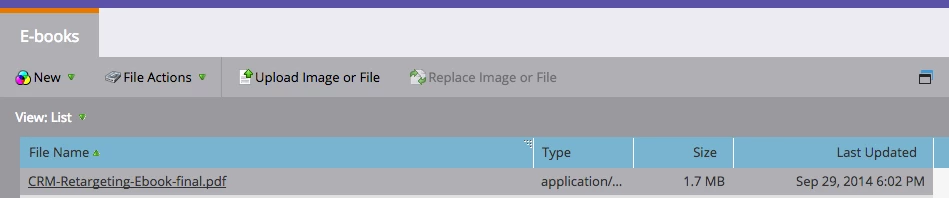
2. You will be taken to a new view where you can capture the URL, highlight in blue below.
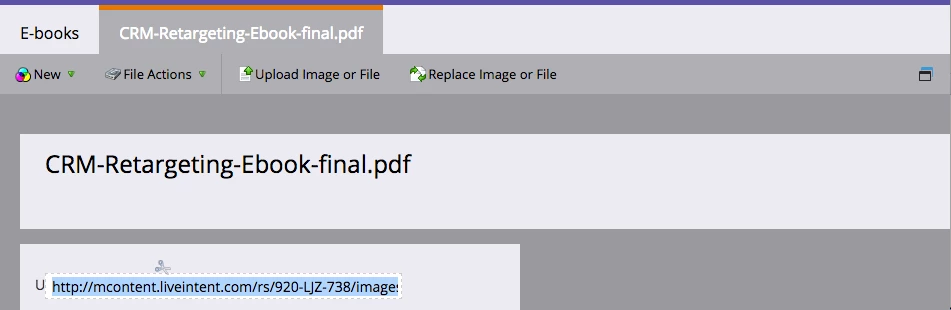
From there, you can use that URL to link any text, image, etc. you want!
Hope that helps
Scott
Enter your E-mail address. We'll send you an e-mail with instructions to reset your password.