Solved
Hide an Image Placeholder where the image source url is an empty PMCF
I’m trying use velocity scripting to hide an Image placeholder when the Img Src is not populated. The Img Src that populated the image is referencing a PMCF Field. So IF the PMCF field is not generated via API, I want to be able to hide the image placeholder in Marketo is no longer visible when sent a sample.
I tried using the below but still fairly new to velocity script. If someone can help, it’d be much appreciated:
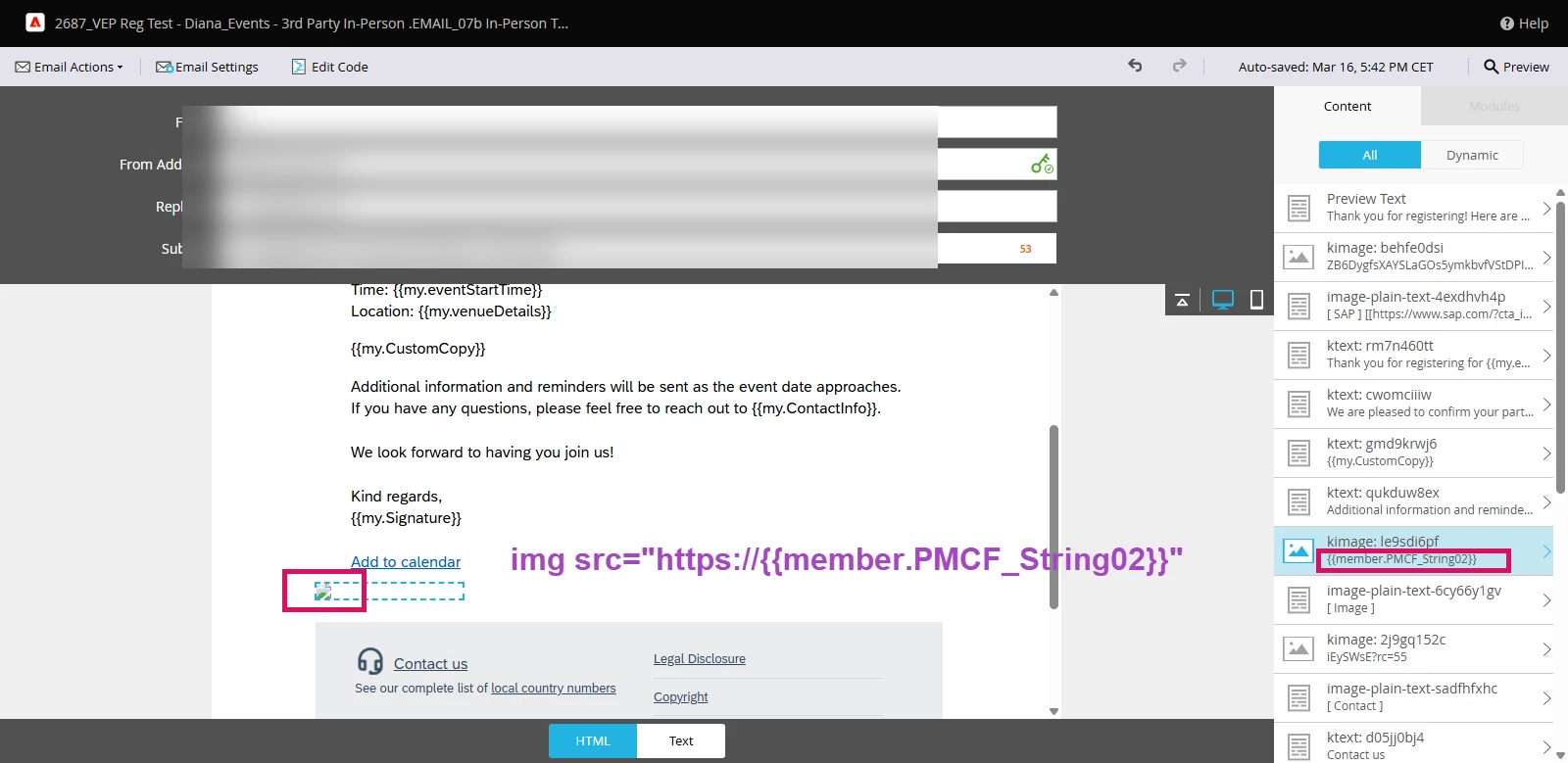

#set( $imageUrl = ${member.PMCF_String02} )
#if( !$imageUrl || $imageUrl.trim() == "" )
## Do nothing (the section will be hidden)
#else
<div><img height="auto" width="150" src="{{member.PMCF_String02}}"</div>
#end