Question
Forms stuck on "Please Wait" in IE 11 only
The forms will not submit in IE 11, they get hung up on "Please Wait"
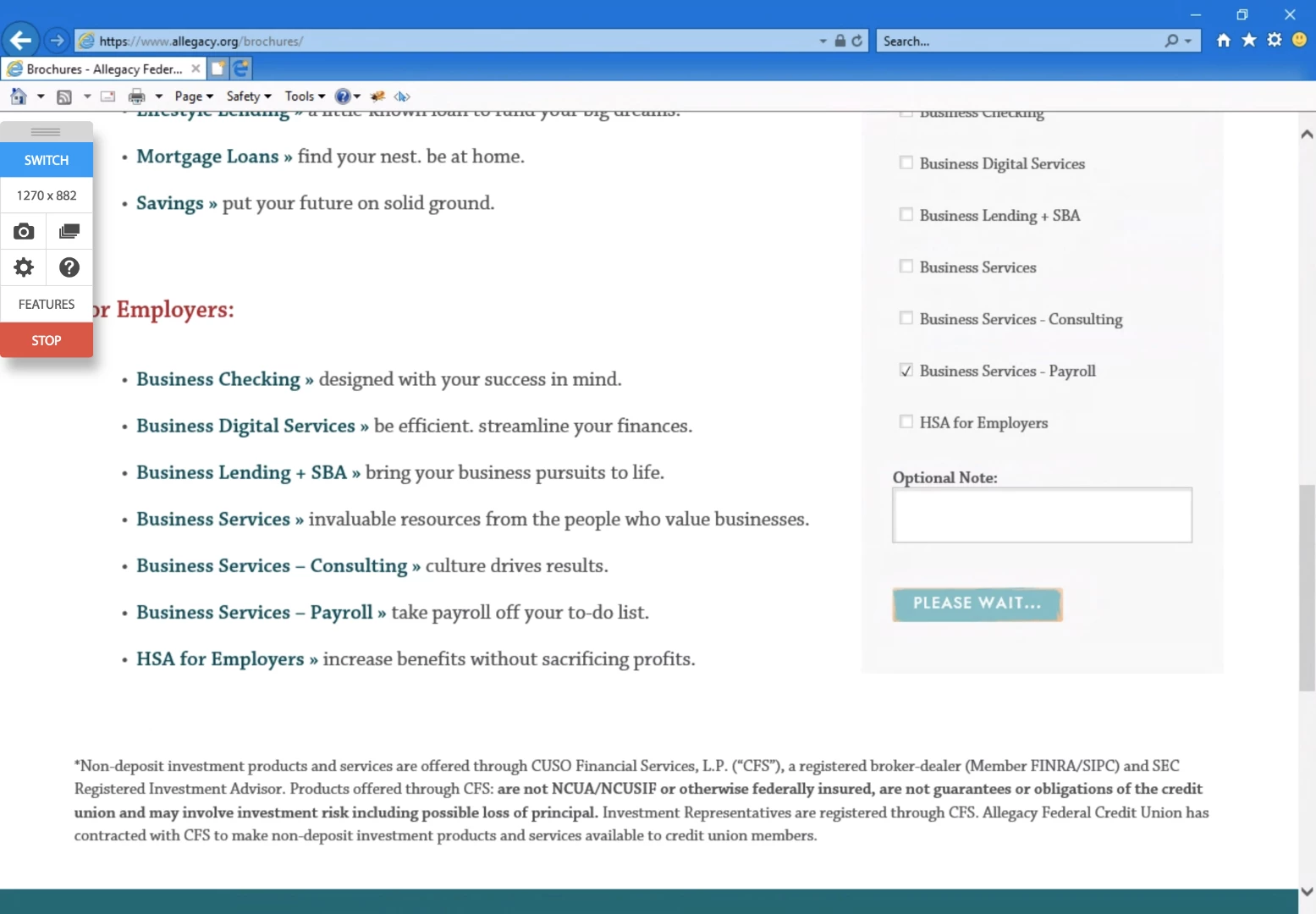
I get the following javascript error: SCRIPT438: Object doesn't support property or method 'remove' - referring to the line in bold. This error only occurs in IE.
function(form){
var mktoForm = document.getElementById('mktoForm_1019'),
formSuccess = document.getElementById('form_success_1019');
mktoForm.querySelector('style').remove();
form.onSuccess(function(){
formSuccess.innerHTML = "Thanks for your submission!";
mktoForm.setAttribute("style", "visibility: hidden; position: absolute;");
return false;
});
});
Has anyone every experienced this before? Or have some idea on how to fix it?