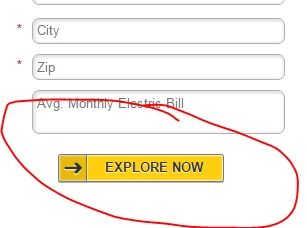
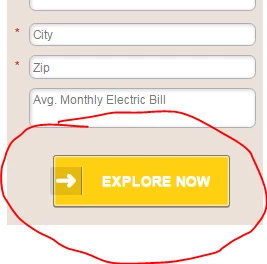
Sorry about that...I'm still somewhat of a novice. Here it is: http://info.cleansolar.com/Q-and-A-Landing-Page.html
Hi Sharnel,
No problem 
Indeed, there is a style in your landing page, (probably in the template) that modifies the button layout :
.button, button, input[type="reset"], input[type="submit"], input[type="button"] { background: #ffa200; border:7px solid #f9bd4f; -webkit-border-radius: 40px; -khtml-border-radius: 40px; -moz-border-radius: 40px; -ms-border-radius: 40px; -o-border-radius: 40px; border-radius: 40px; color:#FFFFFF !important; cursor:pointer; display:inline; font-size:16px !important; font-weight:bold; left:0px; padding:12px 20px !important; position:relative; text-shadow:1px 1px 1px #888; text-transform:uppercase; top:10px; } |
You will have to remove it or override it with a style that is specific to Marketo forms.
But in any case, the form rendering in the actual page is very different from your screen shots above.
-Greg