Finding Code & Updating Logo on Landing Page Template | Community
Skip to main content
October 1, 2014
Question

Finding Code & Updating Logo on Landing Page Template

  • October 1, 2014
  • 4 replies
  • 1639 views

Hello,

I am trying to update the logo on our landing pages.  

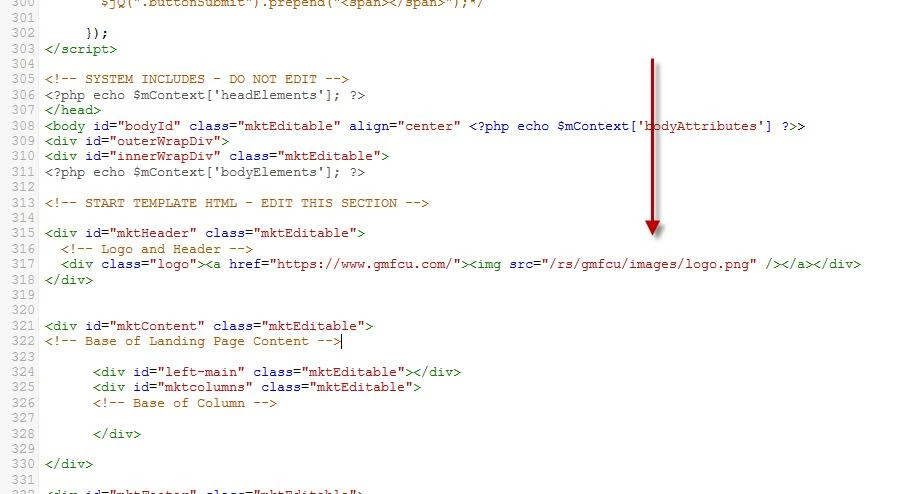
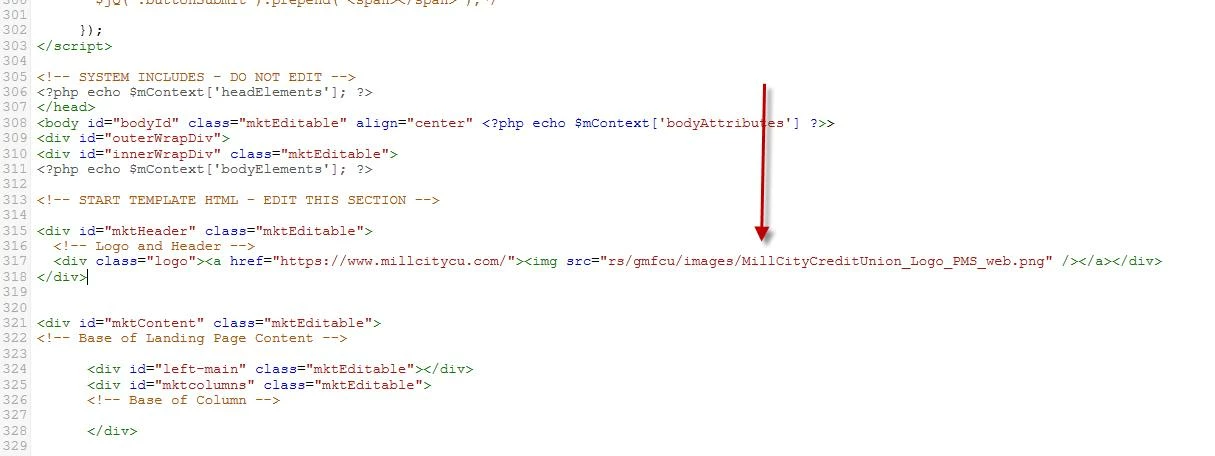
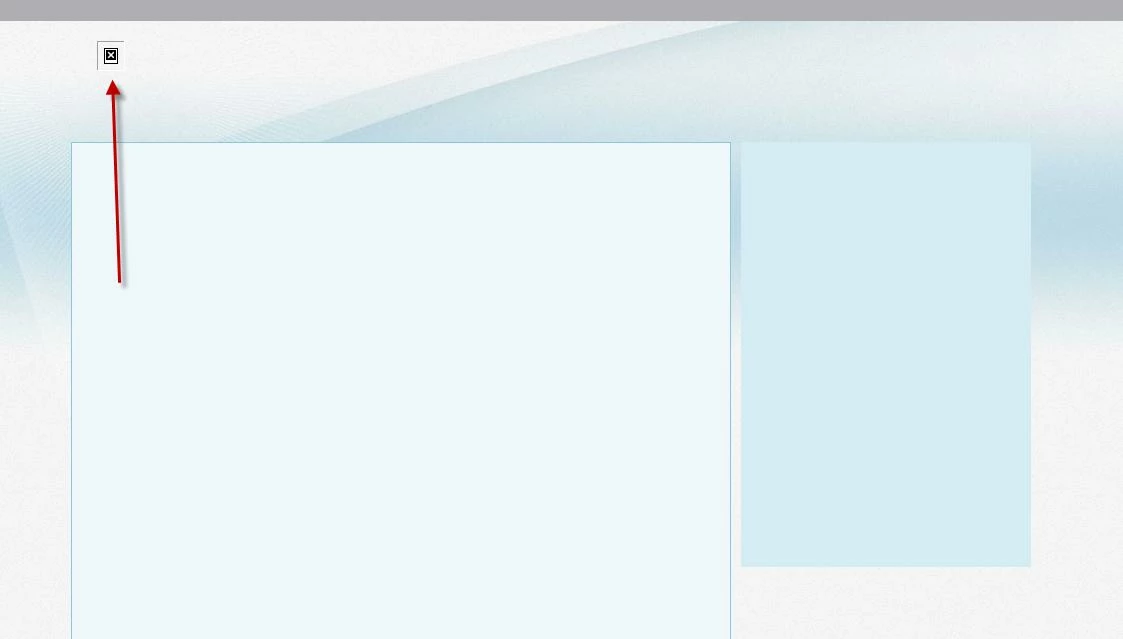
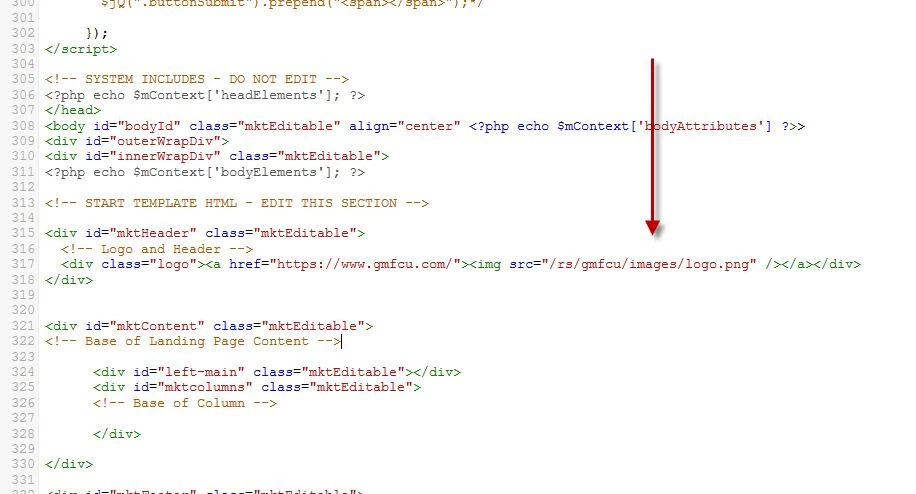
I uploaded our new logo. I copied the URL from Marketo.  I place the new logo URL into the code, see below. When I approve the page, it appears to be broken.  Not too sure what I am doing wrong? Any help appreciated.

I thought about overwriting the logo image, so it would update on all pages, but we can not locate the image in our files.  Marketo orginally designed these pages for us, so I am not too sure where the logo is orginally saved.


This post is no longer active and is closed to new replies. Need help? Start a new post to ask your question.

4 replies

Kenny_Elkington
Adobe Employee
Adobe Employee
October 1, 2014
Hi Katie,

You're missing a forward slash at the beginning of the src attribute.  It should start like '/rs' instead of 'rs'
October 1, 2014
Hi

The fact that you have a new domain, from gmfcu.com to millcitycu.com is one reason why you cannot find your images. Even if you have redirections for the pages, images will not be found.

Most importantly you need to use  absolute urls instead of relative urls so the path is clear.

Looking at your website, you could use this:
millcitycu.com/images/header/millcity-logo.png

so it will be the src="http://www.millcitycu.com/images/header/millcity-logo.png

Grant_Booth
Level 9
October 1, 2014
It looks like they're hyperlinking to a different domain, but since it's a Marketo landing page it should be hosted on the same domain the image is hosted at. I think the issue here is the missing /. Of course, using the full URL is never a bad idea.
October 2, 2014
Thanks everyone for the response.  You are all correct. I am missing the / in the code.  Can't believe I missed that one!