Filter by date range or add date column on basic reports
I've created a program performance report using a simple report and used smart list to pull in leads created per week grouped by web form.
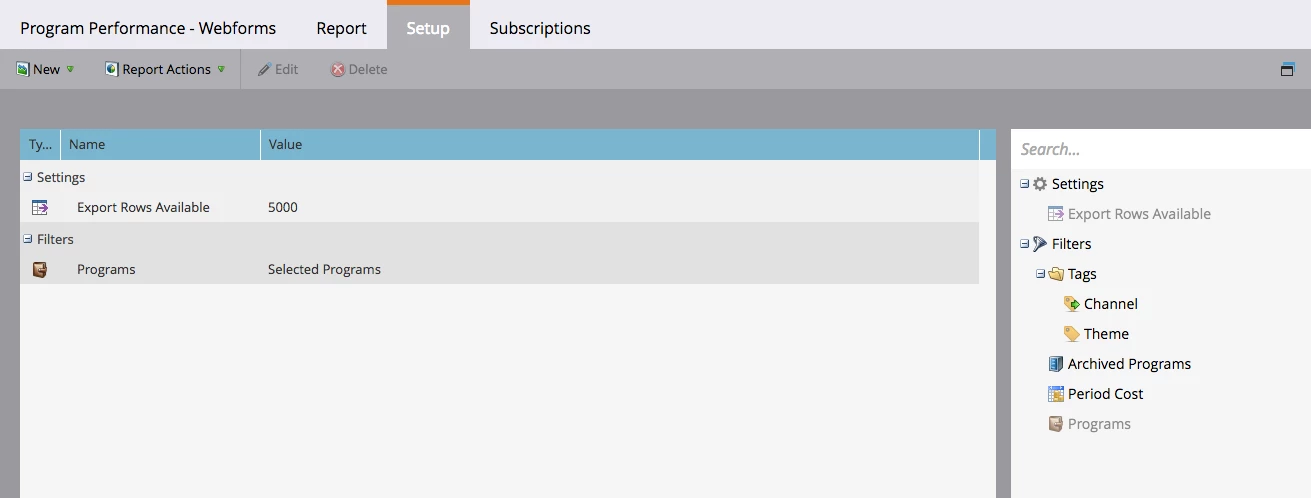
The set up of the report is very limited. There weren't too many options on the left column. Screenshot of the report set up:
Screenshot of report:
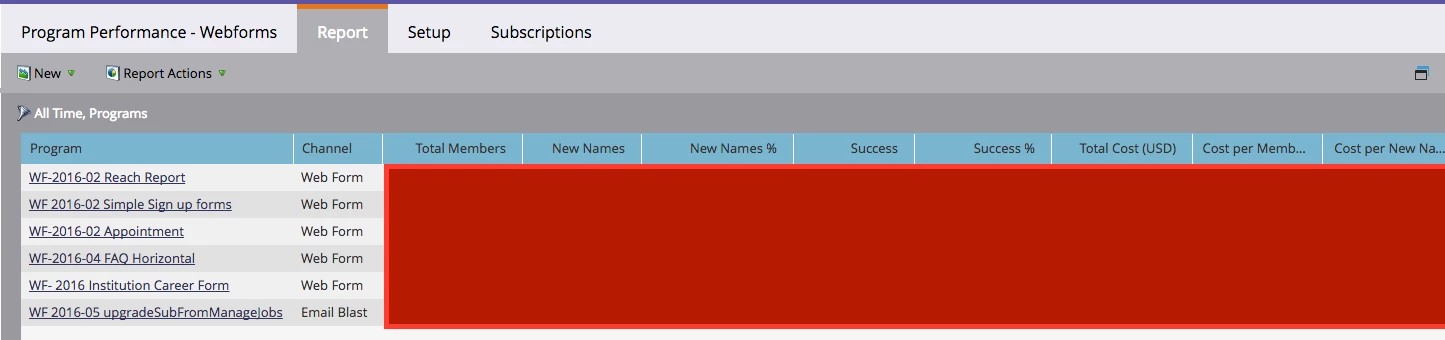
When I try to filter the report by clicking on that funnel icon on the upper left, "All time, Programs", it takes me back to the set up tab (screen shot 1). I can't seem to filter by dates, or at least add in a created/ acquired date column which I can then filter in excel. The programs containing web forms are set up with an acquisition date stamper... not sure where to go from here.
I've looked at other, similar questions that suggested grouping by month or by dates.. but I also can't find that option in drill down or set up.
Thank you in advance to anyone who can help out a novice to Marketo!
Best,
Lina