
Enabling Content AI for Email - Issue
Hello,
I am currently working to test content AI with our emails. However, I seem to be having issues in making the content in the email enabled for Content AI. Below is my process leading to where I'm at. Note that I have:
1) Added content to the Content AI interface.
2) Approved all content for Predictive Content in the interface.
I am now ready to make an image within an email dynamic based on Content AI and have followed instructions leading up to here and here. I am running into two things I currently can't figure out how to get around (Note: we currently do not have editor 2.0. Not sure if this matters):
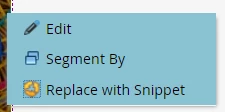
a) Instructions state to right click on the image in the email and to select "Enable Content AI". However, I only get the following options when doing the right click:
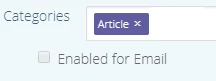
b) When I go back into the interface to enable predictive content for email, I am unable to select the checkbox for "Enable for Email" as shown below:
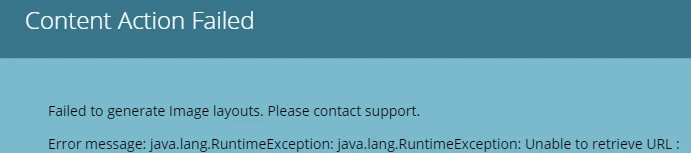
c) When I attempt to preview the image in case this is the issue, I get this error:
Any thoughts on what could be going on here or what I may be doing incorrectly?