email rendering issue for mac outlook app
I am currently facing an issue with an email template design for all mac recipients who are receiving emails in their outlook app.
Issue Statement: The email template has modules with 2 columns. One for image and the other for copy(text). For all PC users and mac users (outlook browser – mail.outlook.com), the email design looks good.
Whereas for mac users with outlook app, here are the 2 issues we are seeing:
- The images are showing on the left instead of right (which is how it should display)
- The text copy are all left aligned (text wrapped below the image) and are showing at below the image for each module.
Here is a screenshot:
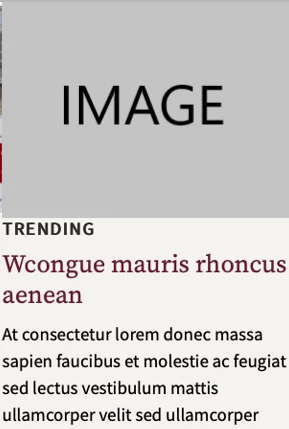
These 2 issues are being displayed only for modules which have image. And not for the modules with only text.
Here are some of the remediation steps we took to resolve:
- We took the OOTB Template Picker, “Newsletter” > “Flatiron” and tested in mac outlook app, it shows the same issue for mac recipients. The template width size is 600.
- Based on the Marketo Nation Community , we also updated the width to 750 (The Template Pickers have width=600) and added the following partition size for the columns:
750 - 10px - 20px = 720px / 2 = 360px per column
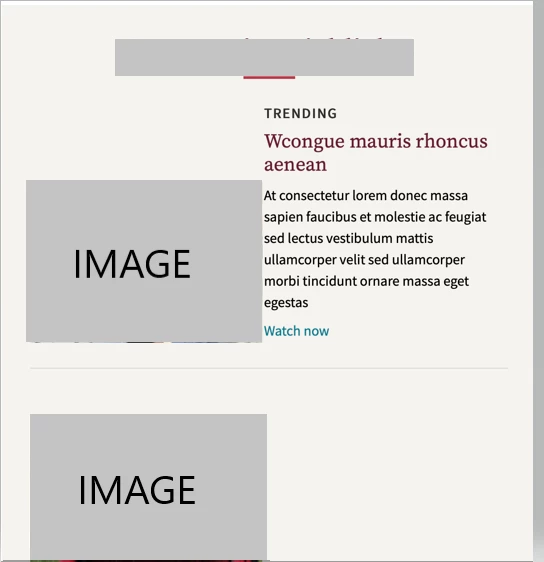
Here is a screenshot of how it displays correctly for all recipients who are using PC as well viewing the email from their browser (outlook.mail.com).
The image is on the right and the copy is on the left.
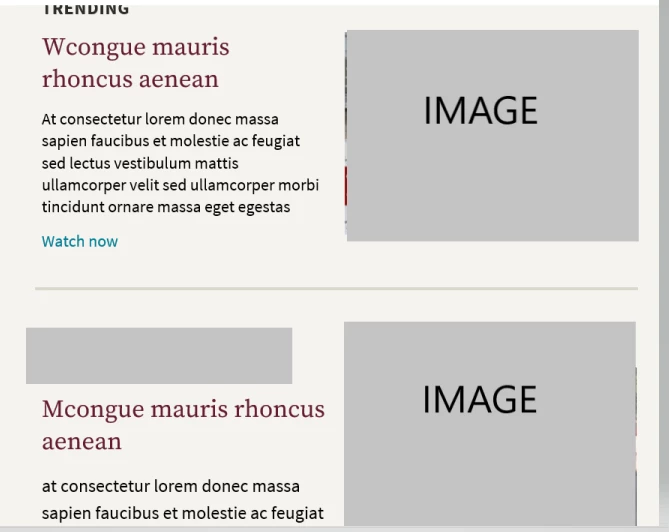
Can someone assist me or connect me to a contact who can provide with a resolution for a mac user. Is this a bug? Or is there a separate code that we need to include for the mac recipients?