Email Programs Pulling Incorrect Assets!
Hi community, is anyone else experiencing issues with their email programs pulling in incorrect assets??
Here's what I have set up:
Email Program: 2016-12-13-Email-A
Asset: Email A
Email Program: 2016-12-13-Email-B
Asset: Email B
Asset: Test Email
Both emails A and B are clones of other assets from other programs. Program B's test email asset was created as a new email using the option on the program's email tile, like this:
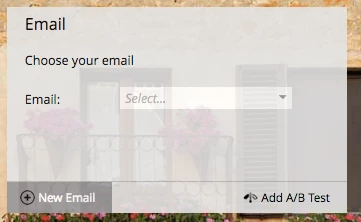
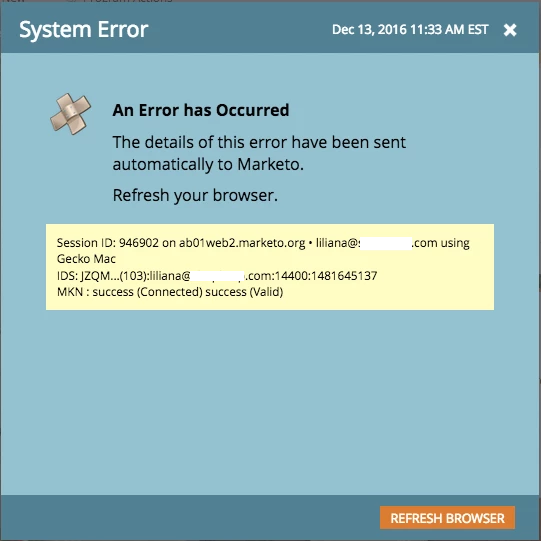
When I attempt to choose an email in the email tile, a system error message pops up most of the time (screenshot below). Eventually, I was able to choose an email asset for program A which was listed as Email A. Makes sense, right? Program A's asset is Email A, so yes that would make sense. However, when I preview email A it is actually the Test Email from program B. Why is this happening? The test email isn't even an asset in Program A.
When I attempt to choose an email for Program B, the same system error pops up. I was able to choose the email asset but it was also the incorrect email asset. Why is this happening? Has anyone else experienced this before?
Marketo support has already escalated my ticket after I did a screen share with them - it did not seem like the support rep had seen anything like this before either.
Thanks for any insight!