Solved
Email dashboard - clicks
Hi all - when looking at the dashboard of a single email send, in terms of the clicks report, can someone please explain to me what the difference is between the green marker and the grey marker?
Thanks,
Rebecca
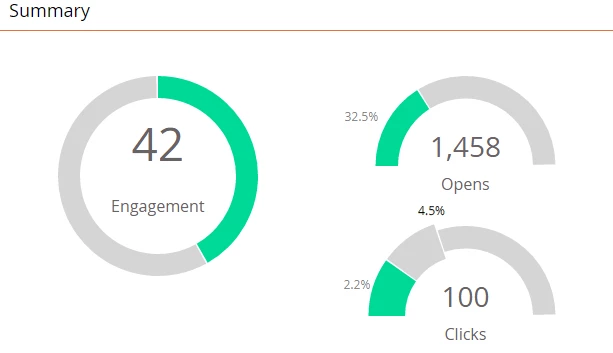
Hi all - when looking at the dashboard of a single email send, in terms of the clicks report, can someone please explain to me what the difference is between the green marker and the grey marker?
Thanks,
Rebecca
For example, click to open stats are recorded next to clicks, listing 7.3% CTOR, as opposed to the 5.3% grey statistic.
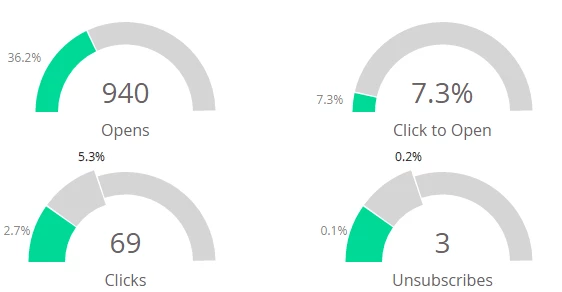
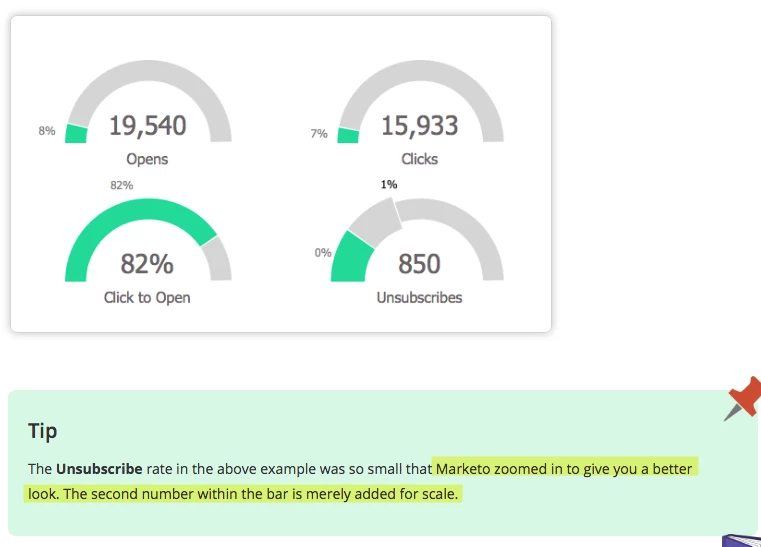
My bad - I didn't realize you had a separate CTO chart. Apparently, when the result is so small, Marketo will zoom in to provide the result to scale. So in your case, the 4.5% is meaningless - it's still a 2.2% click-thru rate.
Enter your E-mail address. We'll send you an e-mail with instructions to reset your password.