
Email batch program- How to see detailed information on the Dashboard? | Community
Skip to main content
Adrian_Cardelle
Level 2
October 16, 2019
Question

Email batch program- How to see detailed information on the Dashboard?

  • October 16, 2019
  • 2 replies
  • 3857 views

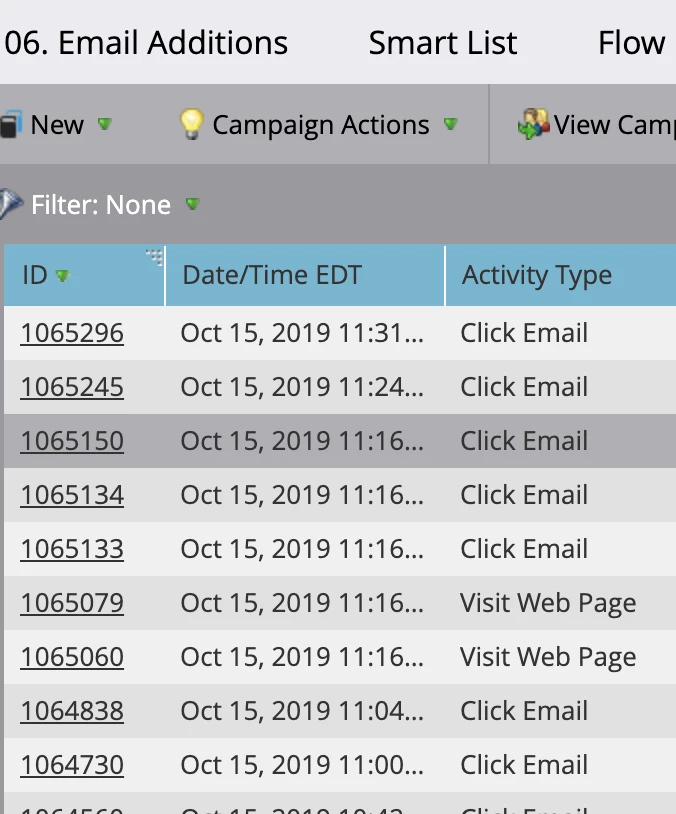
Hi everyone! I had a question about the performance dashboard on an email batch program. I see the summary where it shows engagement, opens, click to open etc. How can I see DETAILS on these items? For example, when sending an email through a smart campaign, one can always click on "Results" where it will then show "activity type" of "open email", "email delivered", "email bounced", etc.

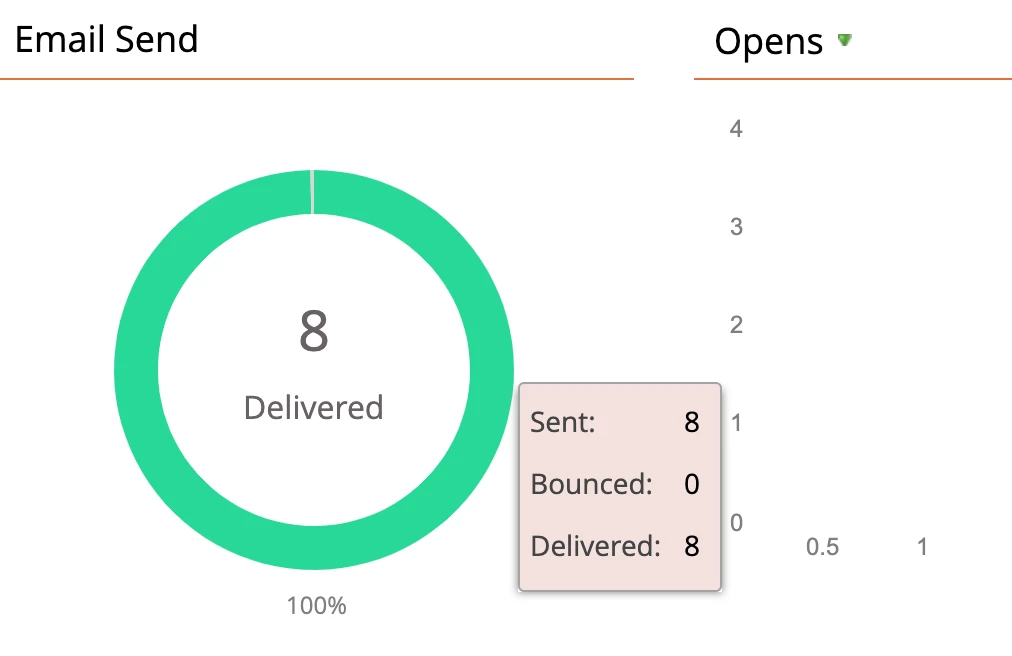
I would like to know if this same thing is possible or can be achieved when using an email batch program to send emails. So far, the most I can do is hover over the summary and it shows me a small breakdown.
When I want a detailed breakdown of the actual email addresses like this.
 

This post is no longer active and is closed to new replies. Need help? Start a new post to ask your question.

2 replies

Josh_Pickles
Level 5
October 16, 2019

Hi Adrian,

I think what you are after are two reports that you can create local to the Program.

Email Performance Report - Marketo Docs - Product Documentation 

Email Link Performance Report - Marketo Docs - Product Documentation 

Shout out if you have any further queries.

Adrian_Cardelle
Level 2
October 17, 2019

Thank you Josh!  This was very helpful! I appreciate you taking the time to provide me with the links to the docs as well

Josh_Pickles
Level 5
October 17, 2019

No worries at all Adrian. 

Let me know if you need any help with these reports

Adrian_Cardelle
Level 2
October 18, 2019

Thanks Josh! Will do!