Email 2.0 global variables | Community
Skip to main content
Level 4
December 8, 2016
Solved

Email 2.0 global variables

  • December 8, 2016
  • 2 replies
  • 4503 views

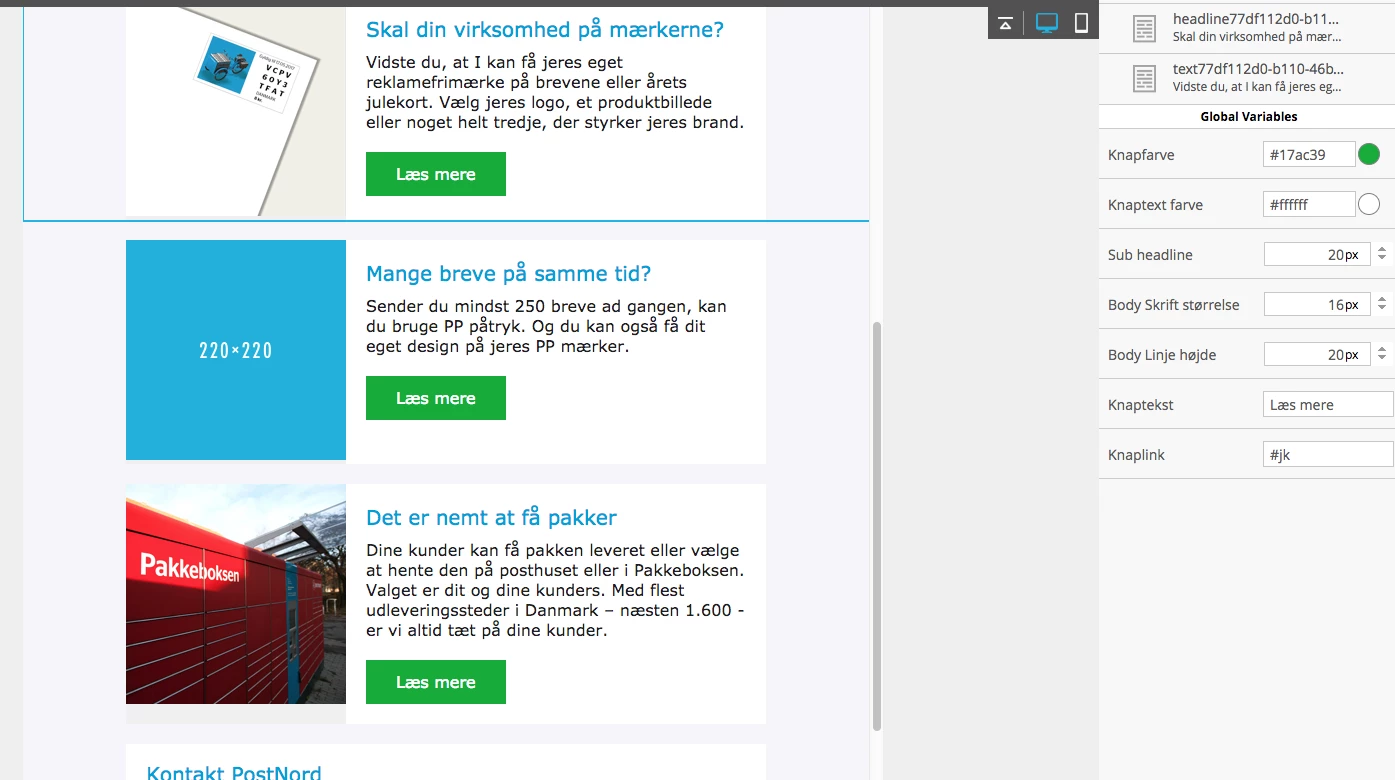
Hi, im using Email 2.0 for my clients templates.. When they make the same modules multiple times, each new get a new name  -1, -2, -3 and so on.

The issue is, that the URL on the button is a global variable, so if i change one URL, all of them changes... Is there anywhere to make the NOT global, so each can be edited separately?
This post is no longer active and is closed to new replies. Need help? Start a new post to ask your question.
Best answer by ErikHe1

Hi Rasmus,

I remember you from when I was at that client a while back

All you need to do is go to where your variable is defined in your template (meta tag) and add "mktoModuleScope=true" (case sensitive), before you close your meta tag.

This will make your variable be unique in every module. If you write false or leave this out it will be default be a global variable.

/Erik

2 replies

Jim_Thao7
Level 8
December 8, 2016

You will need to edit the code so that the container is no longer referencing the global variable.

The reference for the CSS hex will look something like this: background-color:${knapfarvebackgroundcolor} <-- This is a guess as to what you may have named it

ErikHe1Accepted solution
Level 5
December 8, 2016

Hi Rasmus,

I remember you from when I was at that client a while back

All you need to do is go to where your variable is defined in your template (meta tag) and add "mktoModuleScope=true" (case sensitive), before you close your meta tag.

This will make your variable be unique in every module. If you write false or leave this out it will be default be a global variable.

/Erik

Level 4
December 9, 2016

Hello Erik!

I remember you aswell :-)

Your solution worked perfectly! Thanks

regards Rasmus