Duplicates - Filtering the correct contact to email
We're a new Marketo user having recently migrated from a competing tool. Our Marketo database, due to upstream systems feeding into Salesforce by design, has many duplicates, many many duplicates😭.
Ultimately this needs to be fixed and its something we're pushing for, its not going to happen anytime soon though!
My issue
Our audience has two distinct segments - Clients and Brokers. There are email addresses duplicated across these two audiences.
When setting up campaigns we need to ensure we do not email duplicates both the Client and Broker version of Comms. Where duplicates exist, we need to prioritize the Broker version of the contact.
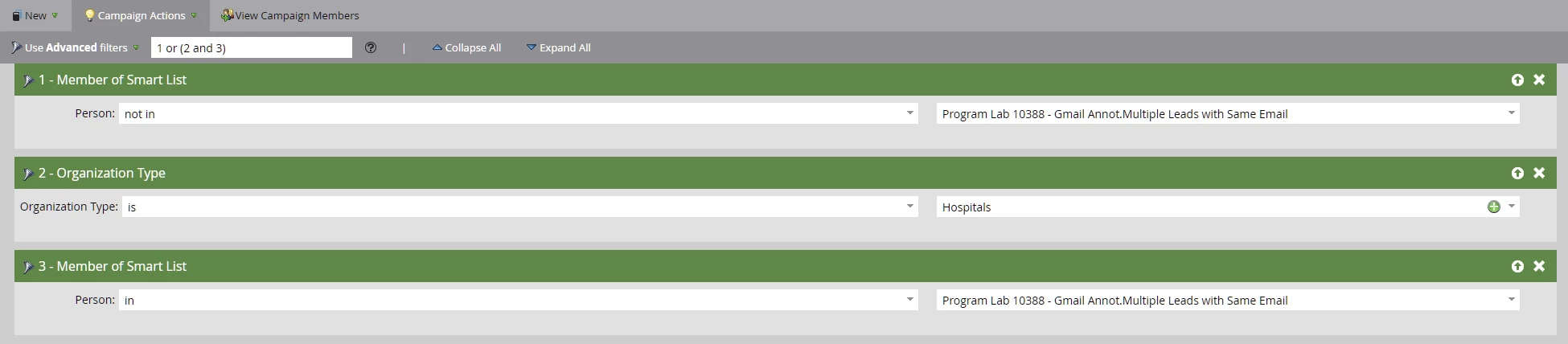
Currently I have been managing this by downloading the email addresses in my Broker Smart List and manually adding them as an (many) email filters on my Client Smart List. While this works, its manual and due to our volumes not sustainable on an ongoing basis.
Is there any way to create and maintain a list of email addresses that we can use as a filter that grabs each and every contact with that email address, as opposed to just the single contact based on Marketo's rules.