Question
Deleting Existing Lists from a clone campaign
I've cloned a campaign that I want use again but would like to delete the lists that I do not need for the new campaign. How is this done? I'm getting the following error message:
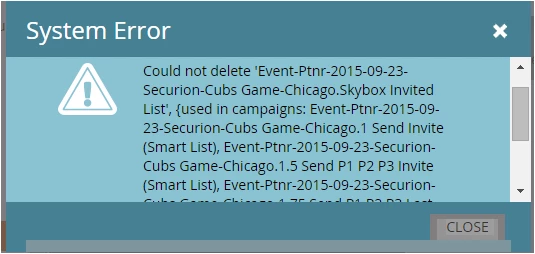
I've cloned a campaign that I want use again but would like to delete the lists that I do not need for the new campaign. How is this done? I'm getting the following error message:
Enter your E-mail address. We'll send you an e-mail with instructions to reset your password.